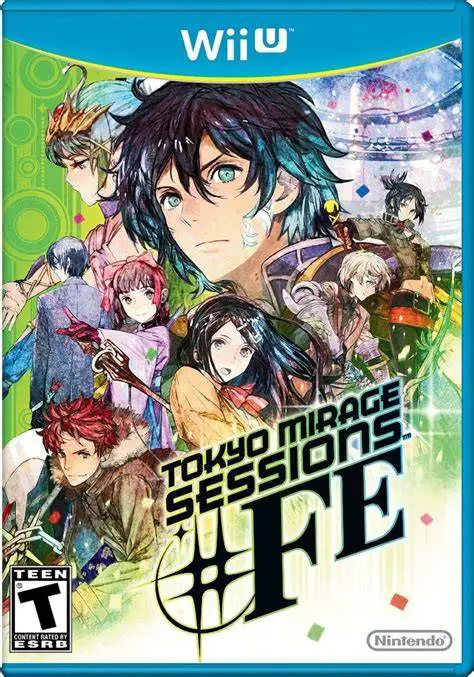
Tokyo Mirage Sessions #FE
Enter a stylish, pop-infused fusion of two iconic RPG fra...

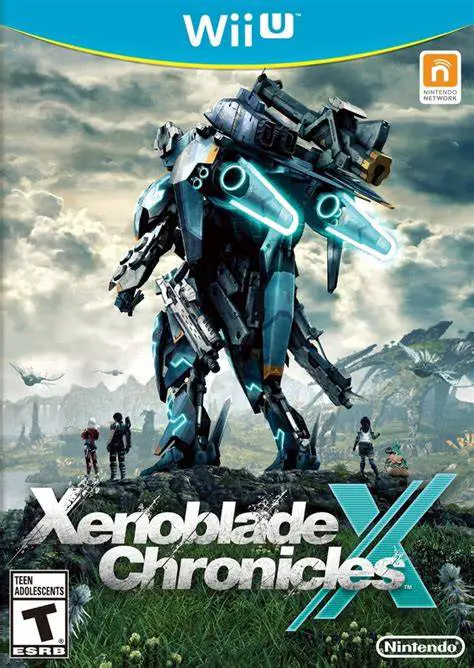
Xenoblade Chronicles X is an action role-playing game developed by Monolith Soft and published by Nintendo for the Wii U. Setting aside the narrative continuity of the main series, the title prioritizes player freedom, non-linear planetary exploration, and sci-fi worldbuilding.
The core gameplay loop centers around exploring Mira’s five massive continents—Primordia, Noctilucum, Oblivia, Sylvalum, and Cauldros. Players plant FrontierNav probes across the landscape to gather resources, map terrain, and generate passive revenue. Combat expands upon the franchise's dynamic real-time system, combining weapon auto-attacks with cooldown-based Arts, positional damage multipliers, Soul Voice quick-time healing prompts, and the game-changing Overdrive state.
A major pillar of progression is obtaining and customizing Skells—giant weaponized mechs capable of land travel, transforming into vehicles, and flying across the entire seamless world map. Coupled with the Wii U GamePad operating as the interactive "FrontierNav" terminal for fast travel and resource management, Xenoblade Chronicles X delivers an unmatched sense of scale on the system.
Feature | Details |
Title | Xenoblade Chronicles X |
Platform | Nintendo Wii U |
Developer | Monolith Soft |
Publisher | Nintendo |
Genre | Open-World Action RPG / Sci-Fi |
Release Date | December 2015 (NA/EU) / April 2015 (JP) |
Game Modes | Single-player, Asynchronous Online Multiplayer (Up to 32 players) |
Input Support | Wii U GamePad, Wii U Pro Controller |
Download Size | ~22.7 GB |
Seamless Open World Planet: Explore five massive, fully seamless alien continents inhabited by unique ecosystems, weather cycles, and colossal tyrant monsters.
Transformable Skell Mechs: Earn your Skell license to pilot giant mechanical suits that customize with heavy weaponry, transform into vehicles, and fly freely across the planet.
FrontierNav GamePad Integration: Utilize the GamePad touchscreen as the interactive planet grid to manage data probes, track survey percentages, and execute instant fast-travel jumps.
Deep Combat & Overdrive: Master real-time Arts combo chains, ranged/melee weapon swapping, soul voice team buffs, and high-speed Overdrive combat modes.
Asynchronous Online Squads: Join 32-player online squads to pool information, trade resources, complete squad tasks, and tackle high-level Nemesis boss raids in 4-player co-op missions.
A: Flight capability is unlocked by completing Chapter 9 of the main story campaign and subsequently clearing the "Flight Device" affinity quest given by the mechanic Lin.
A: Yes, Nintendo released four free downloadable Data Packs on the Wii U eShop (Basic, Enemy, Player, and Skell packs) that significantly reduce loading times and pop-in when playing from a physical retail disc.
A: The GamePad acts as your character's Information Terminal (FrontierNav), displaying the overall grid map of Mira, probe management menus, fast-travel warp points, survey completion stats, and active mission logs.
A: Yes, Off-TV Play can be toggled via a touchscreen icon on the GamePad, allowing you to play the entire game directly on the GamePad screen (though doing so overlays the FrontierNav map options onto the main display).
Click the links below to go to the cloud drive download page
⚠️ Download Tips:
Enter a stylish, pop-infused fusion of two iconic RPG fra...
Dive into dangerous procedural labyrinths in Temple of Yo...
Team up in a high-stakes, online cooperative treasure hun...
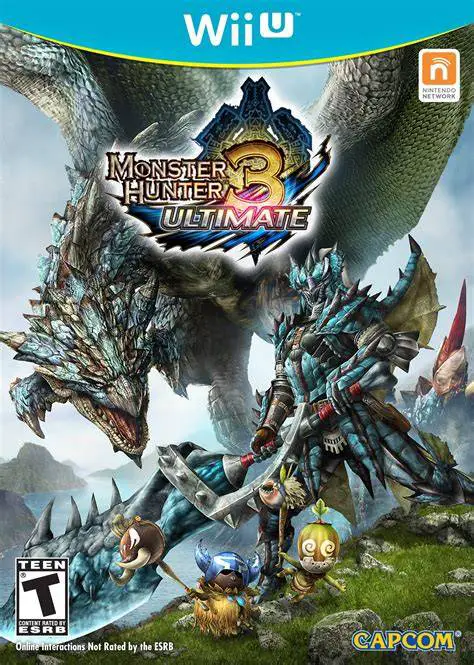
Step into the shoes of a heroic hunter and embark on epic...
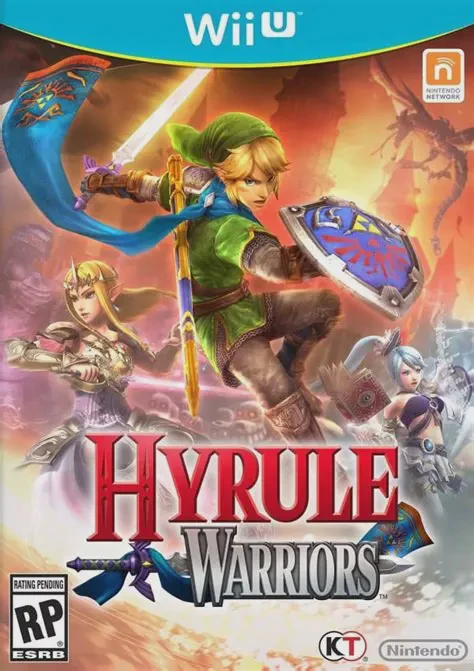
Experience the grand crossover where the legendary world ...