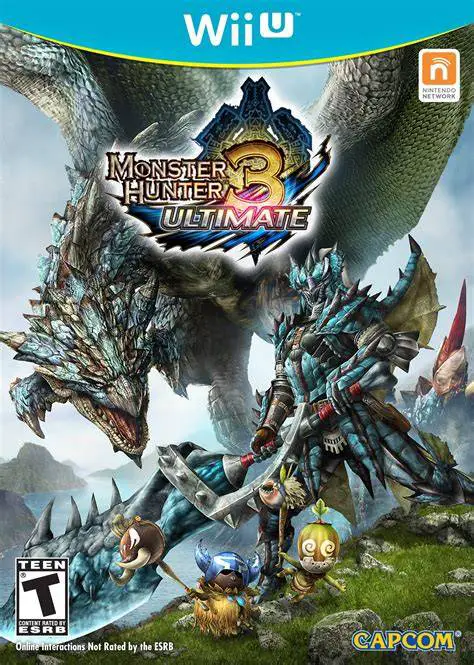
Monster Hunter 3 Ultimate
Step into the shoes of a heroic hunter and embark on epic...

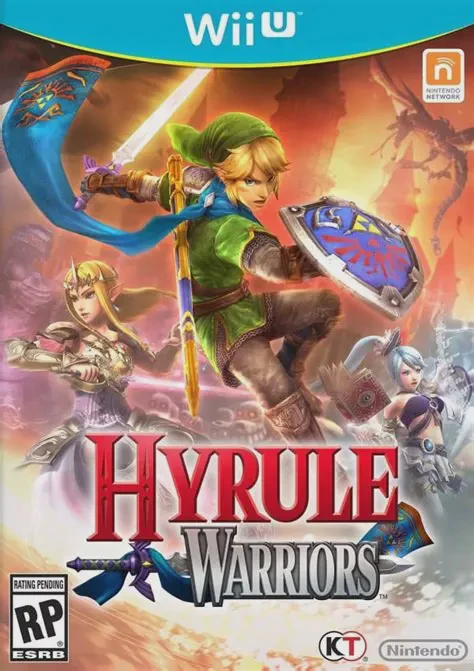
Hyrule Warriors is a celebrated 3D action hack-and-slash spin-off developed by Omega Force and Team Ninja, and published by Nintendo for the Wii U. The narrative begins when Cia, a guardian of the Triforce, becomes obsessed with Link and falls under evil influence, opening gateyways across time and space. This causes legendary eras from Ocarina of Time, Twilight Princess, and Skyward Sword to collide, summoning beloved heroes and fearsome villains onto a single battlefield.
Players take control of iconic characters including Link, Princess Zelda, Impa, Darunia, Midna, and Sheik. Rather than standard dungeon exploration, gameplay focuses on large-scale tactical battles where you hack through hundreds of enemy troops, capture enemy keeps, defend ally strongholds, and complete dynamic battlefield objectives.
Beyond the main Legend Mode campaign, the game offers Adventure Mode—a classic 8-bit Legend of Zelda styled map where completing specific battle challenges unlocks hidden weapons, heart containers, and bonus characters. Combined with fluid two-player co-op gameplay using the Wii U GamePad screen, Hyrule Warriors provides an addictive blend of strategic combat and classic Nintendo nostalgia.
Feature | Details |
Title | Hyrule Warriors |
Platform | Nintendo Wii U |
Developer | Omega Force / Team Ninja (Koei Tecmo) |
Publisher | Nintendo |
Genre | Hack and Slash / Action RPG |
Release Date | September 2014 |
Game Modes | Single-player, 2-Player Local Co-Op |
Input Support | Wii U GamePad, Wii U Pro Controller, Wii Remote + Nunchuk / Classic Controller |
Download Size | ~7.3 GB |
Iconic Zelda Roster: Play as favorite characters across the franchise, including Link, Zelda, Impa, Sheik, Midna, Darunia, and Fi, each with distinct playstyles and weapon trees.
Large-Scale Tactical Warfare: Command the battlefield by conquering enemy keeps, assisting unit captains, and defeating hordes of foes in fast-paced combat.
Classic Items and Bosses: Utilize iconic items like the Hookshot, Boomerang, Bombs, and Bow to expose weaknesses in massive bosses such as King Dodongo and Gohma.
Adventure Mode: Explore an interactive 8-bit map where completing unique combat missions unlocks rare gear, weapon upgrades, and additional playable heroes.
Dual-Screen Local Co-Op: Enjoy seamless two-player co-op where one player uses the Wii U GamePad screen while the other plays on the TV without split-screen constraints.
A: Local co-op allows Player 1 to view gameplay on the Wii U GamePad screen while Player 2 plays on the TV display using a Wii U Pro Controller or Classic Controller, eliminating the need for split-screen.
A: No, Hyrule Warriors is considered a non-canonical spin-off game that brings characters and locations together from multiple different timelines.
A: Legend Mode is the primary story campaign featuring cinematic cutscenes. Adventure Mode presents a retro grid map where each tile represents a specific challenge map with custom conditions to earn rare rewards.
A: Yes, characters earn experience points, acquire randomized weapon drops with distinct skills, and craft skill badges using monster materials to upgrade attack combos and defense.
Click the links below to go to the cloud drive download page
⚠️ Download Tips: