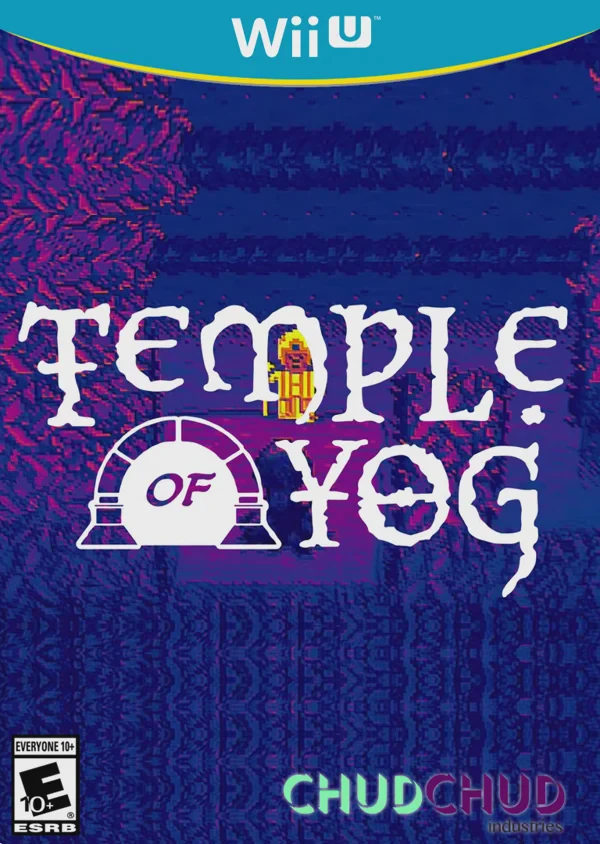
Temple of Yog
Dive into dangerous procedural labyrinths in Temple of Yo...

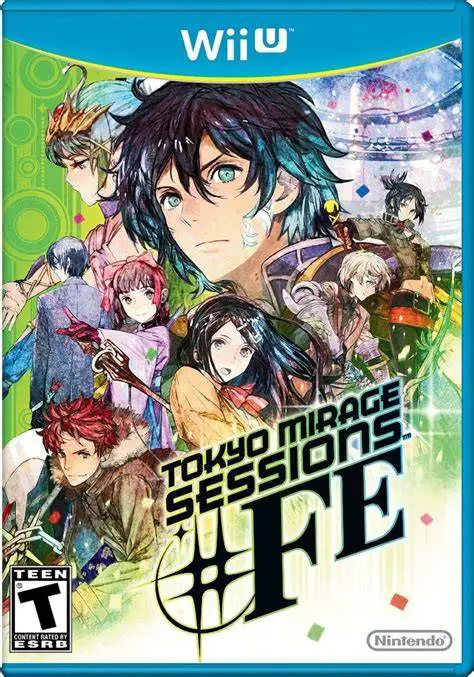
Tokyo Mirage Sessions #FE (released in Japan as Genei Ibun Roku #FE) is a turn-based role-playing game developed by Atlus and published by Nintendo for the Wii U. Originally teased as Shin Megami Tensei x Fire Emblem, the final product evolved into a standalone, pop-culture-themed RPG that melds the gameplay DNA of both franchises into a vibrant, modern Tokyo setting.
The core gameplay loop alternates between real-world exploration across famous Tokyo districts—such as Shibuya, Harajuku, and Akihabara—and dungeon-crawling within the Idolsphere. In combat, players control Mirage Masters who transform alongside their Fire Emblem companions (such as Chrom, Caeda, and Cain) into combat forms. Battles utilize a Command-Based system emphasizing weapon triangles and elemental weaknesses. Exploiting an enemy's vulnerability triggers "Session Attacks," enabling non-active party members to follow up automatically with chained combo strikes.
The Wii U GamePad acts as the protagonist's smartphone (the "Topic" app). It receives real-time text messages from party members, displays active mini-maps during dungeon navigation, and tracks quest logs without interrupting the action on the main TV display.
Feature | Details |
Title | Tokyo Mirage Sessions #FE |
Platform | Nintendo Wii U |
Developer | Atlus |
Publisher | Nintendo |
Genre | Turn-Based Role-Playing Game (RPG) |
Release Date | June 2016 (NA/EU) / December 2015 (JP) |
Game Modes | Single-player |
Input Support | Wii U GamePad, Wii U Pro Controller |
Download Size | ~13.0 GB |
SMT x Fire Emblem Fusion: Combines Shin Megami Tensei's turn-based combat and dungeon exploration with Fire Emblem's weapon triangle (Sword/Lance/Axe), weapon forge systems, and iconic characters.
Dynamic Session Attack System: Chain massive multi-hit combination attacks together by targeting enemy weaknesses, allowing off-field party members to join the combo sequence seamlessly.
In-Game Smartphone GamePad Integration: Read instant messages from party members, view interactive area maps, and check skill trees on the GamePad screen via the Topic app.
Original J-Pop Music & Production: Features an original vocal soundtrack produced by Japanese entertainment group Avex Group, complete with fully animated anime music videos and stage performances.
Carnage Unity & Performa Crafting: Use rare materials harvested from fallen Mirages in the Bloom Palace to craft new weapons (Carnage) and unlock passive combat skills (Performa).
A: Major Fire Emblem characters appear as partner Mirages, including Chrom, Caeda, Cain, Tharja, Virion, Draug, and Navarre—primarily originating from Fire Emblem: Shadow Dragon and Fire Emblem Awakening.
A: The GamePad functions as the protagonist Itsuki's smartphone, displaying the "Topic" instant-messaging app to chat with allies, view location maps, and check character stats without pausing the game.
A: The game features full Japanese voice acting with localized English subtitles for all dialogue, cutscenes, and musical performances.
A: Yes, the game can be switched to Off-TV Play mode directly from the settings menu, allowing you to play the entire game directly on the Wii U GamePad screen.
Click the links below to go to the cloud drive download page
⚠️ Download Tips:
Dive into dangerous procedural labyrinths in Temple of Yo...

Team up in a high-stakes, online cooperative treasure hun...
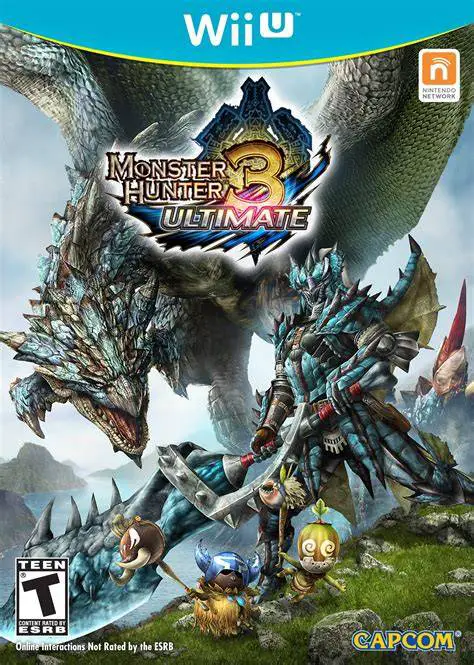
Step into the shoes of a heroic hunter and embark on epic...
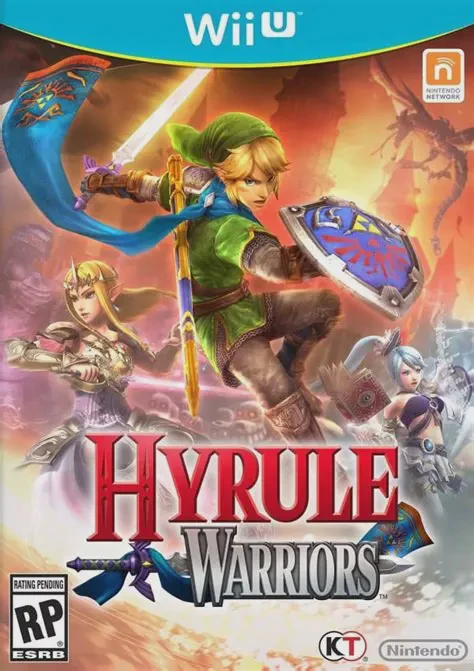
Experience the grand crossover where the legendary world ...