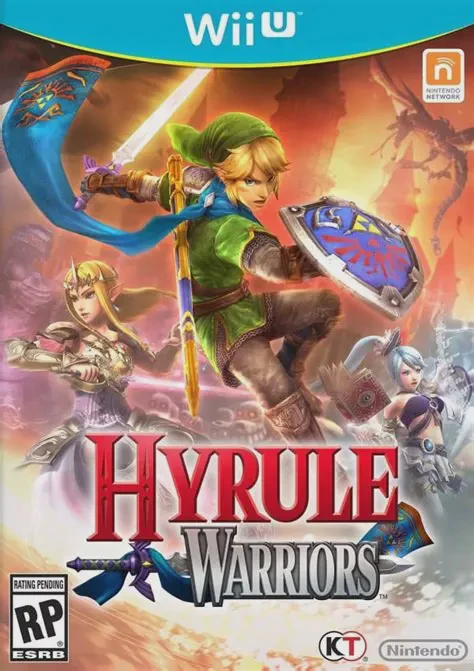
Hyrule Warriors
Experience the grand crossover where the legendary world ...

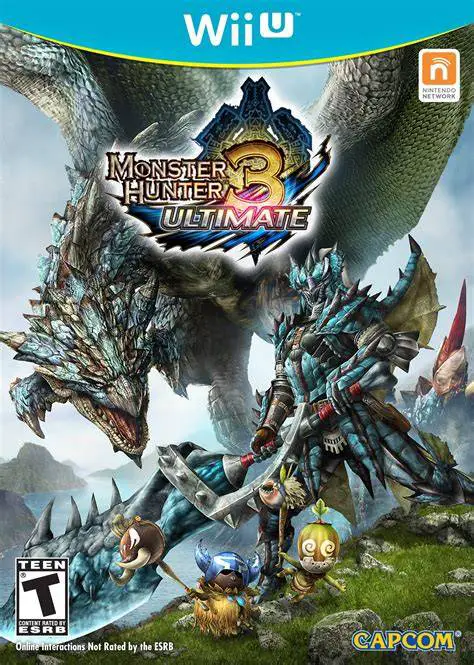
Monster Hunter 3 Ultimate is an expanded high-definition remaster of Monster Hunter Tri, developed and published by Capcom for the Wii U. The narrative places players in Moga Village, a coastal community plagued by destructive earthquakes caused by the fearsome sea dragon, Lagiacrus. As the village's resident hunter, your objective expands from protecting the local settlement to tackling dangerous hunts across uncharted frontiers.
Gameplay revolves around preparing for intense boss encounters by tracking behemoths, studying their attack patterns, and exploiting elemental weaknesses. Monster Hunter 3 Ultimate introduces the formidable G-Rank quest difficulty tier, challenging veterans with aggressive monster variants, sub-species, and exclusive endgame gear.
The Wii U edition leverages hardware capabilities by running in full 1080p high definition and utilizing the Wii U GamePad for streamlined inventory management, quick-map access, and customizable touch controls. Players can hunt solo alongside Felyne companions, join forces with up to three other players in online multiplayer lobbies, or cross-play locally with Nintendo 3DS users.
Feature | Details |
Title | Monster Hunter 3 Ultimate |
Platform | Nintendo Wii U |
Developer | Capcom |
Publisher | Capcom |
Genre | Action RPG / Hack and Slash |
Release Date | March 2013 |
Game Modes | Single-player, Up to 4-Player Online / Local Multiplayer |
Input Support | Wii U GamePad, Wii U Pro Controller, Classic Controller Pro |
Download Size | ~6.1 GB |
Massive Monster Roster: Hunt over 70 unique creatures, including iconic leviathans, flying wyverns, and exclusive sub-species like the Brachydios and Ivory Lagiacrus.
12 Weapon Classes: Master a diverse arsenal of weapons, ranging from the heavy Great Sword and nimble Dual Blades to specialized ranged options like the Switch Axe and Heavy Bowgun.
Dynamic Underwater Combat: Dive beneath the ocean surface to battle massive marine monsters in fully three-dimensional underwater environments.
G-Rank Difficulty Tier: Test your combat skills against hyper-aggressive monster variants in high-tier quests featuring exclusive armor sets and weapon trees.
Cross-Platform Play & Save Data: Seamlessly transfer your save file between the Wii U and Nintendo 3DS versions, supporting both online multiplayer and local cross-console play.
A: Yes, Capcom released a dedicated free save transfer application on the Nintendo eShop that allows you to move your hunter save file back and forth between the Wii U and 3DS versions seamlessly.
A: Yes, the Wii U version features built-in online multiplayer lobbies that allow up to four players to team up and complete quests together over the internet.
A: In underwater stages, players gain a full 360-degree axis of movement, allowing you to swim vertically and horizontally to strike aquatic monsters like Lagiacrus and Plesioth in their native habitats.
A: No, Monster Hunter 3 Ultimate is a standalone adventure with its own self-contained story, tutorials, and progression system suitable for both newcomers and returning veterans.
Click the links below to go to the cloud drive download page
⚠️ Download Tips: