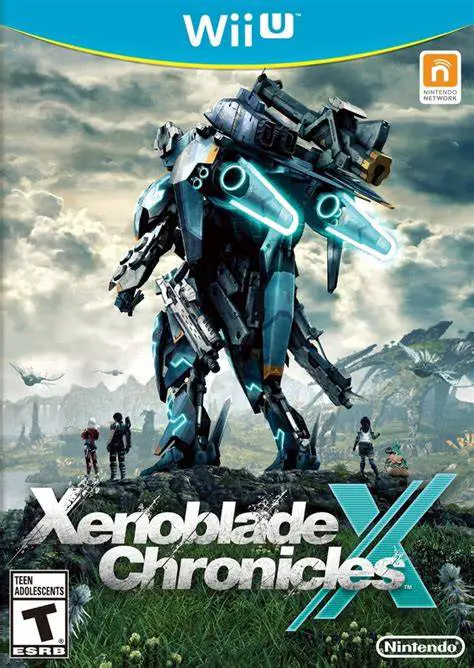
Xenoblade Chronicles X
Embark on an epic sci-fi open-world RPG adventure across ...

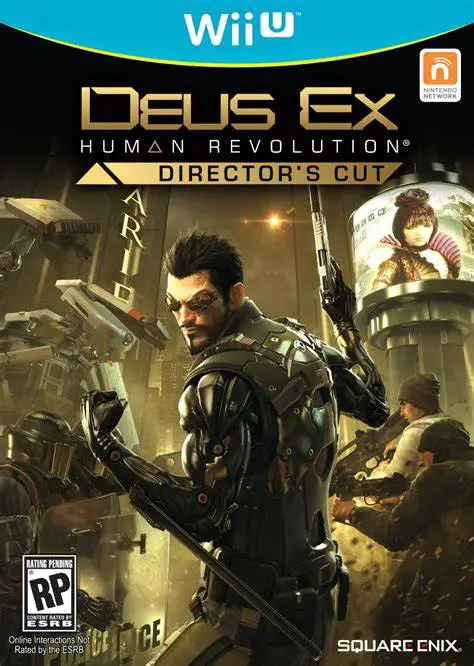
Deus Ex: Human Revolution - Director's Cut brings the definitive version of the cyberpunk masterpiece to the Nintendo Wii U with revamped boss fights, enhanced artificial intelligence, upgraded graphics, and deep integration of the Wii U GamePad screen. The story immerses players in a world divided by human augmentation technology, corporate espionage, and shadowy political cabals operating in cities like Detroit and Hengsha.
The gameplay centers on player freedom and choice across four primary playstyles: Combat, Stealth, Hacking, and Social Interaction. Players customize Adam Jensen using Praxis Points to unlock cybernetic augmentations—such as optical cloaking, wall-busting strength, silent steps, and hacking subroutines—tailoring his capabilities to match their preferred playstyle.
Designed as the ultimate console edition, the Wii U GamePad serves as Adam Jensen’s Neural Hub (Neural Interface). The touch screen acts as an interactive real-time radar map, letting players draw tactical routes, mark guards, hack security terminals, manage inventory, and view sniper scopes directly on the controller. Complete with integrated strategy guides, developer commentary, and the integrated "Missing Link" story expansion, it stands out as one of the most feature-rich experiences on the Wii U.
Specification | Details |
Full Title | Deus Ex: Human Revolution - Director's Cut |
Platform | Nintendo Wii U |
Developer | Eidos-Montréal / Straight Right |
Publisher | Square Enix |
Release Date | October 22, 2013 (NA) / October 25, 2013 (EU) |
Genre | Action RPG, First-Person Shooter, Cyberpunk Stealth |
Game Modes | Single-player |
Input Methods | Wii U GamePad, Wii U Pro Controller |
Region Code | Region-Locked (NTSC-U / PAL / NTSC-J) |
Wii U Neural Hub Integration: Interactive GamePad touch screen for real-time mini-map tracking, tactical route drawing, inventory management, and intuitive touch hacking.
Overhauled Boss Fights: Completely redesigned boss encounters allowing players to overcome bosses through stealth, hacking, or traditional combat rather than forced firepower.
Integrated Story Expansion: Seamlessly includes "The Missing Link" narrative DLC directly into the main story campaign flow.
Developer Commentary & Strategy Guide: Includes over eight hours of full audio commentary from developers alongside an integrated interactive strategy guide.
Off-TV Play Support: Stream and play the full cyberpunk action-RPG experience directly on the Wii U GamePad screen.
A: It is a cyberpunk first-person action RPG that combines stealth, shooting, hacking, and branching narrative dialogue choices.
A: The GamePad functions as Adam Jensen's Neural Hub, allowing touch-screen hacking, tactical map route planning, real-time radar tracking, and inventory management.
A: Yes, all major boss encounters were redesigned from the ground up, allowing stealth and hacking-focused players alternative ways to beat bosses without relying solely on direct combat.
A: Yes, you can play the entire single-player campaign directly on the Wii U GamePad screen using Off-TV Play mode.
Click the links below to go to the cloud drive download page
⚠️ Download Tips:
Embark on an epic sci-fi open-world RPG adventure across ...
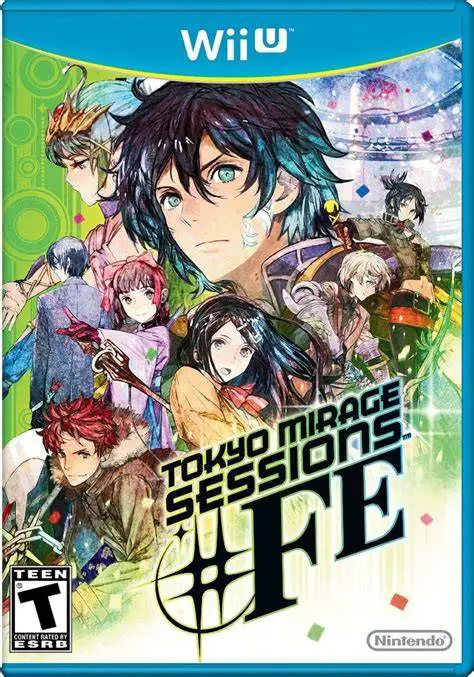
Enter a stylish, pop-infused fusion of two iconic RPG fra...
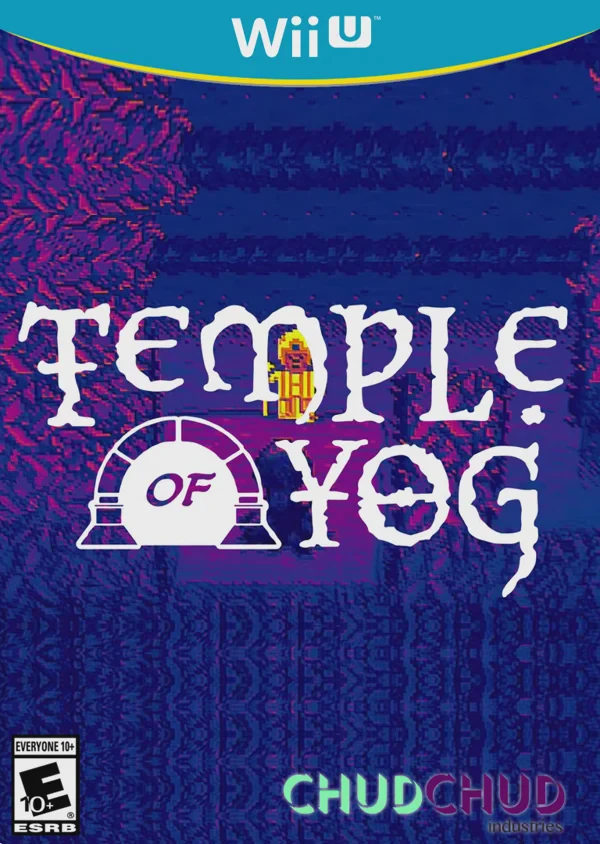
Dive into dangerous procedural labyrinths in Temple of Yo...
Team up in a high-stakes, online cooperative treasure hun...
Step into the shoes of a heroic hunter and embark on epic...