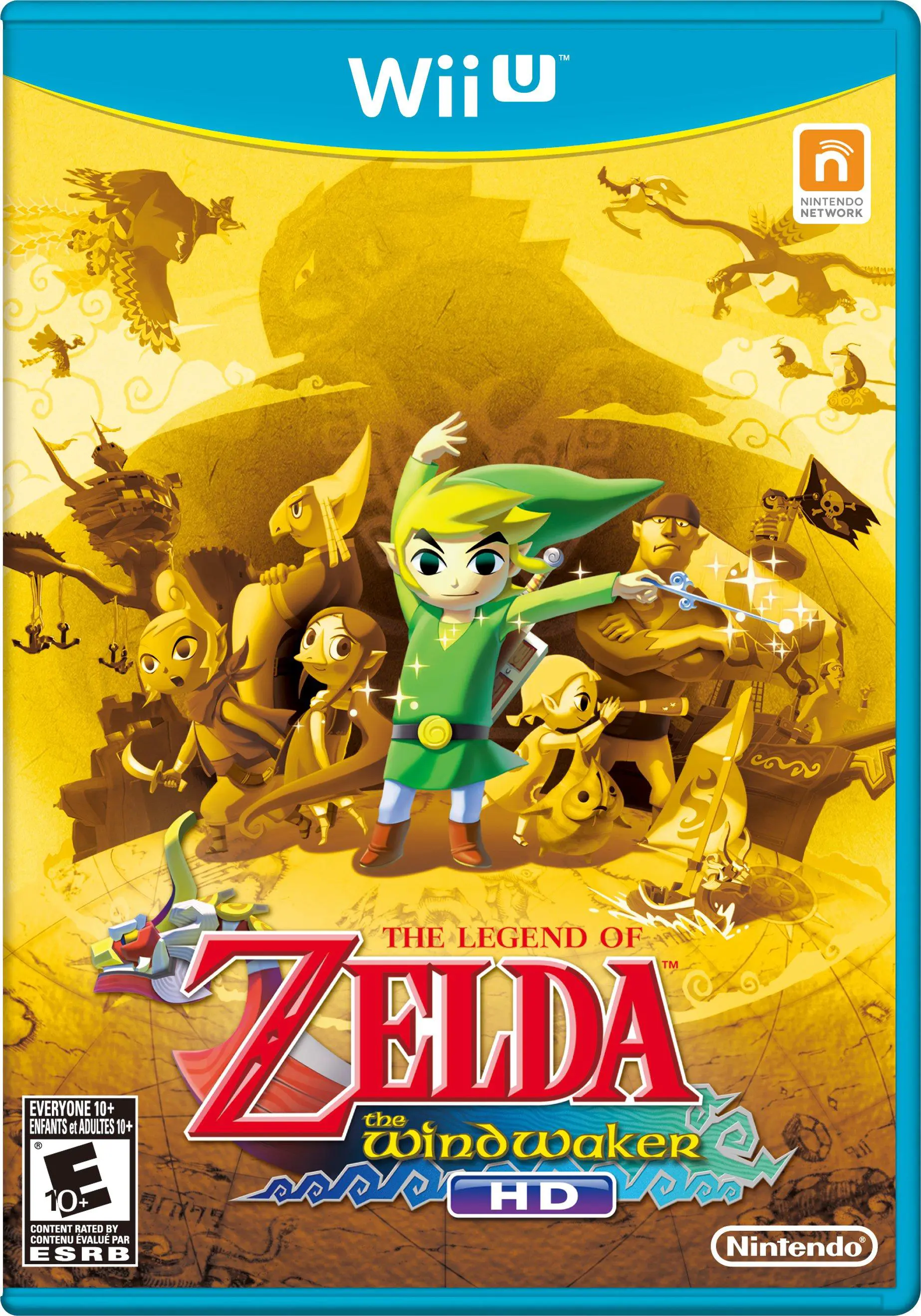
The Legend of Zelda: The ...
Set sail across a vast, flooded Hyrule in a breathtaking ...

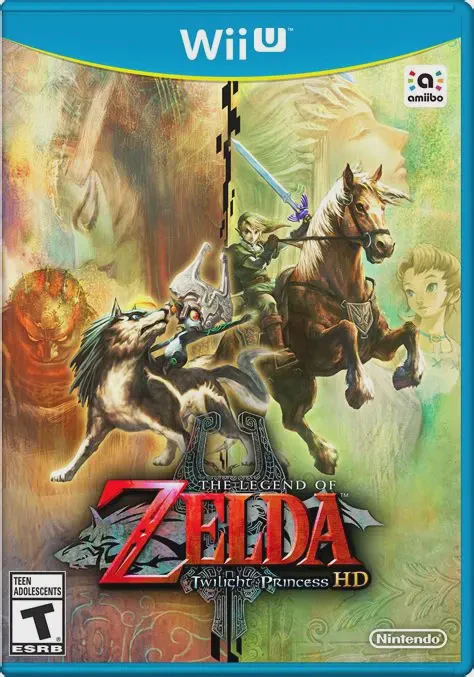
The Legend of Zelda: Twilight Princess HD is an acclaimed action-adventure game co-developed by Tantalus Media and Nintendo, and published by Nintendo for the Wii U. Originally released across the Nintendo GameCube and Wii, this remastered edition upgrades the dark, mature visual art style into crisp 1080p resolution while updating textures and lighting effects.
The story unfolds as dark forces kidnap the children of Ordon Village and submerge Hyrule in Twilight. Guided by Midna, Link must alternate between his human form—mastering hidden sword techniques, bowmanship, and horseback combat atop his steed Epona—and his Wolf form, which grants heightened senses to track scents, dig for secrets, and communicate with animals.
The Wii U release introduces vital quality-of-life improvements that refine the campaign's pacing. The initial Tears of Light collection quests have been shortened to reduce backtracking, and the Wallet capacity has been expanded. Additionally, the Wii U GamePad touchscreen allows players to view full kingdom maps, equip items instantly without pausing gameplay, and aim weapons using motion controls.
Feature | Details |
Title | The Legend of Zelda: Twilight Princess HD |
Platform | Nintendo Wii U |
Developer | Tantalus Media / Nintendo EAD |
Publisher | Nintendo |
Genre | Action-Adventure / Open-World |
Release Date | March 2016 |
Game Modes | Single-player |
Input Support | Wii U GamePad, Wii U Pro Controller |
Download Size | ~4.5 GB |
1080p High-Definition Visuals: Enjoy updated high-resolution textures, improved lighting shaders, and detailed character models rendered in 1080p widescreen presentation.
Dual Form Gameplay Mechanics: Seamlessly switch between Human Link for master sword combat and Wolf Link for heightened scent tracking and energy-field attacks.
Streamlined Quest Progression: Experience enhanced game pacing with reduced Tears of Light collection requirements and increased default Wallet sizes.
Wii U GamePad Management: Access real-time maps, swap inventory items on the fly via the touchscreen, and utilize gyroscope motion controls for precision targeting.
Cave of Shadows & Hero Mode: Challenge the exclusive Cave of Shadows combat trials using the Wolf Link amiibo, or test your skills in Hero Mode where Link takes double damage and health drops are removed.
A: You can easily switch the entire game display from your television to the Wii U GamePad screen at any time, allowing you to play the full campaign portably.
A: Tapping the Wolf Link amiibo unlocks the Cave of Shadows—a unique combat trial challenge where Wolf Link must survive successive waves of enemies to earn the Bottomless Wallet reward.
A: No, unlike the Wii version which relied on Wii Remote motion swings, Twilight Princess HD on Wii U uses traditional button-based sword controls similar to the original GameCube release.
A: In Hero Mode, the entire game world is mirrored, enemies inflict double damage on Link, and hearts do not drop from defeated foes or broken jars, requiring reliance on potions and fairies.
Click the links below to go to the cloud drive download page
⚠️ Download Tips:
Set sail across a vast, flooded Hyrule in a breathtaking ...
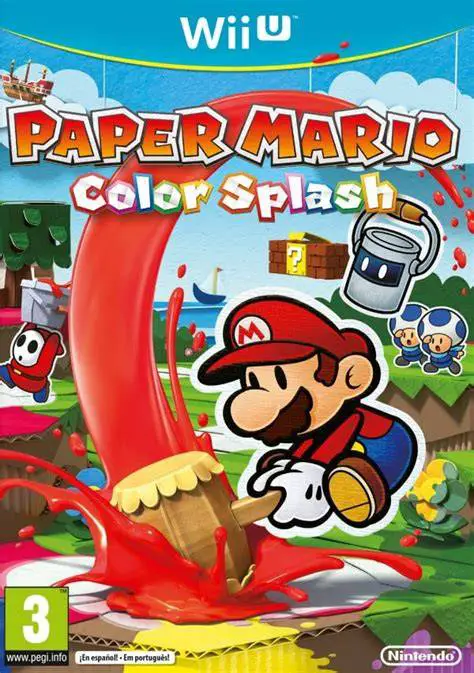
Embark on a vibrant, paper-crafted action-adventure to re...
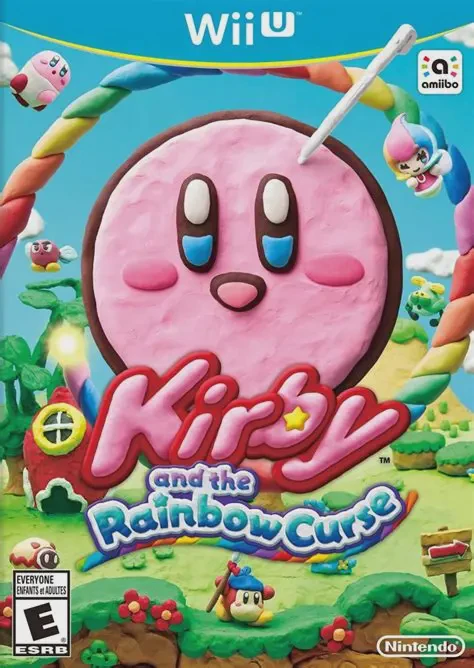
Embark on a colorful claymation adventure as Kirby rolls ...
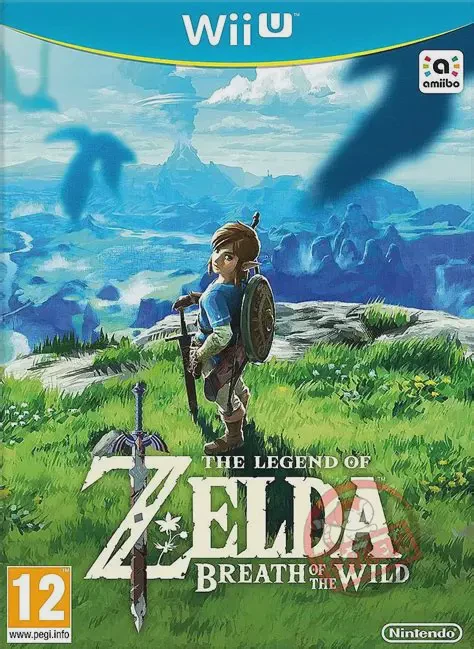
Step into a vast world of discovery, exploration, and adv...