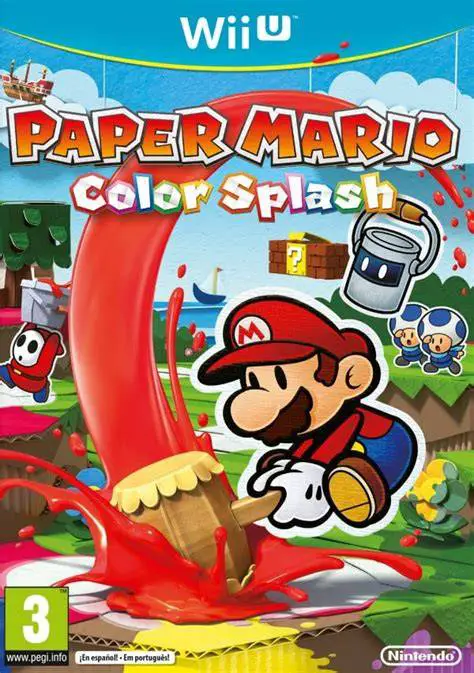
Paper Mario: Color Splash
Embark on a vibrant, paper-crafted action-adventure to re...

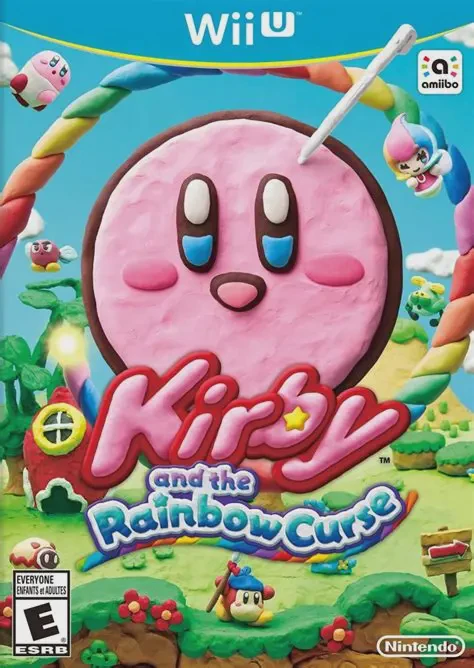
Kirby and the Rainbow Curse (known as Kirby and the Rainbow Paintbrush in PAL regions) is a charming 2.5D action-platformer developed by HAL Laboratory and published by Nintendo for the Wii U. Serving as a spiritual successor to the Nintendo DS hit Kirby: Canvas Curse, the game stands out with its gorgeous, fully sculpted claymation art style running at 60 frames per second.
Unlike traditional platformers where players directly control character movement with a d-pad or thumbstick, gameplay relies entirely on touch controls using the Wii U GamePad stylus. Players draw colorful rainbow lines across the screen to create tracks for Kirby, who rolls along them like a marble. Drawing loops boosts Kirby's speed to smash through blocks and enemies, while strategic lines protect him from hazards like waterfalls and laser beams.
Throughout the campaign, Kirby transforms into powerful vehicles—including a heavy Submarine, a missile-firing Tank, and a swift Rocket—each changing up the gameplay controls and camera perspective. Up to three additional players can drop in locally using Wii Remotes to control Waddle Dees who move and fight alongside Kirby, making it an accessible and cooperative adventure for all ages.
Feature | Details |
Title | Kirby and the Rainbow Curse |
Platform | Nintendo Wii U |
Developer | HAL Laboratory |
Publisher | Nintendo |
Genre | Action / Touch-Based Platformer |
Release Date | February 2015 |
Game Modes | Single-player, Up to 4-Player Local Co-Op |
Input Support | Wii U GamePad (Touchscreen Required), Wii Remotes (for Co-Op Players) |
Download Size | ~3.5 GB |
Handcrafted Claymation Style: Features a tactile visual design where every character, stage, and animation looks as though it were molded out of real plasticine clay.
Touch-Screen Touch Mechanics: Draw rainbow ropes on the Wii U GamePad to steer Kirby, shield him from hazards, and build bridges across gaps.
Kirby Vehicle Transformations: Transform into Kirby Tank, Kirby Submarine, and Kirby Rocket to experience completely unique movement styles and combat routines.
Four-Player Drop-In Co-Op: Secondary players can join as Waddle Dees using standard controllers to carry Kirby, attack enemies, and assist during tricky platforming challenges.
Amiibo Support: Tap compatible Kirby, King Dedede, or Meta Knight figures to unlock special character-themed power-ups and extra health once per day.
A: Yes, the primary player controlling Kirby must use the Wii U GamePad touchscreen to draw rainbow tracks, meaning your visual focus will primarily be on the GamePad screen rather than the television.
A: Yes, up to three secondary players can join as Waddle Dees using standard Wii Remotes or Wii U Pro Controllers to move and attack freely on the TV screen.
A: At designated points in specific stages, Kirby automatically transforms into a Tank, Submarine, or Rocket, shifting the touch controls to aim weapons or navigate vehicle trajectories.
A: It is a spiritual successor to the Nintendo DS title Kirby: Canvas Curse, building upon the core stylus line-drawing platforming mechanics with modern visuals and multi-player features.
Click the links below to go to the cloud drive download page
⚠️ Download Tips:
Embark on a vibrant, paper-crafted action-adventure to re...
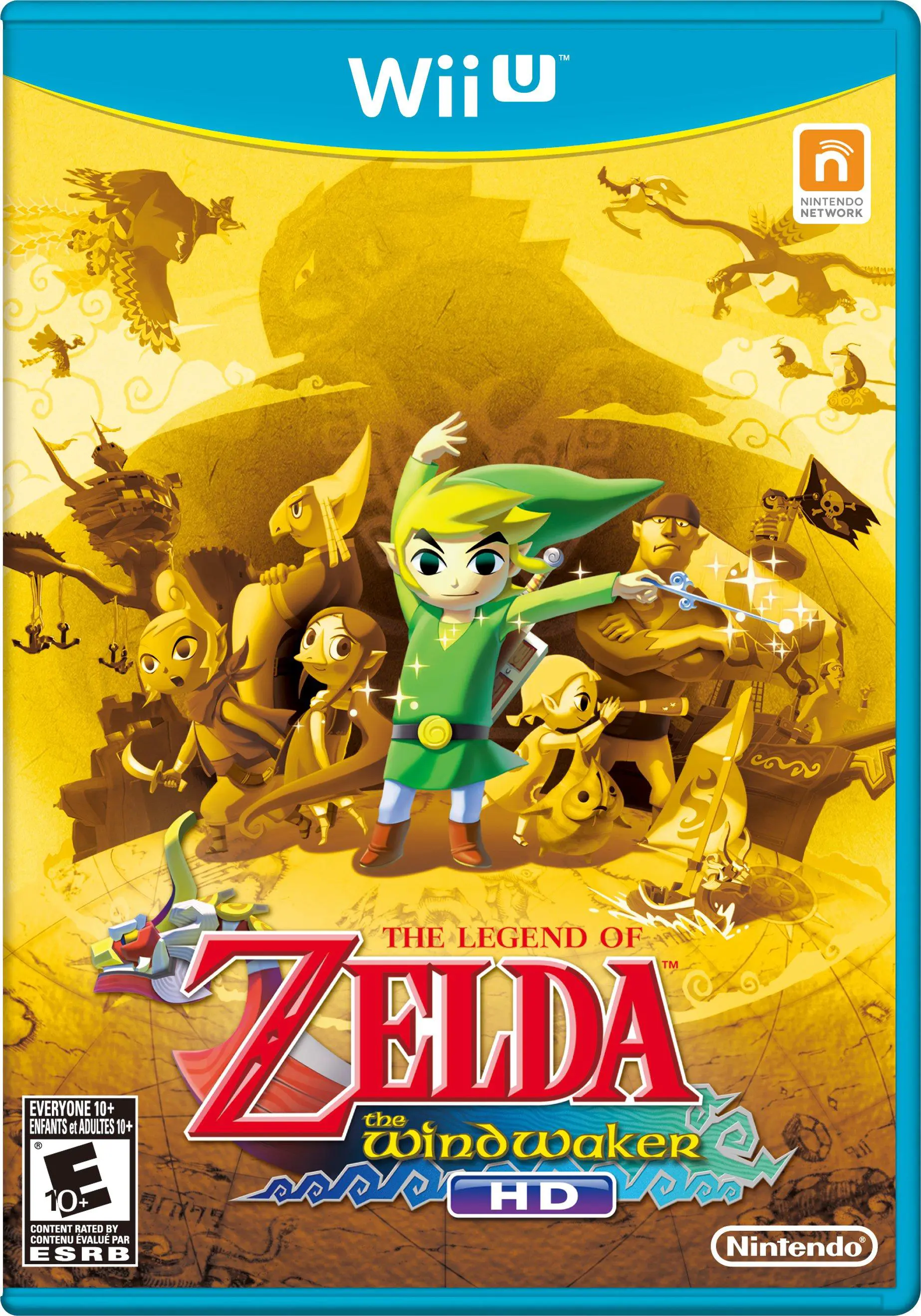
Set sail across a vast, flooded Hyrule in a breathtaking ...
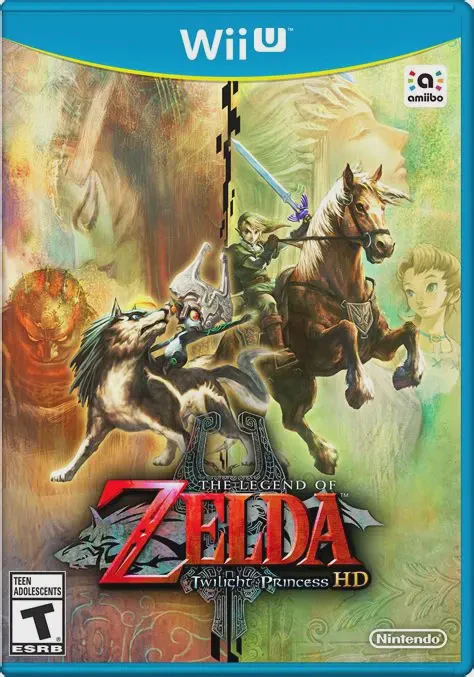
Embark on a grand, dark fantasy adventure across a threat...
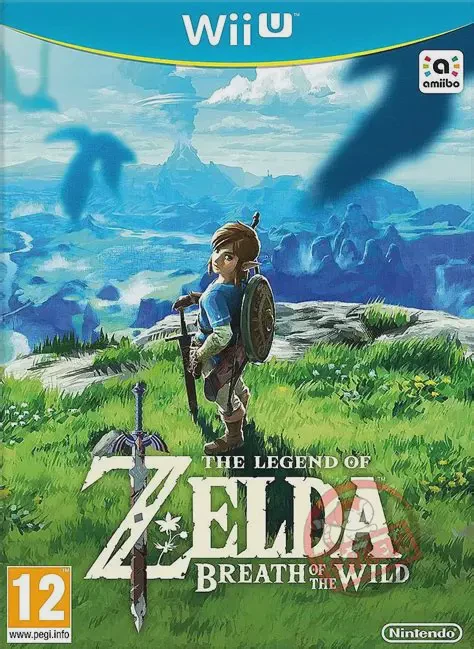
Step into a vast world of discovery, exploration, and adv...