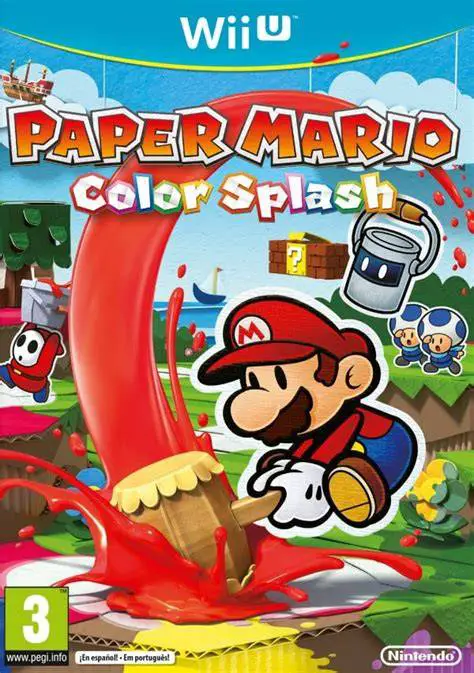
Paper Mario: Color Splash
Embark on a vibrant, paper-crafted action-adventure to re...

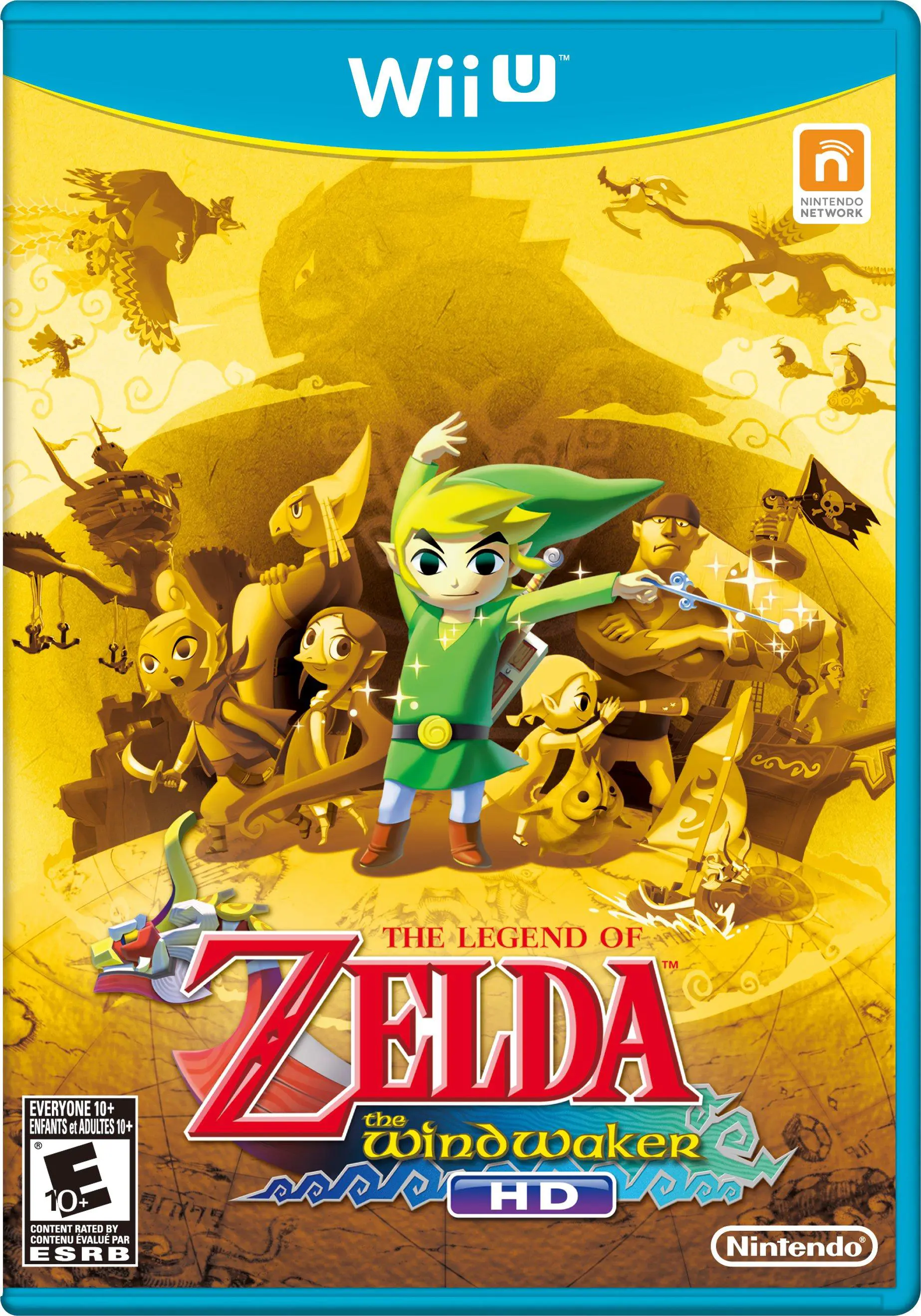
The Legend of Zelda: The Wind Waker HD is an acclaimed action-adventure game developed and published by Nintendo for the Wii U. Originally released for the Nintendo GameCube, this remastered edition completely rebuilds the visual presentation in crisp 1080p high definition, featuring dynamic real-time lighting shaders while retaining the game's iconic, expressive cel-shaded art style.
Players control Link as he sails across the Great Sea—a massive open world teeming with uncharted islands, enemy watchtowers, sunken treasure, and mysterious dungeons. Gameplay balances real-time sword combat, item utilization, and complex environmental puzzle-solving.
The Wii U edition introduces significant Quality-of-Life enhancements designed to streamline exploration. The addition of the optional Swift Sail allows Link's boat to travel at double speed while automatically changing wind direction. Furthermore, the Wii U GamePad serves as a real-time sea map and inventory screen, allowing players to swap weapons, review treasure charts, and aim items like the Hero's Bow or Hookshot via gyroscope motion controls without interrupting gameplay.
Feature | Details |
Title | The Legend of Zelda: The Wind Waker HD |
Platform | Nintendo Wii U |
Developer | Nintendo EAD / HexaDrive |
Publisher | Nintendo |
Genre | Action-Adventure / Open-World |
Release Date | September 2013 |
Game Modes | Single-player |
Input Support | Wii U GamePad, Wii U Pro Controller |
Download Size | ~2.6 GB |
1080p Remastered Visuals: Experience the timeless cel-shaded art style upgraded with high-resolution textures, advanced lighting, and 16:9 widescreen presentation.
Swift Sail Enhancement: Speed up oceanic traversal with the optional Swift Sail item, doubling boat velocity and shifting wind direction automatically.
Wii U GamePad Integration: View sea maps, swap gear on the fly, and use motion aiming for precision weapons directly on the GamePad touchscreen.
Streamlined Triforce Quest: Enjoy a rebalanced endgame questline that reduces tedious grinding by converting several Triforce charts directly into obtainable shards.
Challenging Hero Mode: Play through a tough difficulty setting available from the start where enemies deal double damage and heart drops are completely removed.
A: You can easily switch the entire game presentation from the TV to the Wii U GamePad screen at any time, allowing you to play the complete adventure portably without needing a television screen.
A: The Swift Sail is a special upgrade obtained at the Windfall Island Auction House. It allows the King of Red Lions to sail twice as fast and constantly aligns the wind behind Link's vessel automatically.
A: In the original GameCube game, players had to decipher eight Triforce Charts with Tingle for hefty rupee costs. The HD version streamlines this process so five Triforce Shards can be salvaged directly from the sea floor, requiring only three charts to be deciphered.
A: Yes, The Legend of Zelda: The Wind Waker HD fully supports the Wii U Pro Controller for a traditional button-based play style without needing the touchscreen.
Click the links below to go to the cloud drive download page
⚠️ Download Tips:
Embark on a vibrant, paper-crafted action-adventure to re...

Embark on a colorful claymation adventure as Kirby rolls ...
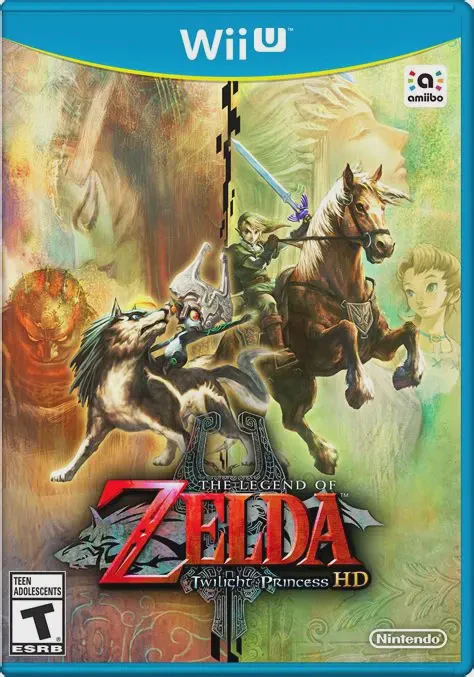
Embark on a grand, dark fantasy adventure across a threat...
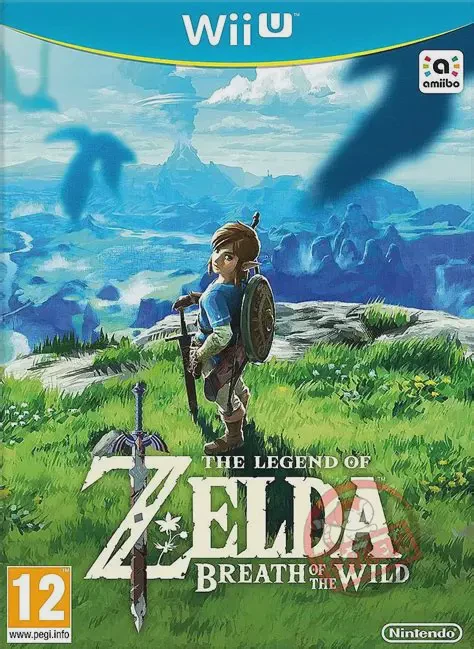
Step into a vast world of discovery, exploration, and adv...