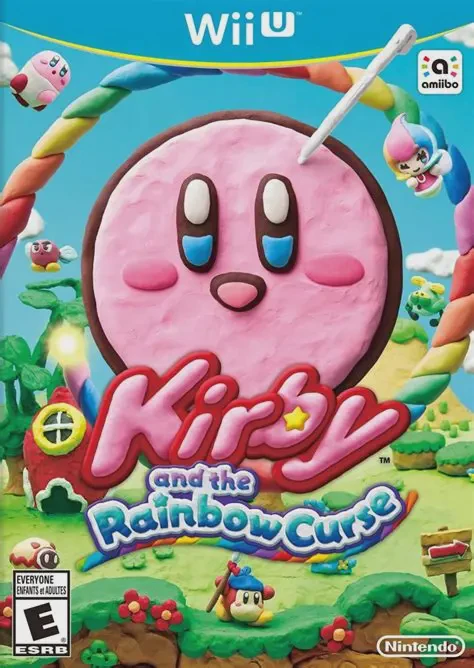
Kirby and the Rainbow Curse
Embark on a colorful claymation adventure as Kirby rolls ...

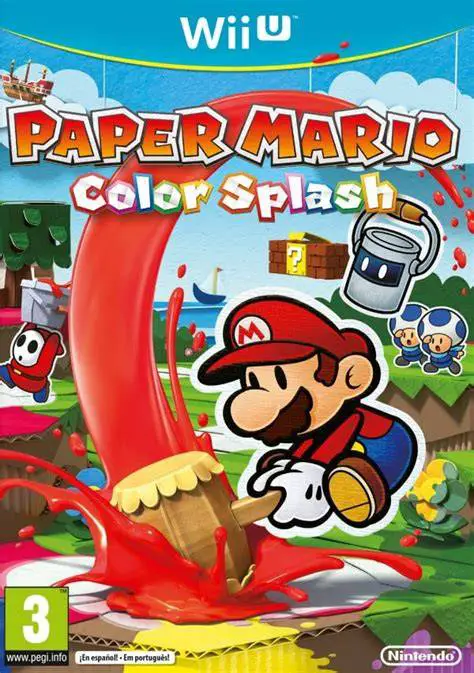
Paper Mario: Color Splash is an action-adventure RPG developed by Intelligent Systems and published by Nintendo for the Wii U. The game takes place on Prism Island, a once-vibrant paradise that has been stripped of its color by Bowser and his Koopalings using mysterious straws to drain paint from the environment and its inhabitants.
Accompanied by Huey, a lively talking paint can, Mario traverses an interconnected world map filled with colorful levels, secret exits, and quirky Toad characters. Players use the Paint Hammer to smack bleached spots, restoring color to the world to earn coins, battle cards, and reveal hidden paths.
Combat utilizes a unique touchscreen card mechanic on the Wii U GamePad. Players collect Battle Cards representing attacks—such as Jump, Hammer, and Koopa Shells—fill them with paint to boost their power, and flick them onto the TV screen to execute timed attacks. Along the way, players discover 3D "Thing" cards—everyday real-world objects like fans, lemons, and piggy banks—that unleash cinematic, highly damaging, and often humorous special attacks required to defeat powerful bosses.
Feature | Details |
Title | Paper Mario: Color Splash |
Platform | Nintendo Wii U |
Developer | Intelligent Systems |
Publisher | Nintendo |
Genre | Action-Adventure / RPG |
Release Date | October 2016 |
Game Modes | Single-player |
Input Support | Wii U GamePad (Touchscreen Required) |
Download Size | ~8.7 GB |
Paint Hammer Traversal: Restore color to bleached environments, rescue whiteout Toads, and unlock hidden secrets across Prism Island using Mario's Paint Hammer.
Touchscreen Card Battles: Select, paint, and flick Battle Cards on the Wii U GamePad touchscreen to unleash physical, elemental, and defensive attacks.
Cinematic "Thing" Cards: Find real-world 3D objects, squeeze them into cards, and summon them in battles to defeat bosses and solve environmental puzzles.
Cutout Mechanic: Use the Wii U GamePad to cut away pieces of the 2D paper background, allowing Mario to cross impossible gaps and reach secret areas.
Papercraft Aesthetics: Enjoy a visually stunning aesthetic where every character, house, enemy, and landscape is made of detailed cardboard, papier-mâché, and folded paper.
A: Yes, the Wii U GamePad touchscreen is required to play Paper Mario: Color Splash, as it is used for selecting, painting, and flicking Battle Cards during combat, as well as executing the Cutout ability.
A: "Thing" cards are special battle cards created from real-world 3D objects found throughout the island. They deal massive damage in battles and are mandatory for solving specific world puzzles and defeating Koopaling boss fights.
A: Instead of classic EXP leveling, Mario grows stronger by collecting Hammer Scraps dropped by enemies, which increases his maximum paint capacity, and by finding Heart MAX Up items to boost his health and attack power.
A: Yes, the game supports Off-TV Play, allowing you to view and play the entire adventure directly on the Wii U GamePad screen.
Click the links below to go to the cloud drive download page
⚠️ Download Tips:
Embark on a colorful claymation adventure as Kirby rolls ...
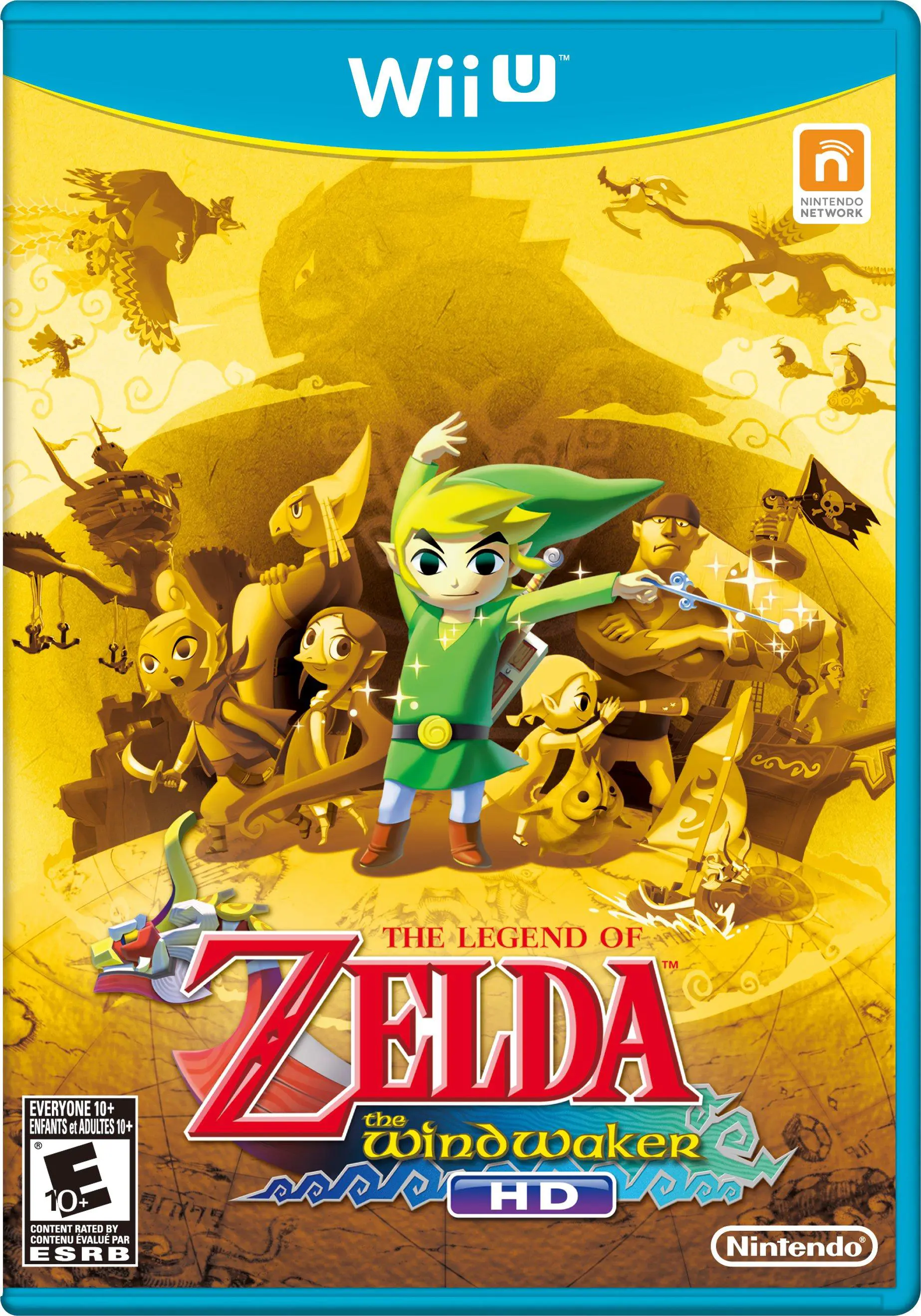
Set sail across a vast, flooded Hyrule in a breathtaking ...
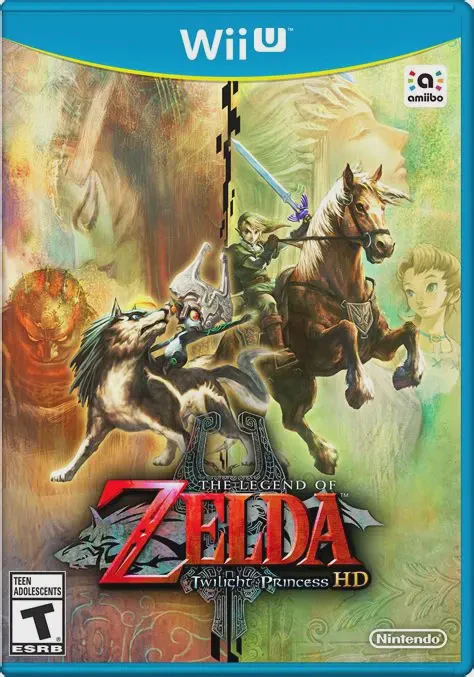
Embark on a grand, dark fantasy adventure across a threat...
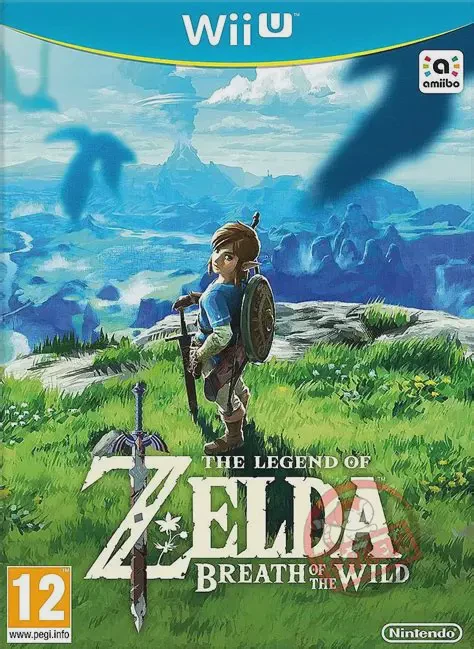
Step into a vast world of discovery, exploration, and adv...