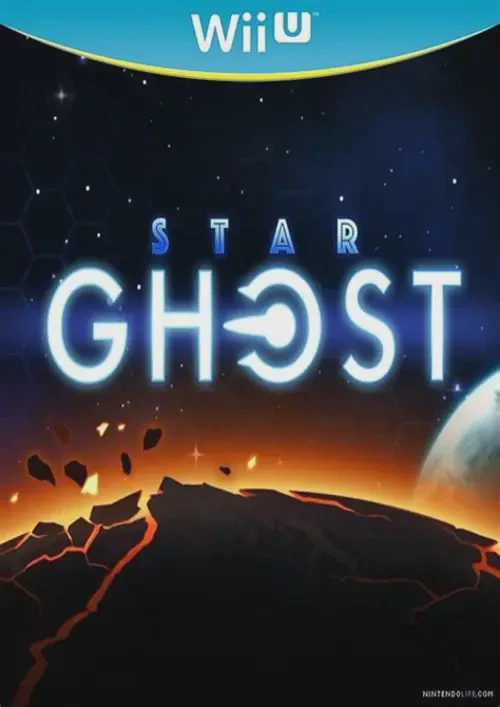
Star Ghost
Blast through procedural galaxy sectors in a sleek, arcad...

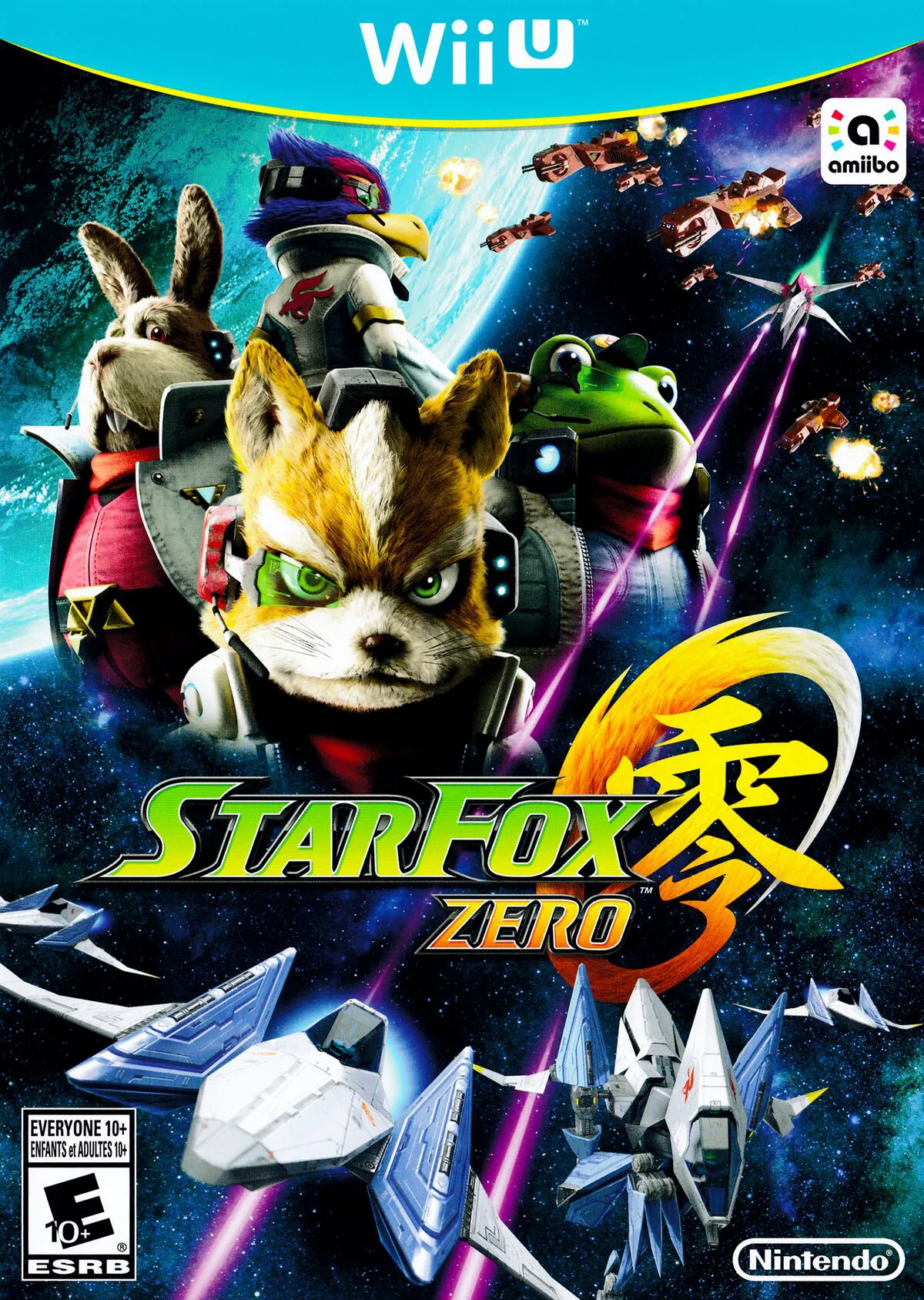
Star Fox Zero is a 3D aerial combat shooter co-developed by Nintendo EPD and PlatinumGames, and published by Nintendo exclusively for the Wii U. Reimagining the central conflict of Star Fox 64, the game combines PlatinumGames' signature fast-paced action design with Shigeru Miyamoto's experimental dual-screen gameplay philosophy.
The cornerstone of the game's mechanics is its unique dual-display control scheme. While the main TV screen displays a cinematic, third-person view of Fox's craft within the environment, the Wii U GamePad screen presents an immersive first-person cockpit view. Built-in motion sensors on the GamePad allow players to aim lasers independently of the craft's flight direction, enabling precise targeting during complex aerial maneuvers.
Beyond the classic Arwing starfighter, Star Fox Zero introduces dynamic vehicle transformations. Players can morph the Arwing into a bipedal Walker to explore tight ground facilities, pilot the heavy-armored Landmaster tank (which can transform into the short-flight Gyrowing), or deploy the tethered Direct-i robot to hack computer terminals and recover items.
Feature | Details |
Title | Star Fox Zero |
Platform | Nintendo Wii U |
Developer | Nintendo EPD / PlatinumGames |
Publisher | Nintendo |
Genre | Rail Shooter / 3D Aerial Combat |
Release Date | April 2016 |
Game Modes | Single-player, 2-Player Local Co-Op |
Input Support | Wii U GamePad (Mandatory) |
Download Size | ~7.5 GB |
Dual-Screen Targeting System: Fly cinematic paths on the TV screen while using gyroscopic motion controls on the GamePad for independent cockpit aiming.
Dynamic Vehicle Transformations: Seamlessly transition between the Arwing starfighter, bipedal Walker mode, Landmaster tank, and stealthy Gyrowing tether craft.
Branching Planetary Routes: Discover hidden teleporters and secret mission objectives to unlock alternate planetary paths across Corneria, Zoness, Fichina, and Titania.
2-Player Co-Op Mode: Share control of the Arwing locally—one player pilots the ship using a Pro Controller while the second player aims and shoots using the GamePad.
Amiibo Functionality: Scan the Fox Amiibo to pilot the retro 16-bit SNES Arwing, or scan the Falco Amiibo to unlock the high-offense, low-defense Black Arwing.
A: Yes, the Wii U GamePad is required to play Star Fox Zero as the game relies on its built-in motion sensors, second-screen cockpit view, and audio feedback for aiming and combat mechanics.
A: In Co-Op mode, flight controls and weapon aiming are split between two players: Player 1 acts as the pilot using a Wii U Pro Controller or Wii Remote, while Player 2 operates as the gunner using the GamePad touchscreen and motion controls.
A: No, Star Fox Zero does not support full Off-TV Play because gameplay relies on simultaneously viewing both the external TV screen and the GamePad cockpit display during combat.
A: Star Fox Guard is a standalone tactical security spin-off game co-developed alongside Star Fox Zero. Physical retail launch editions of Star Fox Zero included Star Fox Guard on a separate disc as a companion title.
Click the links below to go to the cloud drive download page
⚠️ Download Tips:
Blast through procedural galaxy sectors in a sleek, arcad...
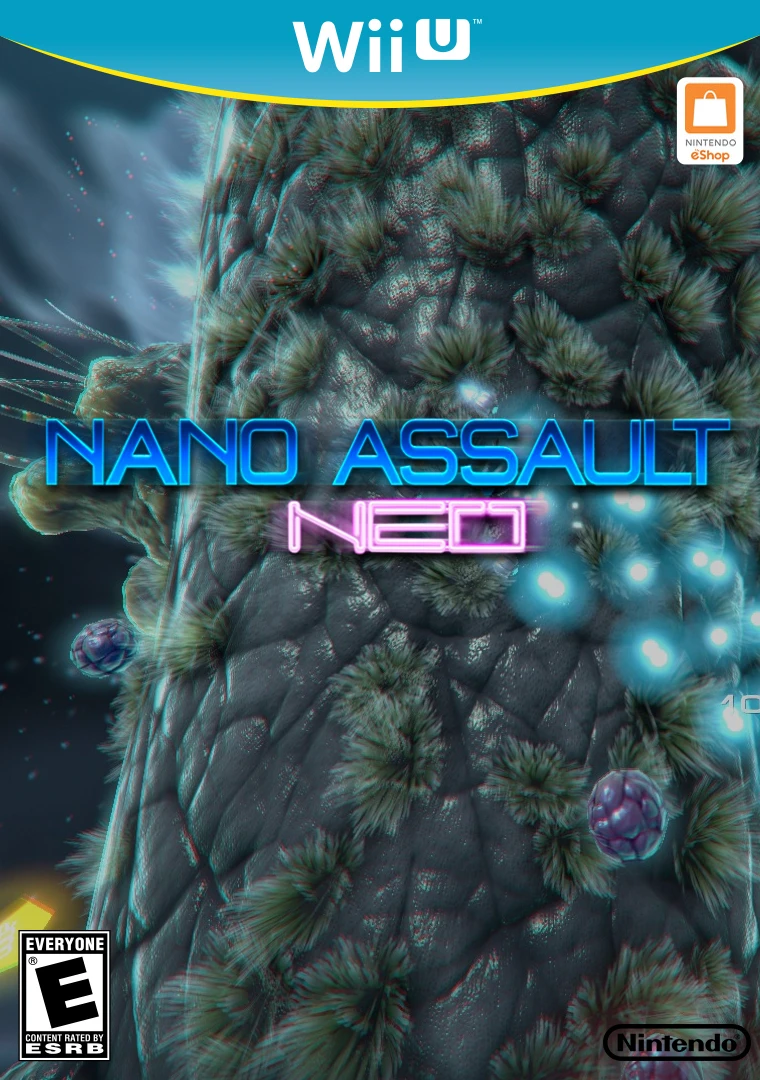
Shrink down to microscopic scale and pilot a high-tech na...
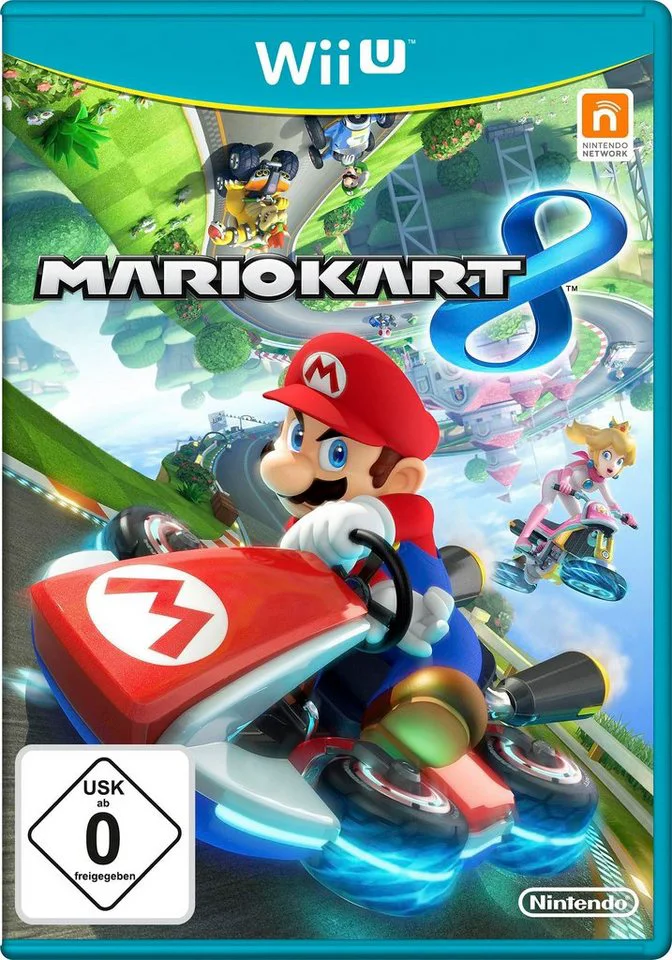
Defy gravity and race along vertical walls and upside-dow...
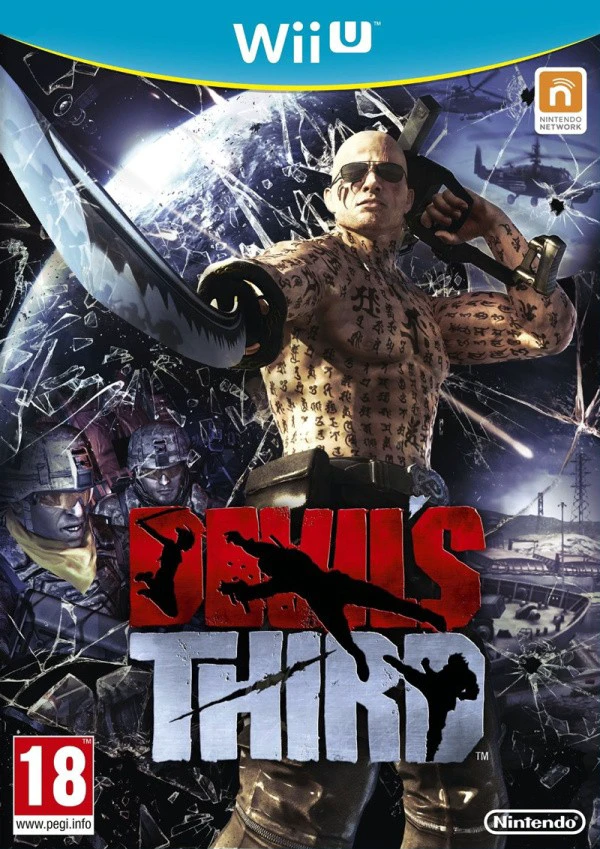
Step into the shoes of Ivan, a heavily tattooed, guitar-p...
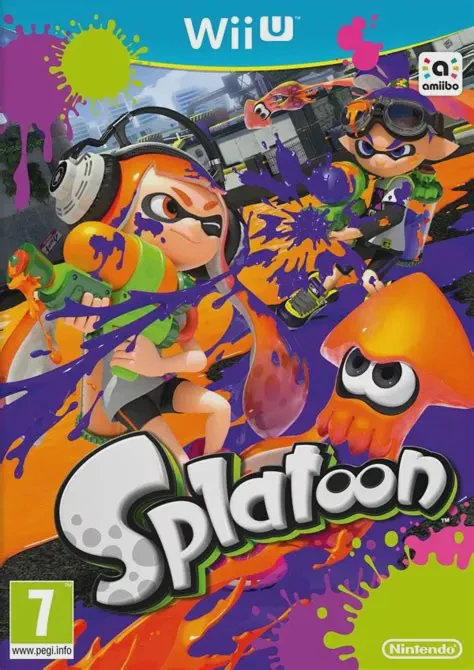
Dive into a fresh, fast-paced third-person shooter where ...