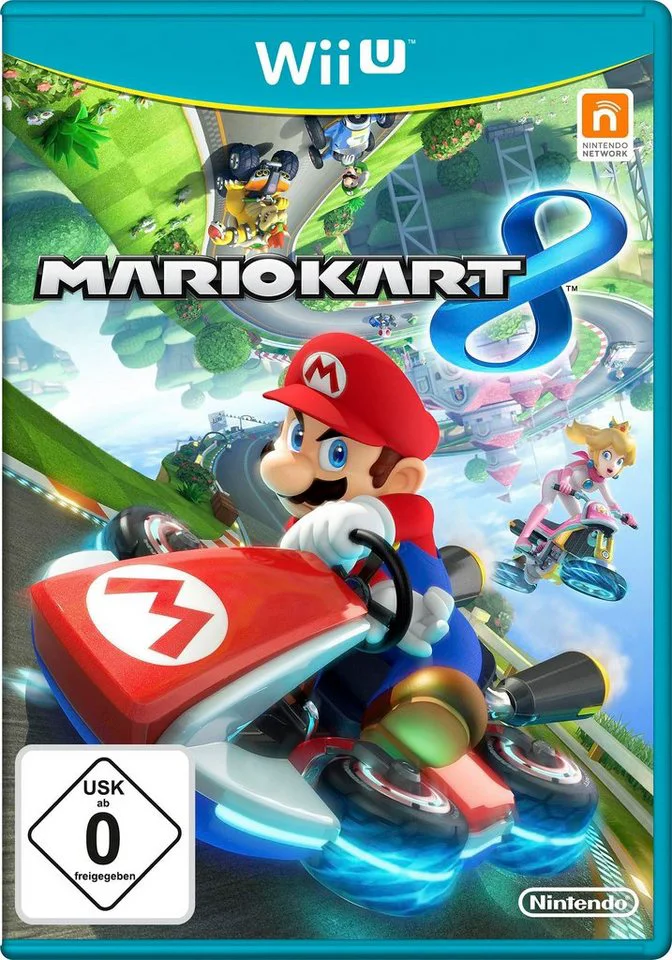
Mario Kart 8
Defy gravity and race along vertical walls and upside-dow...

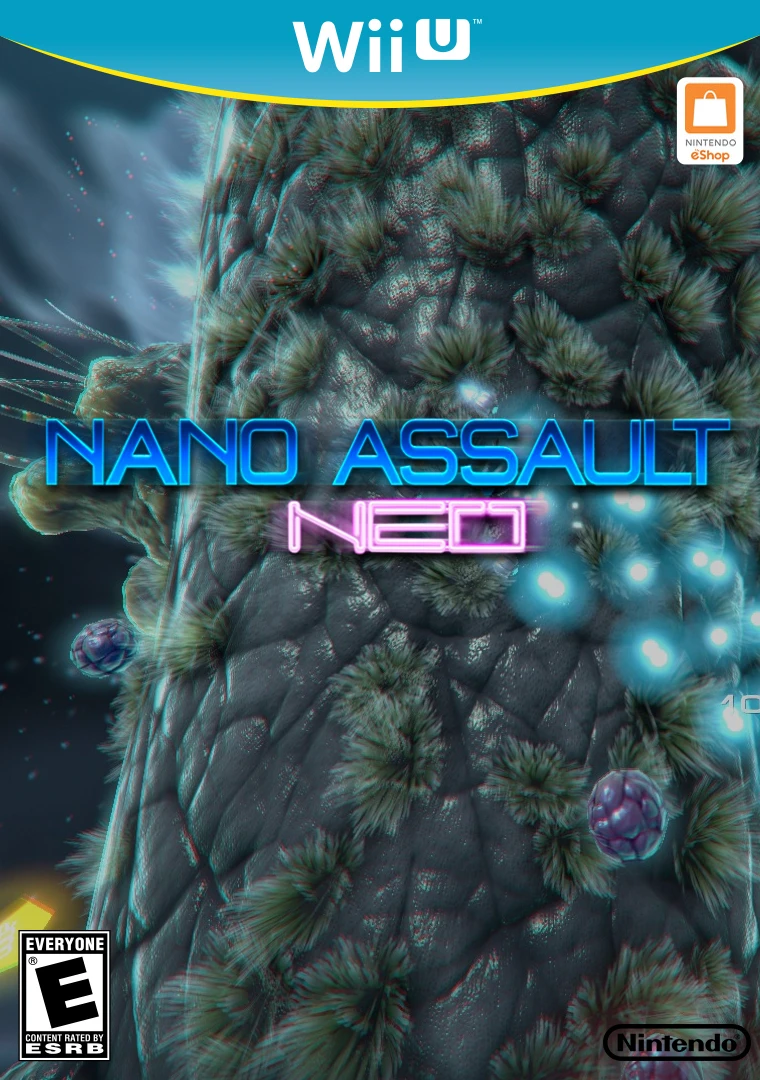
Nano Assault Neo is a twin-stick arcade shoot 'em up developed and published by Shin'en Multimedia, released as a day-one digital launch title for the Wii U eShop. Building upon the mechanics established in Nano Assault on the Nintendo 3DS, the game translates intense microscopic warfare onto living, rotating 3D organic cells.
Players maneuver a microscopic ship along curved cellular surfaces, blasting through aggressive viral swarms, spore clusters, and evolving biological hazards. The core gameplay loop requires players to destroy a designated percentage of viral threats on each stage to unlock the exit portal, culminating in multi-stage boss encounters against massive, mutating pathogens.
The title makes full use of the Wii U hardware, offering seamless Off-TV Play on the GamePad and asymmetric two-player local multiplayer—allowing one player to pilot on the TV screen while the second plays on the GamePad display. With an in-game shop to buy weapon upgrades, shield boosts, and tactical satellites using collected credits, Nano Assault Neo combines arcade shooting with modern visual design.
Feature | Details |
Title | Nano Assault Neo |
Platform | Nintendo Wii U (eShop Exclusive) |
Developer | Shin'en Multimedia |
Publisher | Shin'en Multimedia |
Genre | Twin-Stick Shooter / Arcade / Action |
Release Date | November 2012 |
Game Modes | Single-player, 2-Player Local Co-Op |
Input Support | Wii U GamePad, Wii U Pro Controller, Classic Controller Pro |
Download Size | ~80 MB |
Microscopic Twin-Stick Action: Pilot a nanobot vessel across 16 rotating 3D organic cell stages to cleanse lethal virus infections.
Asymmetric 2-Player Co-Op: Play cooperatively with a friend without split-screen distraction—one player uses the TV screen while the other plays on the Wii U GamePad.
Nanobot Ship Upgrades: Earn DNA credits during combat to purchase secondary weapons, shield refills, item magnet extensions, and deployable satellite drones.
3D Cellular Surface Navigation: Orbit around dynamic, living cell clusters, navigating curved geometry, hazardous trenches, and moving organic obstacles.
Global Leaderboard Integration: Track high scores and stage completion times against players worldwide via online rankings.
A: Nano Assault Neo offers full-screen local co-op using dual displays: Player 1 plays on the main television screen using a Pro Controller or Classic Controller, while Player 2 plays simultaneously on the Wii U GamePad screen.
A: Yes, the game fully supports Off-TV Play in single-player mode, allowing you to stream and play the entire game directly on the Wii U GamePad screen.
A: Players can spend earned DNA credits to buy four distinct weapon types—including Seekers (homing missiles), Beams (piercing lasers), Rays (wide spread shots), and Rear Cannons—along with up to three deployable Orbit satellites.
A: Yes, both titles are part of Shin'en Multimedia's Nano Assault franchise. Nano Assault Neo on Wii U is a twin-stick arcade entry designed around 360-degree organic cell surfaces, whereas the 3DS game features a mix of rail-shooter and open-arena mission structures.
Click the links below to go to the cloud drive download page
⚠️ Download Tips:
Defy gravity and race along vertical walls and upside-dow...
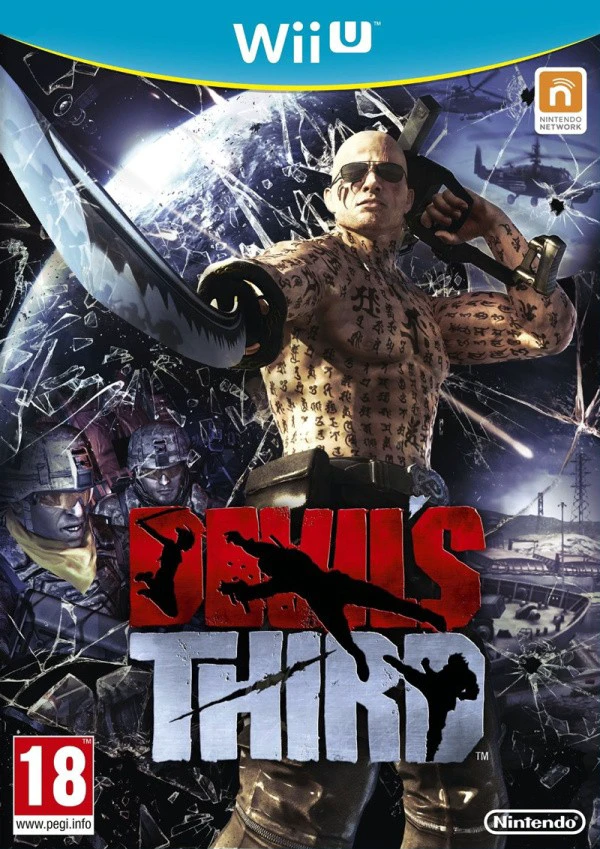
Step into the shoes of Ivan, a heavily tattooed, guitar-p...
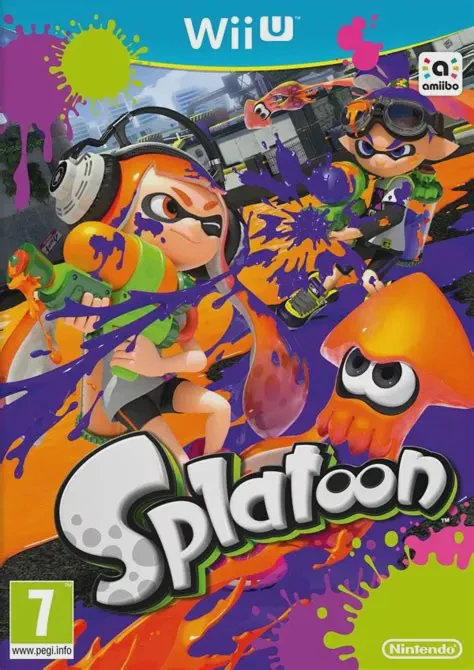
Dive into a fresh, fast-paced third-person shooter where ...
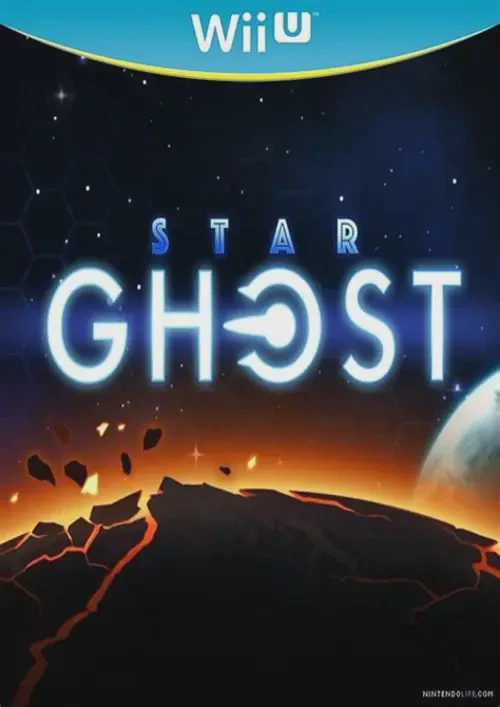
Blast through procedural galaxy sectors in a sleek, arcad...
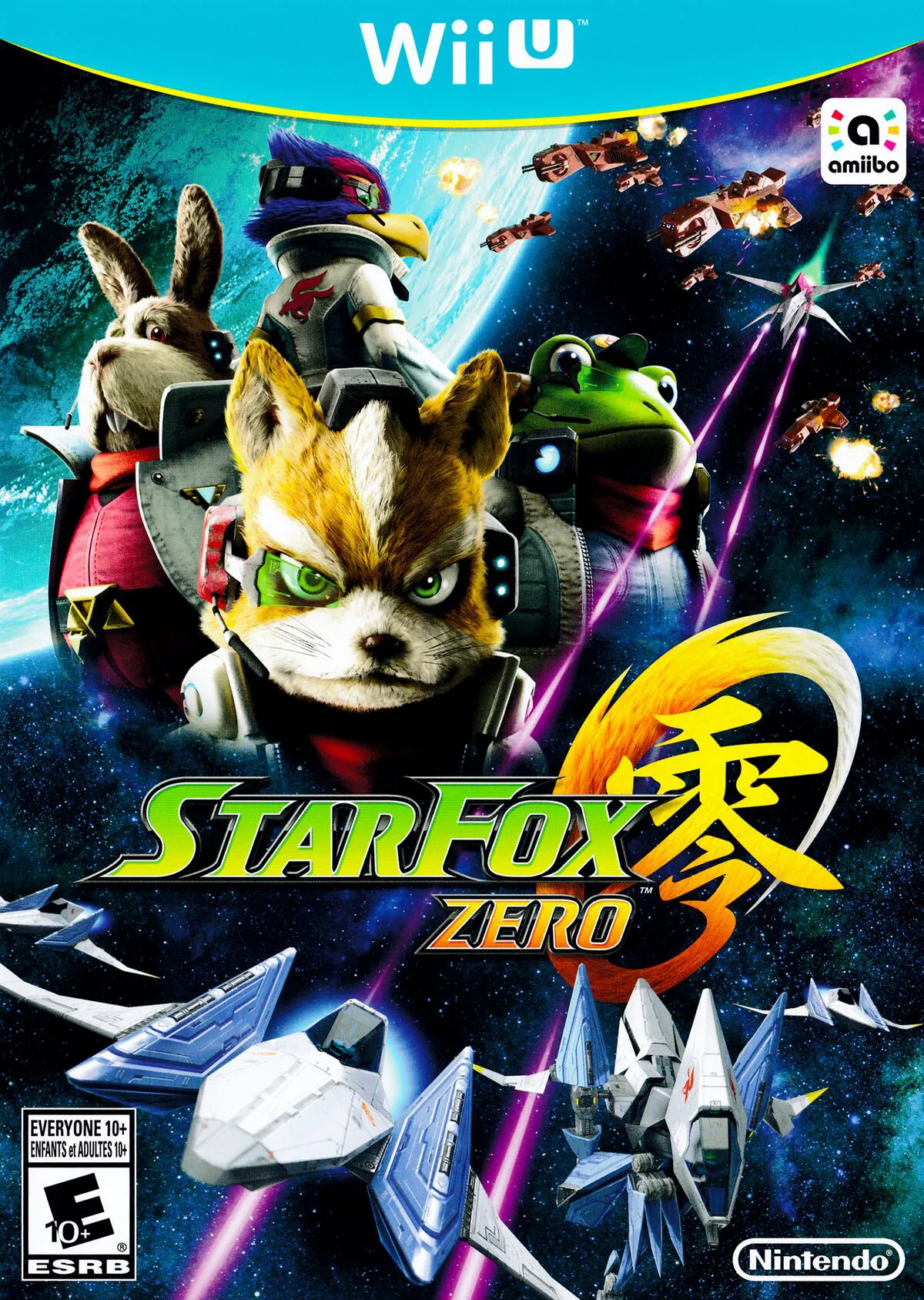
Take to the skies and defend the Lylat System once again ...