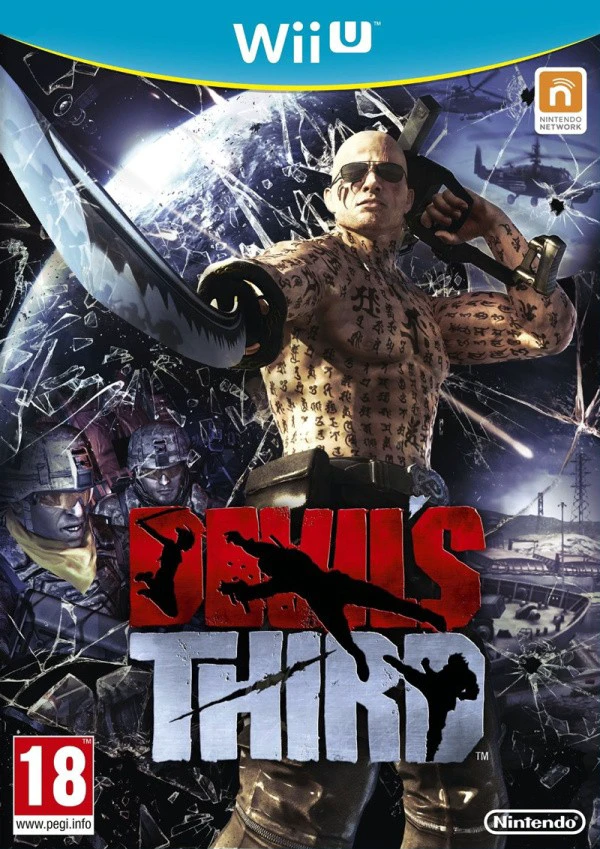
Devil's Third
Step into the shoes of Ivan, a heavily tattooed, guitar-p...

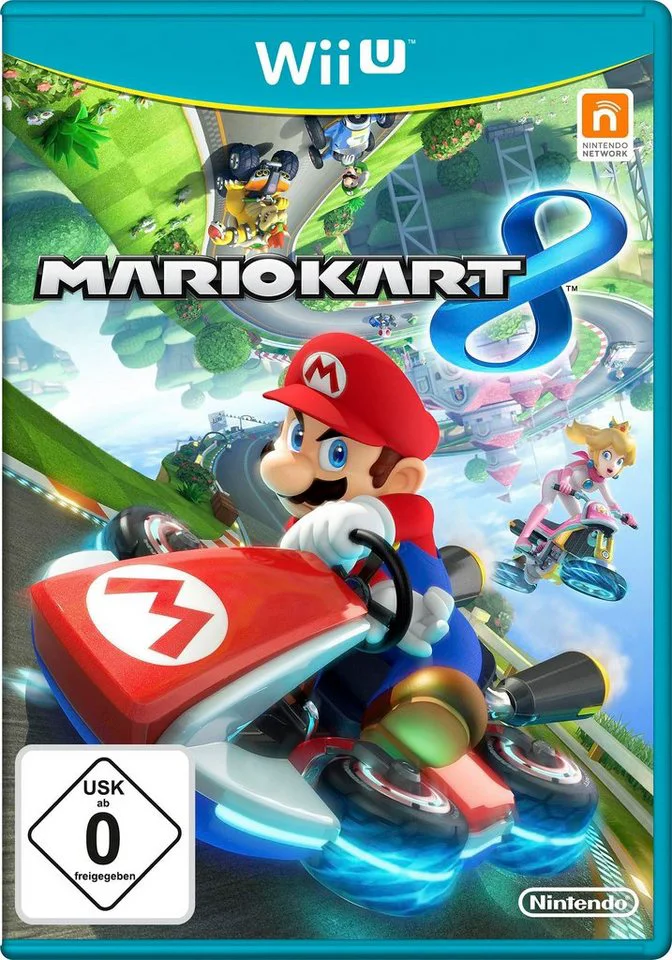
Mario Kart 8 is a critically acclaimed kart racing game developed by Nintendo EAD and published by Nintendo for the Wii U. As the eighth main entry in the long-running series, the title pushes hardware performance with high-definition 720p visuals at 60 frames per second, setting a new graphical benchmark for the franchise.
The game's defining innovation is the Anti-Gravity system. When crossing specialized blue energy strips on course tracks, vehicle wheels flip horizontally into anti-gravity mode, enabling players to race across ceilings, vertical cliffs, and looping Möbius strips. Colliding with opponents or bumper pylons while in anti-gravity triggers a "Spin Boost," granting both racers extra acceleration speed.
Alongside classic grand prix cups, time trials, and local/online multiplayer modes, Mario Kart 8 introduced Mario Kart TV (MKTV)—allowing players to view, edit, and upload slow-motion highlight reels of their races. Supporting customizable karts, motorbikes, ATV quad bikes, and amiibo driver suits, Mario Kart 8 remains one of the definitive multiplayer titles on the Wii U.
Feature | Details |
Title | Mario Kart 8 |
Platform | Nintendo Wii U |
Developer | Nintendo EAD |
Publisher | Nintendo |
Genre | Arcade Kart Racing |
Release Date | May 2014 |
Game Modes | Single-player, Up to 4-Player Local / 12-Player Online |
Input Support | Wii U GamePad, Wii U Pro Controller, Wii Remote & Nunchuk, Wii Wheel |
Download Size | ~4.9 GB |
Anti-Gravity Racing Mechanics: Drive along walls, ceilings, and vertical drops while earning speed boosts through tactical collisions in anti-gravity sections.
32 Base Tracks & DLC Expansions: Race across 16 brand-new courses and 16 remade classic tracks, plus 16 additional downloadable courses featuring The Legend of Zelda and Animal Crossing themes.
Diverse Vehicle Vehicle Roster: Customize your build by pairing distinct characters with customizable kart chassis, motorcycle frames, ATV quad bikes, wheels, and gliders.
New Power-Up Items: Turn the tide of battle with new items including the Boomerang Flower, Piranha Plant, Super Horn (which destroys incoming Blue Shells), and the rare Crazy Eight.
Mario Kart TV (MKTV): Replay race moments in cinematic slow-motion, edit clip durations, and share highlights directly with local friends or online networks.
A: You can mirror the full TV display onto the Wii U GamePad screen at any time, allowing a single player to play the entire game portably without needing a television set.
A: You can destroy an incoming Blue (Spiny) Shell right before impact by using the Super Horn item, or by using a Mushroom boost with precise timing just as the shell dips down to strike.
A: Up to four players can compete simultaneously in local split-screen multiplayer modes using a combination of Wii U GamePads, Pro Controllers, and Wii Remotes.
A: Tapping compatible character amiibo figures (such as Mario, Luigi, Link, Captain Falcon, or Samus) onto the GamePad NFC reader unlocks themed racing suit outfits for your custom Mii driver.
Click the links below to go to the cloud drive download page
⚠️ Download Tips:
Step into the shoes of Ivan, a heavily tattooed, guitar-p...
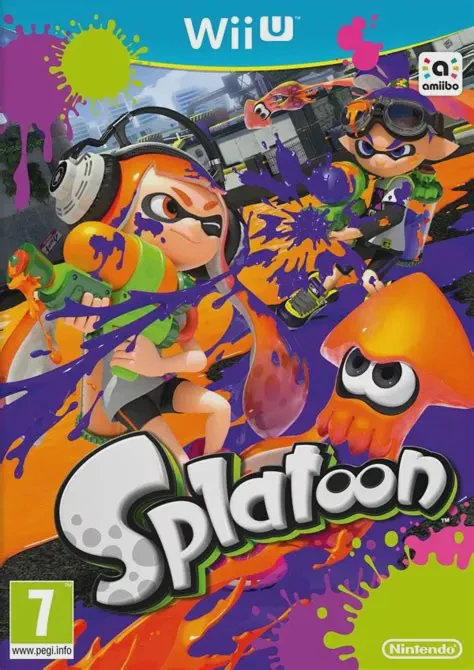
Dive into a fresh, fast-paced third-person shooter where ...
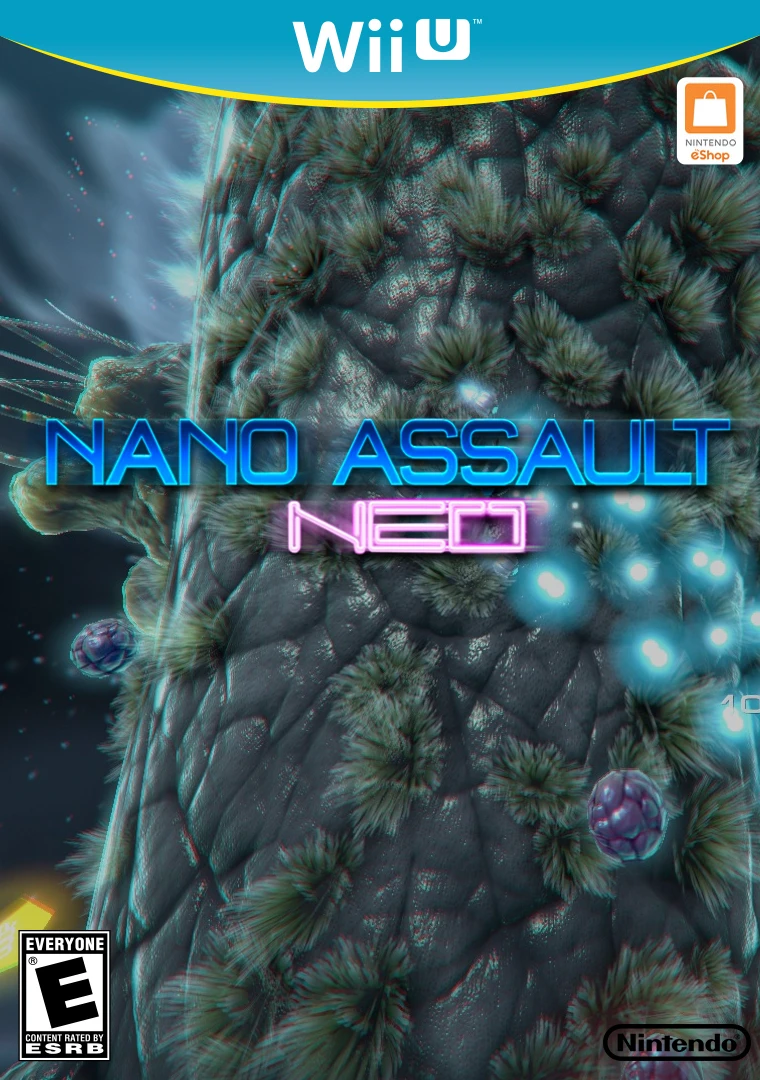
Shrink down to microscopic scale and pilot a high-tech na...
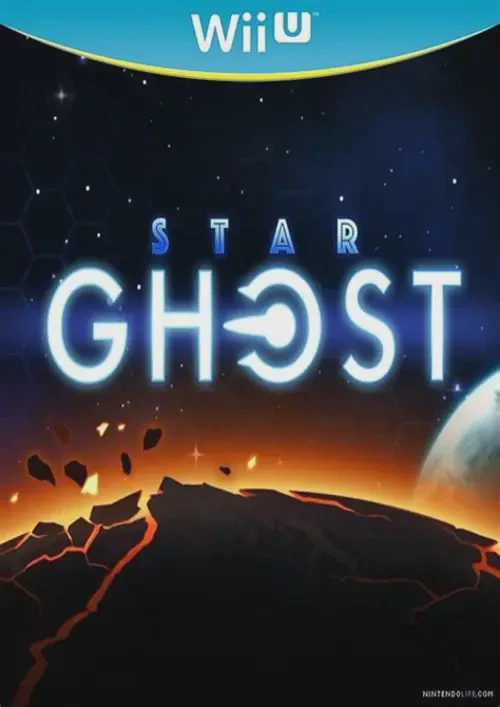
Blast through procedural galaxy sectors in a sleek, arcad...
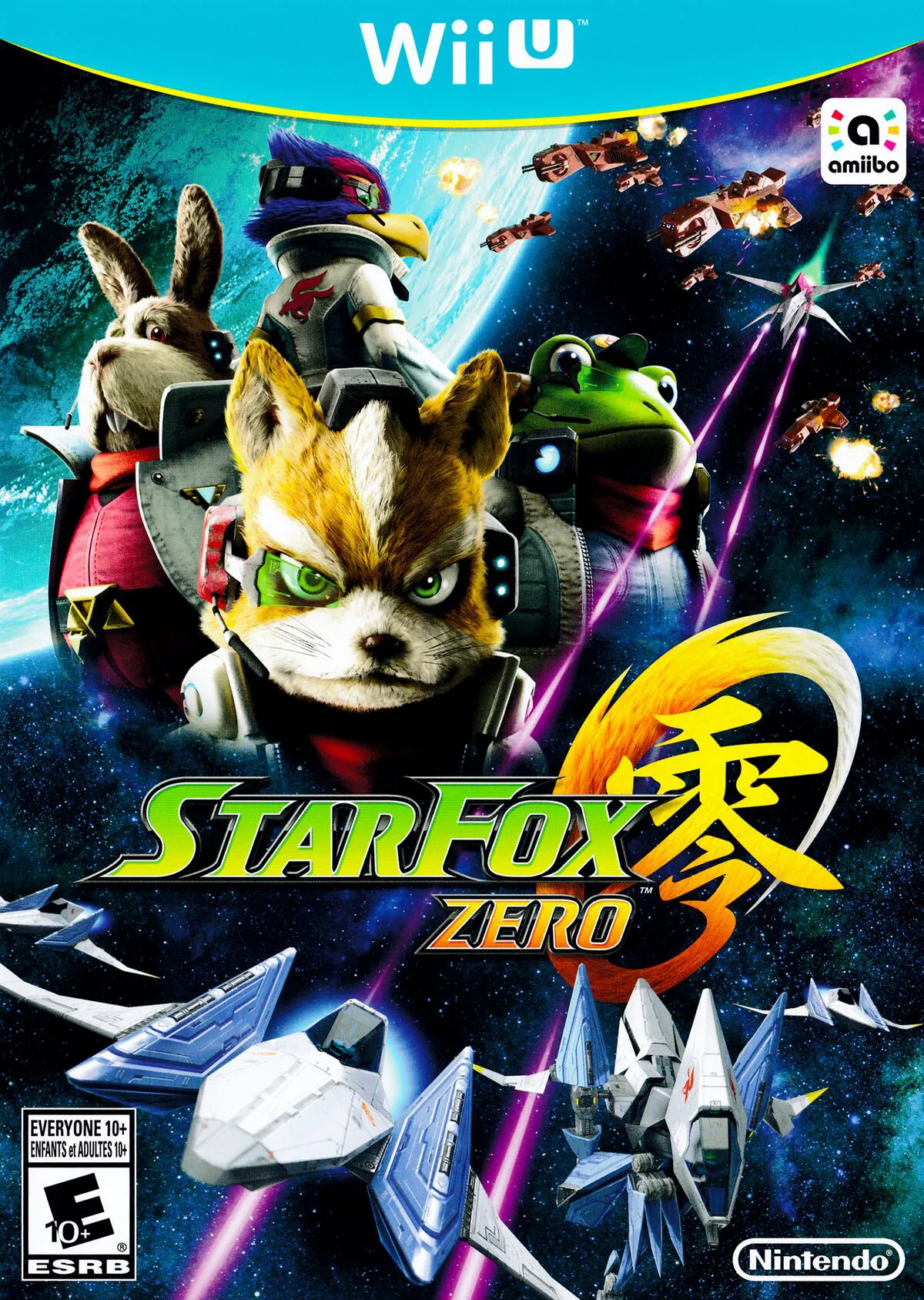
Take to the skies and defend the Lylat System once again ...