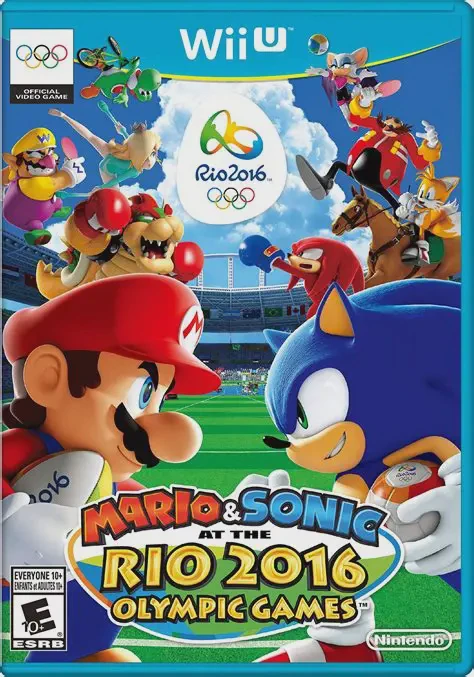
Mario and Sonic - Rio 2016
Join iconic rivals Mario and Sonic alongside their star-s...

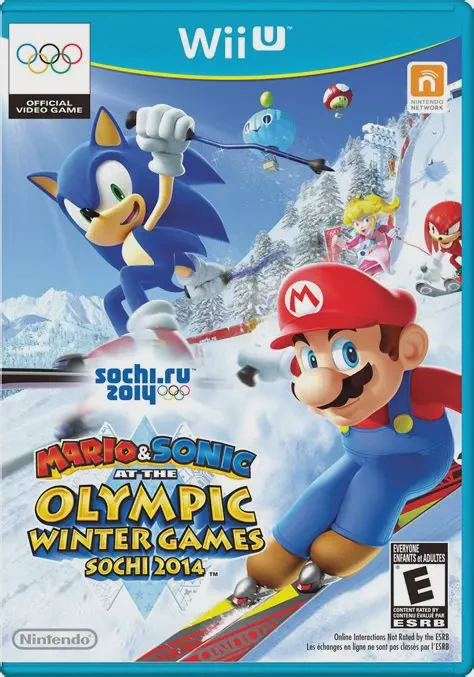
Mario & Sonic at the Sochi 2014 Olympic Winter Games is a winter sports party game developed by Sega Sports R&D and published by Nintendo for the Wii U. As the fourth installment in the beloved crossover series, it marked the franchise's official debut in native high definition and was built to take full advantage of dual-screen and precision motion hardware.
The game features 16 official Olympic events, including Alpine Skiing, Snowboard Cross, Figure Skating Pairs, Speed Skating, Bobsleigh, and Curling. Complementing the official disciplines are 8 "Dream Events," which take classic sports and infuse them with Mushroom Kingdom and Sonic universe mechanics—allowing players to ride Snow Day Street courses, engage in Snowball Scrimmages, or surf on jet skis across shifting icebergs.
A key highlight is the Action Field mode, where up to four players compete in a game show format hosted by Orbot and Cubot. The game also introduced worldwide online competitive play for select events, complete with a country ranking system. With customizable Mii outfits, deep motion controls, and flexible multiplayer options, it provides an engaging party sports package.
Feature | Details |
Title | Mario & Sonic at the Sochi 2014 Olympic Winter Games |
Platform | Nintendo Wii U |
Developer | Sega Sports R&D |
Publisher | Nintendo / Sega |
Genre | Sports / Party / Minigame Compilation |
Release Date | November 2013 |
Game Modes | Single-player, Up to 4-Player Local / Online Multiplayer |
Input Support | Wii U GamePad, Wii Remote Plus & Nunchuk |
Download Size | ~8.6 GB |
24 Total Events: Master 16 officially licensed Olympic Winter disciplines and 8 fantasy Dream Events packed with power-ups and crossover locations.
Dual Controller Precision: Experience gameplay tailored to hardware, combining Wii Remote Plus motion accuracy for skiing and skating with GamePad touchscreen aiming and steering for curling and bobsleigh.
Legends Showdown Mode: Challenge a story-driven campaign where 20 playable characters team up across five world zones to win the legendary Shadow Trophy.
Action Field Quiz Show: Take part in a party game show mode featuring interactive trivia, chaotic minigames, and shifting point multipliers.
Online Worldwide Versus: Represent your home country online by competing against global rivals in key events like Ski Cross, Snowboard Cross, and Short Track Speed Skating.
A: Yes, a Wii Remote Plus (or standard Wii Remote with the MotionPlus accessory attached) is required for events that rely on motion controls, as standard legacy Wii Remotes do not offer the motion precision needed for skiing or skating mechanics.
A: In the Curling event, the GamePad touchscreen is used strategically as a tactical board to draw shot trajectories, set stone spin, and plan strategy before executing throws on the main screen.
A: The game offered online multiplayer support across four specific events (Ski Cross, Snowboard Cross, Short Track Speed Skating, and Winter Sports Champion Race), allowing players to earn points for their country on global leaderboards.
A: Up to four players can participate together locally on a single Wii U console across standard events, Dream Events, and Action Field party modes.
Click the links below to go to the cloud drive download page
⚠️ Download Tips:
Join iconic rivals Mario and Sonic alongside their star-s...
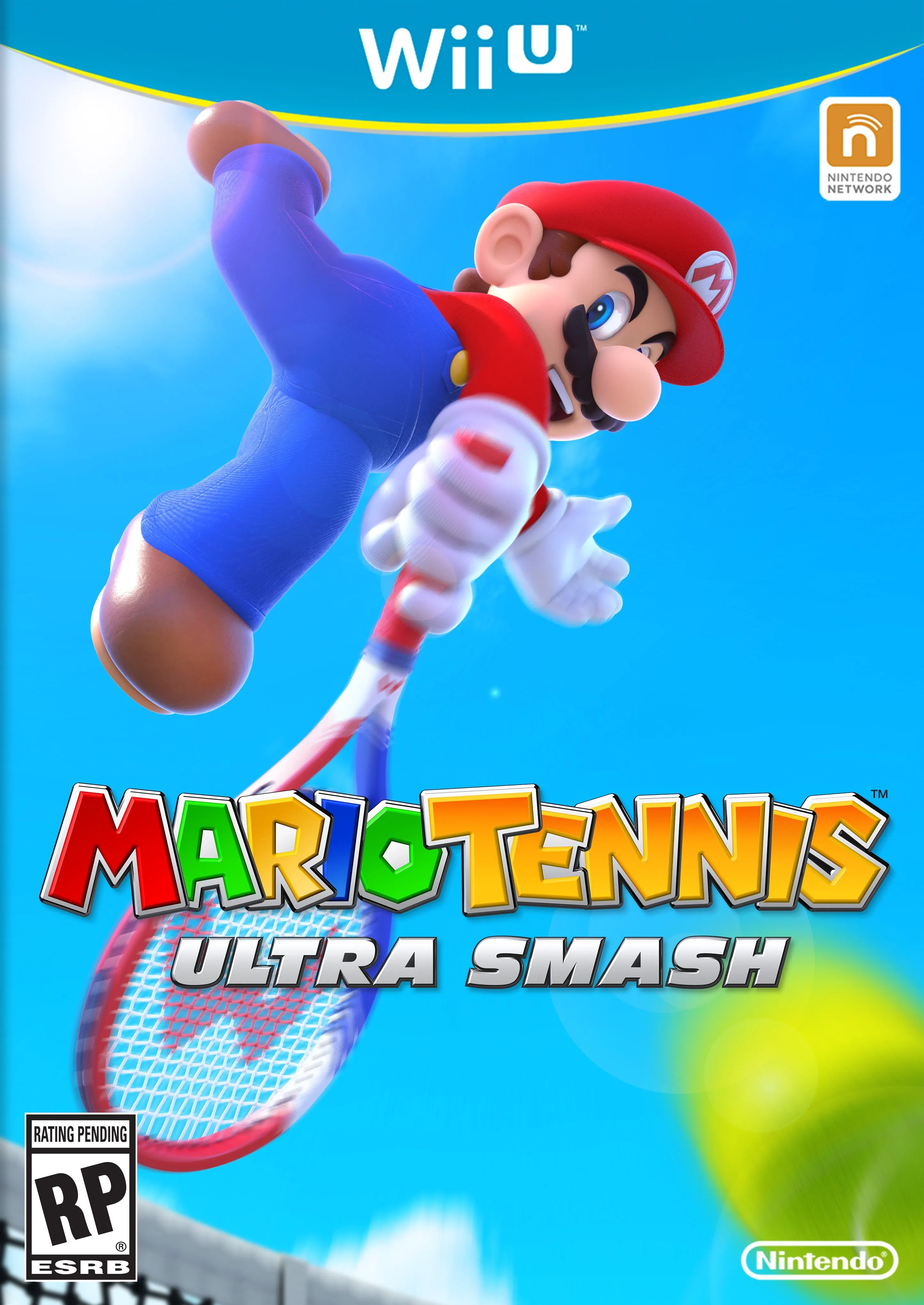
Step onto the court for high-speed, action-packed tennis ...
Step into a colorful, arcade-style sports arena and chall...
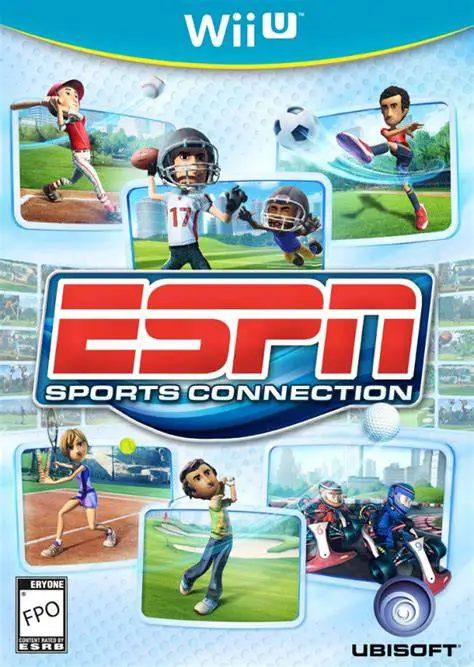
Gather family and friends for a multi-sport arcade compil...
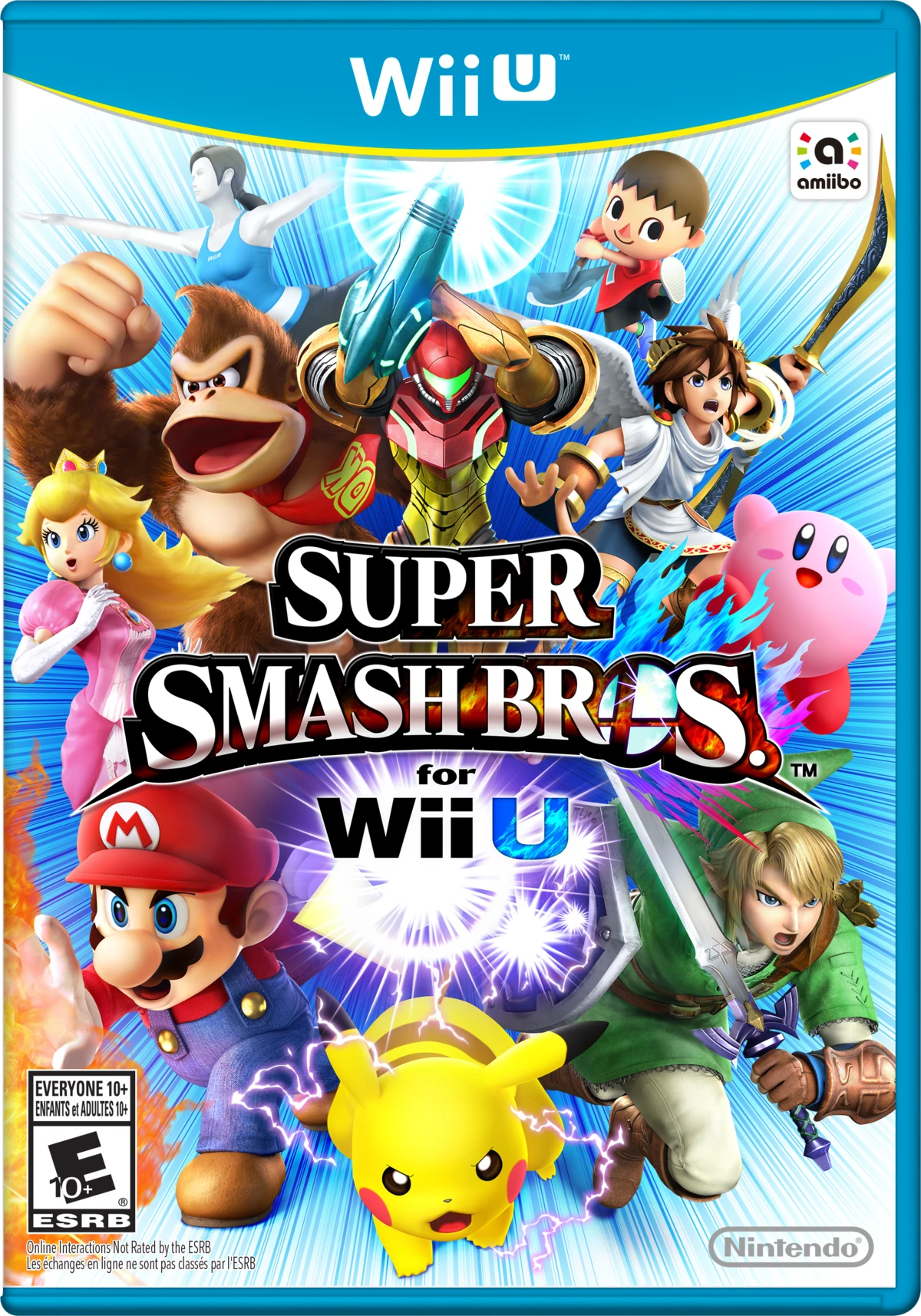
Gather your friends for the ultimate high-definition masc...