Pokemon - Tournament
Experience high-octane Pokémon battles like never before ...

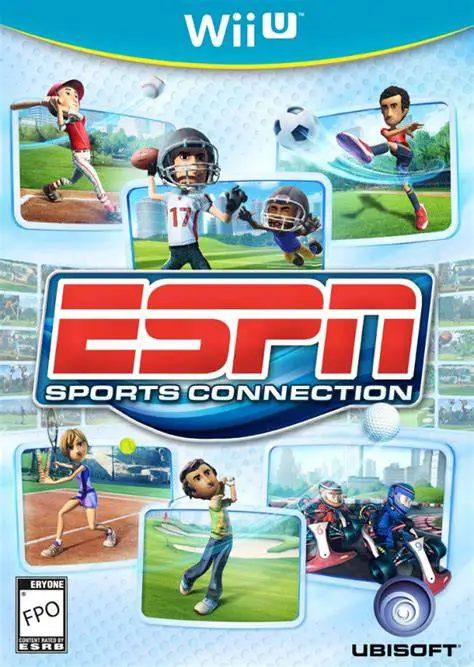
ESPN Sports Connection (known simply as Sports Connection in PAL regions) is an arcade sports party game developed by Ubisoft Barcelona and published by Ubisoft for the Wii U as a launch window title. The game aims to combine accessible motion controls with authentic ESPN presentation elements, including official logos, sound bites, and statistics overlays.
Players choose from customizable avatars or Mii characters to compete across six distinct sporting events. Each sport utilizes tailored control schemes designed to leverage the hardware. For instance, Football allows the GamePad user to draw tactical play routes on the touchscreen before calling the snap, while Golf transforms the GamePad into a tee box view on the floor to analyze ball lies before swinging with a Wii Remote.
Designed with local multiplayer as its primary focus, ESPN Sports Connection supports asymmetric gameplay where one player operates the GamePad touchscreen while up to four opponents use Wii Remotes on the TV screen. Featuring co-op challenges, tournament modes, and interactive minigames, it offers an approachable party experience for casual gamers.
Feature | Details |
Title | ESPN Sports Connection |
Platform | Nintendo Wii U |
Developer | Ubisoft Barcelona |
Publisher | Ubisoft |
Genre | Sports / Party / Minigame |
Release Date | November 2012 (NA) / November 2012 (EU) |
Game Modes | Single-player, Up to 5-Player Local Multiplayer |
Input Support | Wii U GamePad, Wii Remote MotionPlus, Nunchuk |
Download Size | ~1.2 GB |
Six Popular Sports: Participate in arcade adaptations of American Football, Soccer, Baseball, Tennis, Golf, and Kart Racing.
Asymmetric GamePad Controls: Draw custom playbook routes in Football, execute precision curved shots in Soccer, and target pitches in Baseball using the touchscreen.
5-Player Local Multiplayer: Compete with up to five players simultaneously, with one player utilizing the GamePad and four players operating Wii Remotes.
ESPN Sports Branding: Enjoy authentic broadcast styling, official ESPN visual overlays, and thematic menu design.
MotionPlus Integration: Take advantage of precise motion-tracking swing mechanics in Golf, Baseball, and Tennis using Wii Remote MotionPlus controllers.
A: One player uses the Wii U GamePad touchscreen to manage strategic plays or alternate camera angles, while four additional players compete on the TV screen using Wii Remotes.
A: While basic navigation can be performed with standard controllers, sports requiring swing accuracy—such as Golf, Baseball, and Tennis—require Wii Remote MotionPlus controllers for precise motion controls.
A: No, while the game features official ESPN broadcast branding and graphics, the players and teams are customizable fictional avatars and Miis rather than licensed professional athletes.
A: The North American release is officially titled ESPN Sports Connection and features prominent ESPN branding, whereas the European release is titled Sports Connection without the ESPN licensing integration.
Click the links below to go to the cloud drive download page
⚠️ Download Tips:
Experience high-octane Pokémon battles like never before ...
Step into a colorful, arcade-style sports arena and chall...
Step onto the court for high-speed, action-packed tennis ...
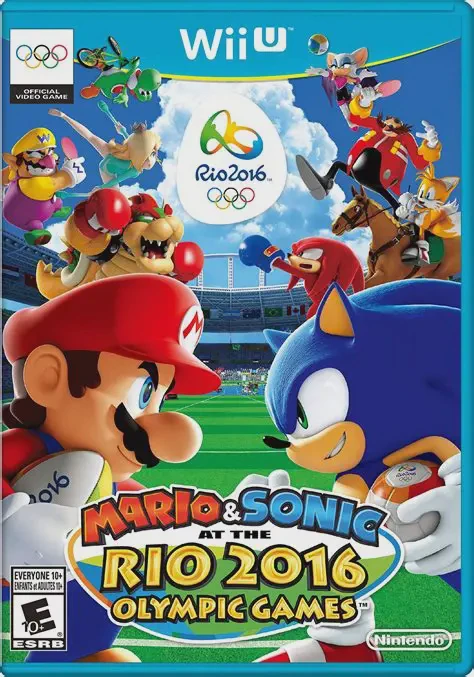
Join iconic rivals Mario and Sonic alongside their star-s...
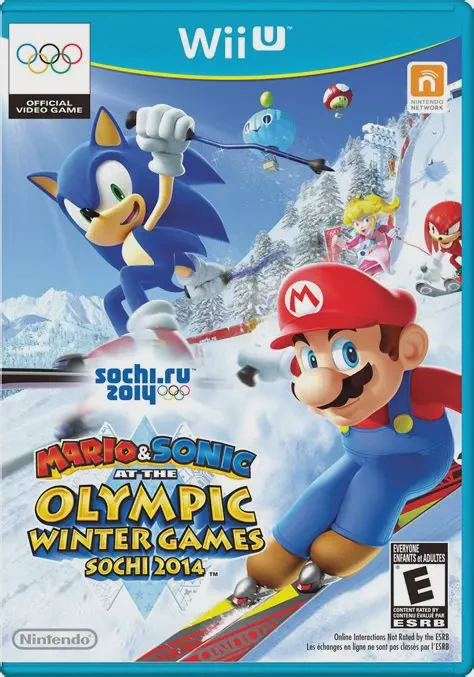
Hit the snow and ice for high-speed cold-weather competit...