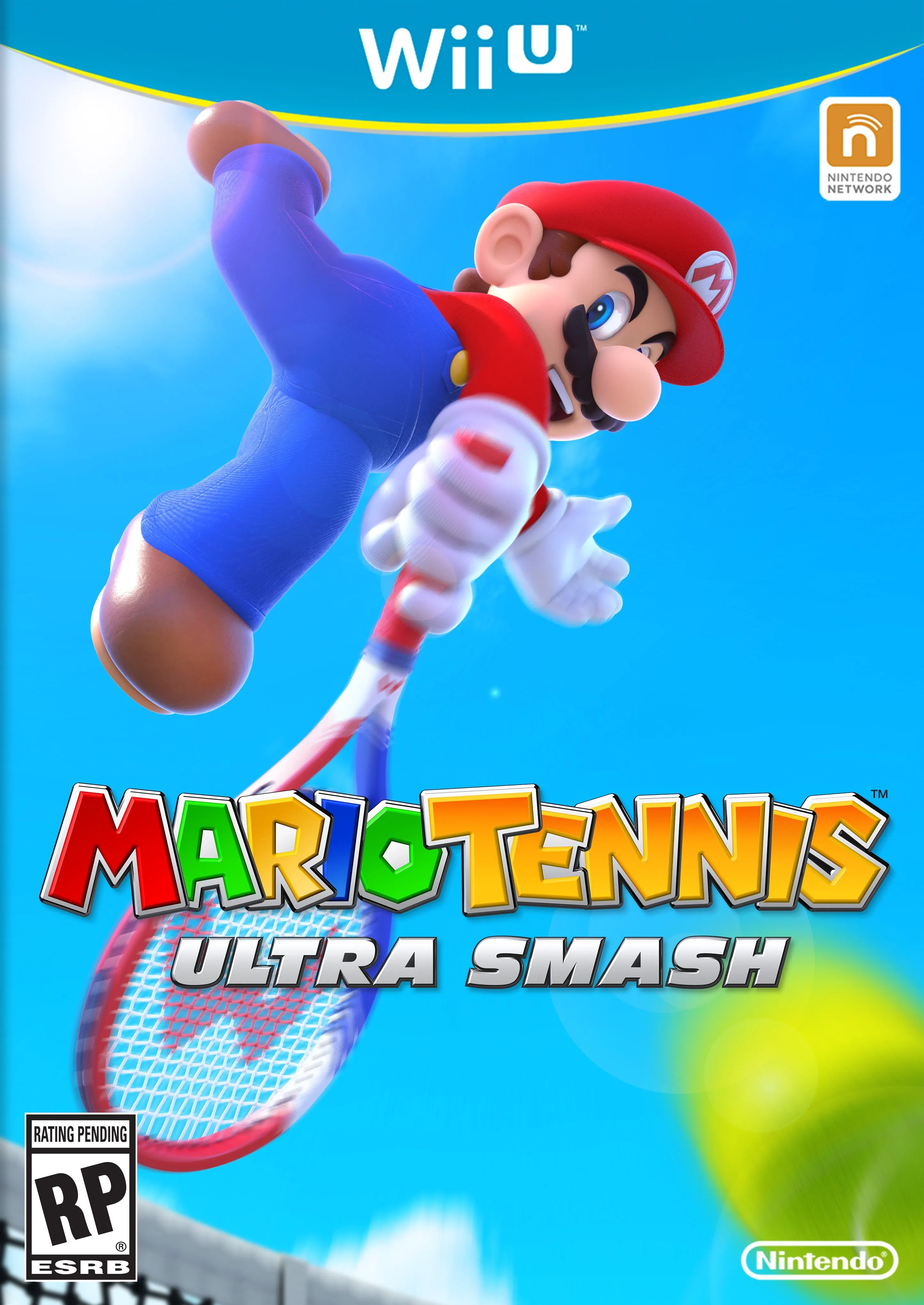
Mario Tennis - Ultra Smash
Step onto the court for high-speed, action-packed tennis ...

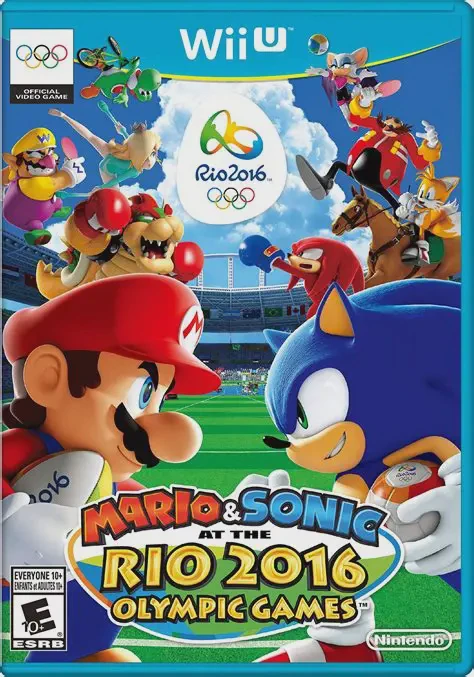
Mario & Sonic at the Rio 2016 Olympic Games is an arcade sports party game developed by Sega Sports R&D and published by Nintendo for the Wii U. Serving as the fifth console installment in the crossover Olympic crossover series, the title brings the Mario and Sonic universes together to compete in authentic venues modelled after real-life Rio de Janeiro facilities, such as the Maracanã Stadium and Sambódromo.
The game features 14 official Olympic disciplines alongside 3 special "Duel Events" (Duel Football, Duel Rugby Sevens, and Duel Beach Volleyball). In standard events, mechanics focus on button timing, rhythmic inputs, and precise controller aiming. Duel Events inject classic Mushroom Kingdom and Sonic series chaos—allowing players to throw Chaos Emeralds, shell attacks, and item power-ups to accumulate Duel Points before scoring goals or points.
Players can enter their custom Mii characters into Heroes Showdown or the main Olympic Games progression modes, wearing thematic outfits and gear unlocked via carnival capsule machines to boost speed, power, and skill stats. Supporting four-player couch multiplayer, it offers a accessible sports package.
Feature | Details |
Title | Mario & Sonic at the Rio 2016 Olympic Games |
Platform | Nintendo Wii U |
Developer | Sega Sports R&D |
Publisher | Nintendo / Sega |
Genre | Sports / Party / Minigame Compilation |
Release Date | June 2016 |
Game Modes | Single-player, Up to 4-Player Local Multiplayer |
Input Support | Wii U GamePad, Wii Remote & Nunchuk, Wii U Pro Controller |
Download Size | ~5.3 GB |
17 Sporting Events: Compete in official sports including Rugby Sevens, Football, Beach Volleyball, Archery, BMX, 100m Dash, Triple Jump, Javelin Throw, Swimming, Rhythmic Gymnastics, Boxing, and Equestrian.
Action-Packed Duel Events: Experience chaotic variations of Rugby Sevens, Football, and Beach Volleyball packed with special items, item boxes, and score multipliers.
Massive Crossover Roster: Play as 34 fan-favorite characters across both franchises, including Mario, Sonic, Bowser, Shadow, Rosalina, Metal Sonic, Yoshi, and Tails.
Mii Customization & Outfits: Equip your Mii with hundreds of unlockable character suits, hats, and equipment to customize stats and visual styling.
Amiibo Suit Unlocks: Scan Mario or Sonic amiibo figures to unlock temporary stat-boosting League costumes and special tournaments.
A: Yes, Rugby Sevens makes its official video game series debut in this title, complete with both standard Olympic rules and an item-filled Duel Rugby Sevens mode.
A: Up to four players can compete together on a single console in local split-screen or multi-lane events using a combination of Wii U GamePads, Wii Remotes, and Pro Controllers.
A: No, the Wii U version focuses on local couch multiplayer, single-player tournament modes, and global Miiverse leaderboards, but does not offer direct online head-to-head matchmaking.
A: While the GamePad can be used to control menus and play all events using standard button and gyro motion configurations, events do not rely heavily on direct touchscreen drawing or swiping.
Click the links below to go to the cloud drive download page
⚠️ Download Tips:
Step onto the court for high-speed, action-packed tennis ...
Step into a colorful, arcade-style sports arena and chall...
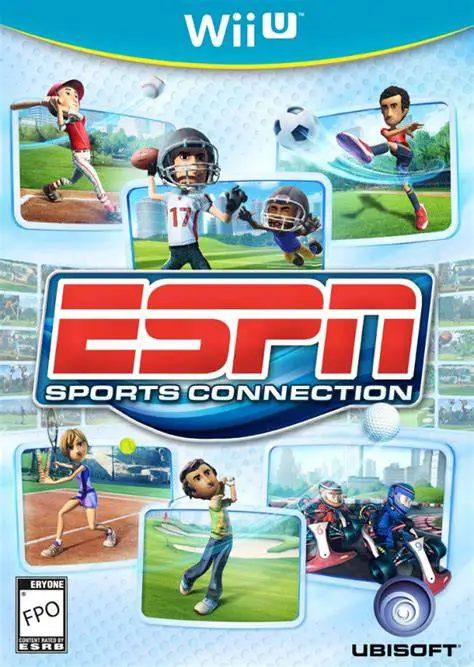
Gather family and friends for a multi-sport arcade compil...
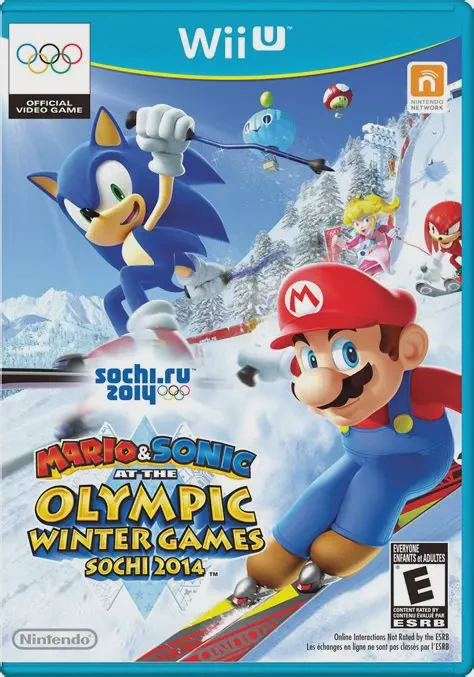
Hit the snow and ice for high-speed cold-weather competit...
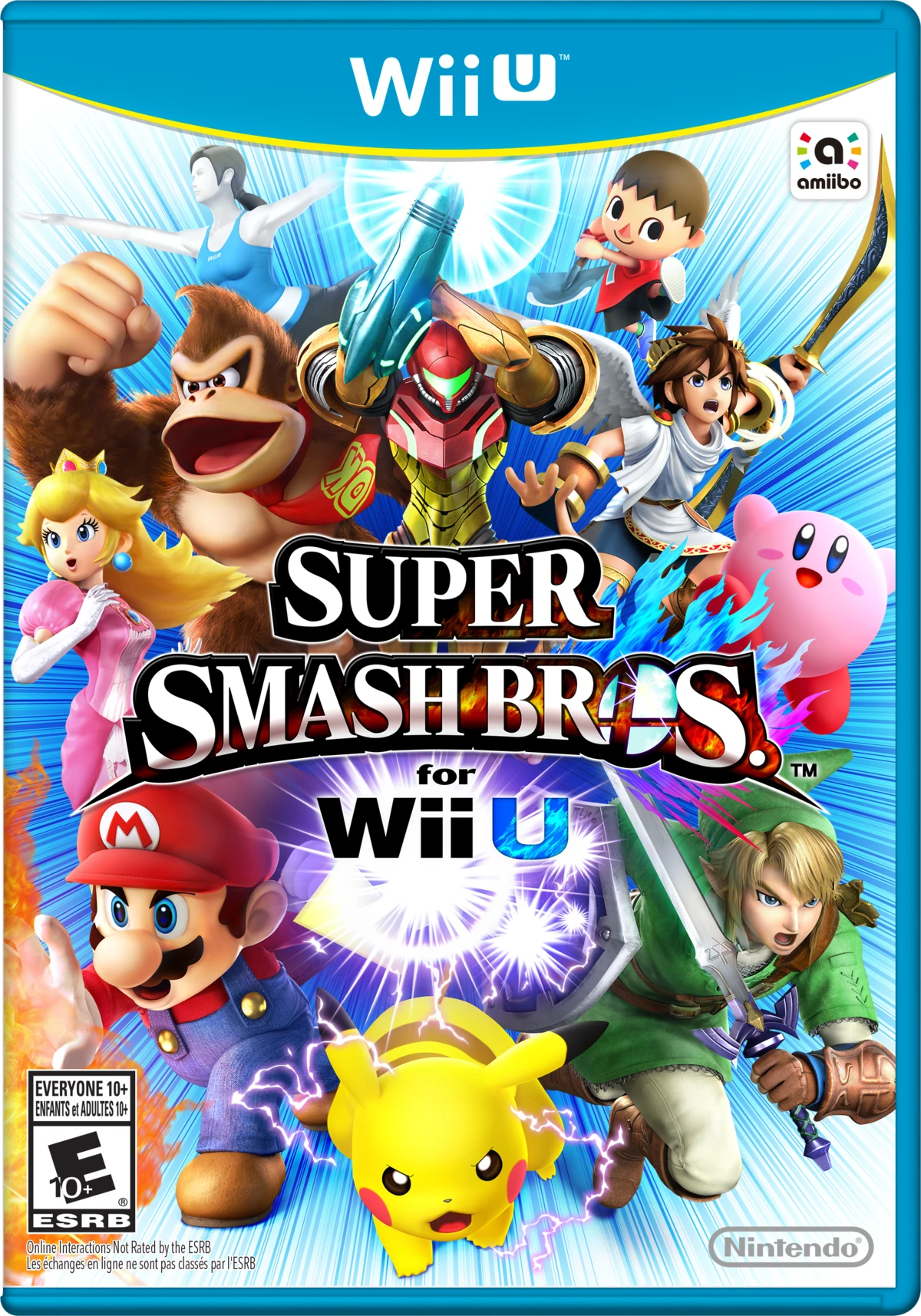
Gather your friends for the ultimate high-definition masc...