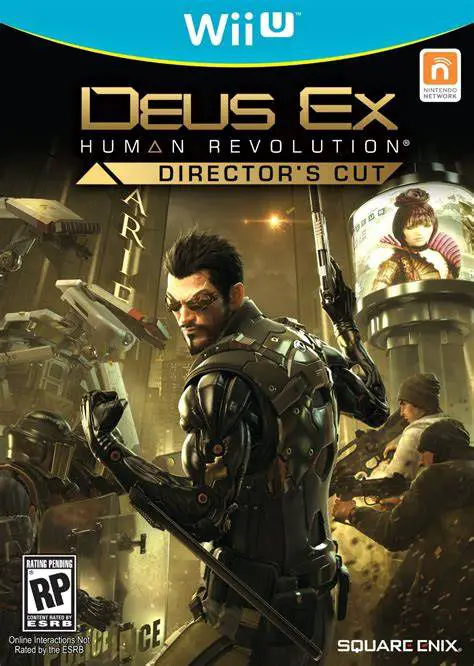
Deus Ex: Human Revolution...
Deus Ex: Human Revolution - Director's Cut is a criticall...

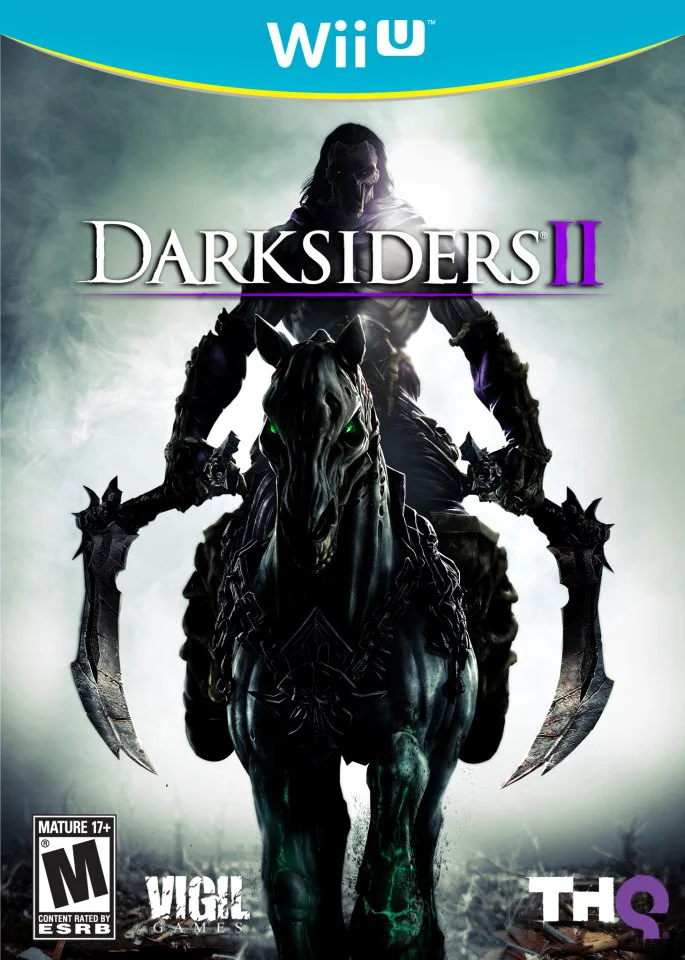
Darksiders II brings its massive dark fantasy universe to the Nintendo Wii U with high-definition visuals, integrated downloadable content, and dedicated GamePad features. The story begins following War's premature triggering of the Apocalypse. Refusing to believe his brother committed such treason, Death ventures into ancient otherworldly realms—including the Forge Lands, Kingdom of the Dead, and Lost Light—to find the Tree of Life and erase War's alleged crime.
The gameplay seamlessly blends high-speed hack-and-slash combat with deep action-RPG mechanics. Death wields signature dual scythes alongside a wide array of secondary weapons, such as heavy hammers, gauntlets, and fast claws. Players customize Death’s abilities through distinct skill trees—Harbinger for physical melee prowess and Necromancer for summoning undead minions and elemental magic. Exploration features fluid wall-running, ledge-climbing, and horse riding atop his spectral steed, Despair.
On the Nintendo Wii U, the game leverages the Wii U GamePad screen for instant real-time menu navigation. Players can switch weapons, assign skill points, manage inventory loot, and check the regional map on the touch screen without interrupting active combat or exploration. Complete with all major story expansions included on the disc, Darksiders II delivers a comprehensive action-adventure experience on Nintendo's console.
Specification | Details |
Full Title | Darksiders II |
Platform | Nintendo Wii U |
Developer | Vigil Games |
Publisher | THQ |
Release Date | November 18, 2012 (NA) / November 30, 2012 (EU) |
Genre | Action RPG, Hack and Slash, Action-Adventure |
Game Modes | Single-player |
Input Methods | Wii U GamePad, Wii U Pro Controller |
Region Code | Region-Locked (NTSC-U / PAL / NTSC-J) |
Play as Death: Control the most feared of the Four Horsemen of the Apocalypse in an epic quest across sprawling fantasy realms.
Deep RPG Customization: Equip customizable armor sets, weapons, and accessories while leveling up skill trees across Harbinger and Necromancer paths.
Complex Dungeon Puzzles: Explore massive dungeons filled with environmental puzzles, traps, climbing challenges, and giant boss encounters.
Wii U GamePad Integration: Touchscreen access for real-time weapon swapping, inventory management, skill trees, and mini-map tracking.
Bundled DLC Expansion Content: Includes major downloadable expansions on disc, including Argul's Tomb, The Abyssal Forge, and The Demon Lord Belial.
A: It is an action RPG hack-and-slash game featuring fluid combo-based combat, platforming traversal, loot gathering, and dungeon puzzle-solving.
A: Yes, the Wii U disc version includes major story downloadable content packs—such as Argul's Tomb, The Abyssal Forge, and The Demon Lord Belial—built directly into the package.
A: The GamePad touchscreen allows players to view the map, manage inventory gear, equip weapons, and assign talent points instantly without pausing the game.
A: Yes, the game fully supports Off-TV Play, letting you stream and play the entire adventure directly on the Wii U GamePad screen.
Click the links below to go to the cloud drive download page
⚠️ Download Tips:
Deus Ex: Human Revolution - Director's Cut is a criticall...
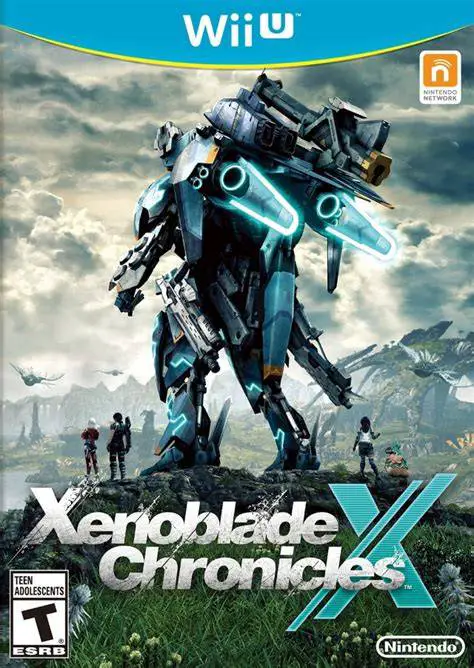
Embark on an epic sci-fi open-world RPG adventure across ...
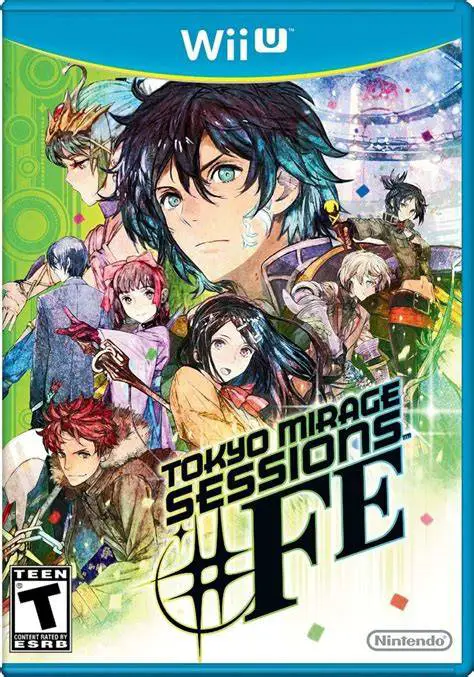
Enter a stylish, pop-infused fusion of two iconic RPG fra...
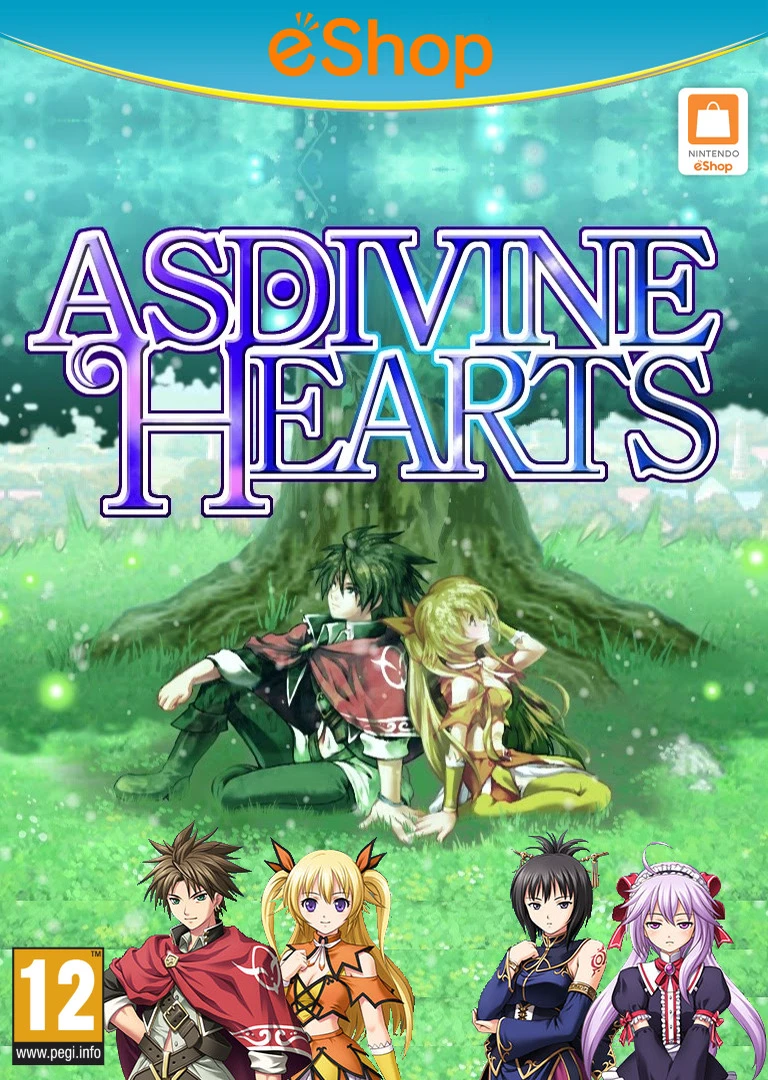
Asdivine Hearts is a classic turn-based Japanese role-pla...
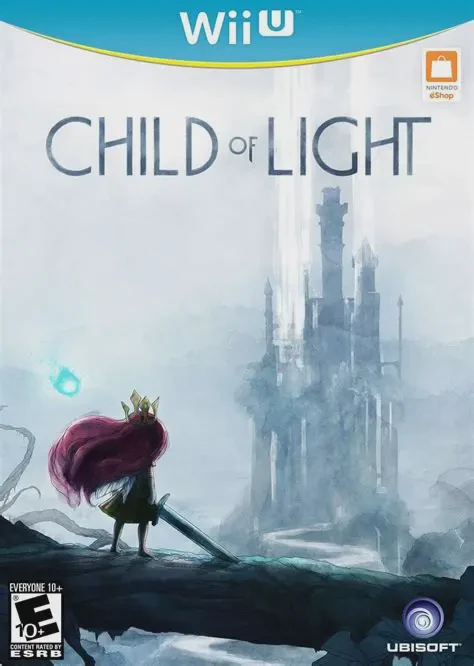
Child of Light is a critically acclaimed playable poem an...