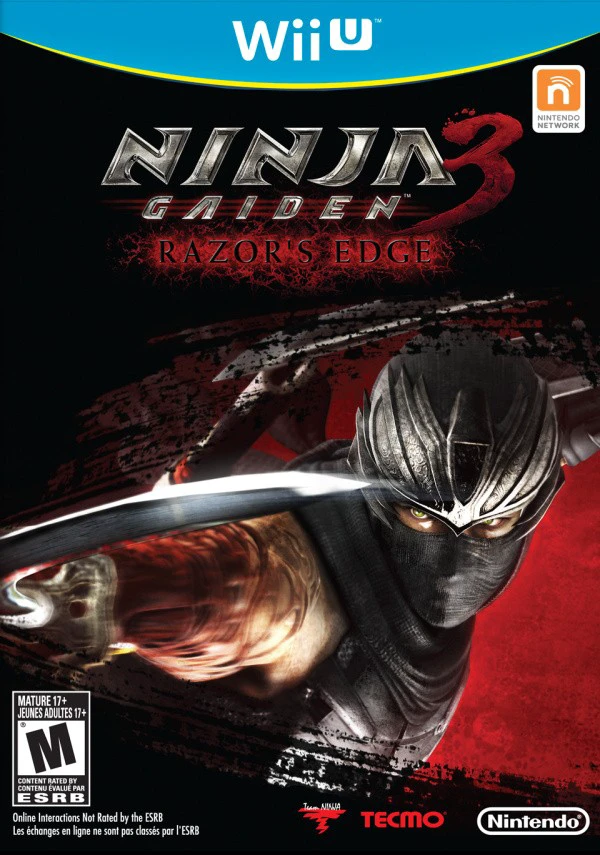
Ninja Gaiden 3: Razor's Edge
Experience brutal, high-octane ninja combat in the defini...

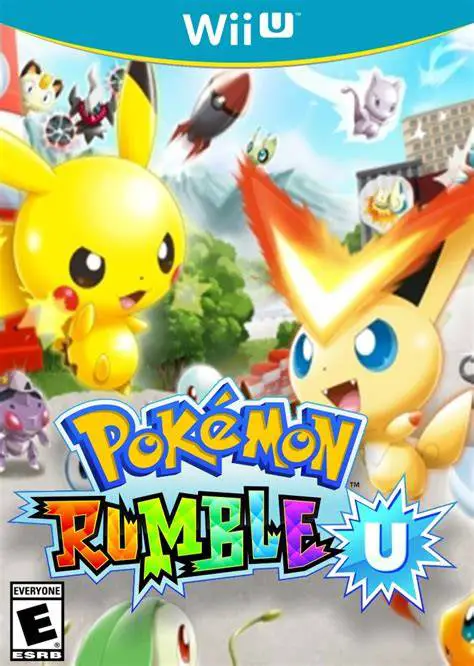
Pokémon Rumble U is a real-time action brawler developed by Ambrella and published by The Pokémon Company and Nintendo exclusively for the Wii U eShop. As the third installment in the Pokémon Rumble sub-series, the game translates the franchise's signature toy-collecting combat into high-definition arenas supporting up to 100 Pokémon on screen at once.
The core gameplay loop centers around battle arenas where players maneuver their Toy Pokémon to defeat waves of opposing figures, collect dropped coins, and recruit defeated Pokémon to expand their battle roster. Attacks are mapped to simple button inputs, allowing players to quickly unleash elemental moves, trigger screen-clearing Touch Bomb items, and collect power-up capsules.
Pokémon Rumble U holds a unique place in Nintendo history as the first game to utilize the NFC (Near Field Communication) reader built into the Wii U GamePad. Players could purchase physical blind-bag Toy Pokémon figures and tap them onto the GamePad to instantly import custom figures with saved battle stats, special traits, and move customizations into the game.
Feature | Details |
Title | Pokémon Rumble U |
Platform | Nintendo Wii U (eShop Exclusive) |
Developer | Ambrella |
Publisher | The Pokémon Company / Nintendo |
Genre | Action / Beat 'em Up / Brawler |
Release Date | August 2013 (NA/EU) / April 2013 (JP) |
Game Modes | Single-player, Up to 4-Player Local Co-Op |
Input Support | Wii U GamePad (NFC Required for Physical Figures), Wii Remote, Wii U Pro Controller |
Download Size | ~1.2 GB |
Massive 649 Pokémon Roster: Collect and battle with Toy Pokémon forms spanning Generations I through V, including Legendary and Mythical Pokémon.
Large-Scale Arena Battles: Fight through multi-wave arenas featuring up to 100 simultaneous active Pokémon on screen at once.
First Nintendo NFC Toys-to-Life: Tap physical Pokémon Rumble U NFC figures onto the Wii U GamePad to spawn custom figures and save battle progress directly to the toy.
4-Player Local Co-Op: Team up with up to three friends locally to tackle main campaign stages, clear boss challenges, and share dropped loot.
Special Items & Touch Bombs: Use the GamePad touchscreen to detonate battle items, call in support moves, or fling giant Poke Balls into crowded arenas.
A: No, physical NFC figures are completely optional. All 649 Pokémon can be encountered, defeated, and befriended directly in-game without buying any physical toys.
A: Tapping an official Pokémon Rumble U NFC figure onto the lower-left section of the Wii U GamePad spawns that specific Toy Pokémon in-game. Any coins spent to upgrade its stats or change its moves are saved directly back to the physical figure.
A: Yes, the game fully supports Off-TV Play, allowing players to view all battles, manage toy rosters, and scan NFC figures directly on the Wii U GamePad screen without using a TV.
A: No, Pokémon Rumble U focuses exclusively on offline single-player and 4-player local cooperative multiplayer.
Click the links below to go to the cloud drive download page
⚠️ Download Tips:
Experience brutal, high-octane ninja combat in the defini...
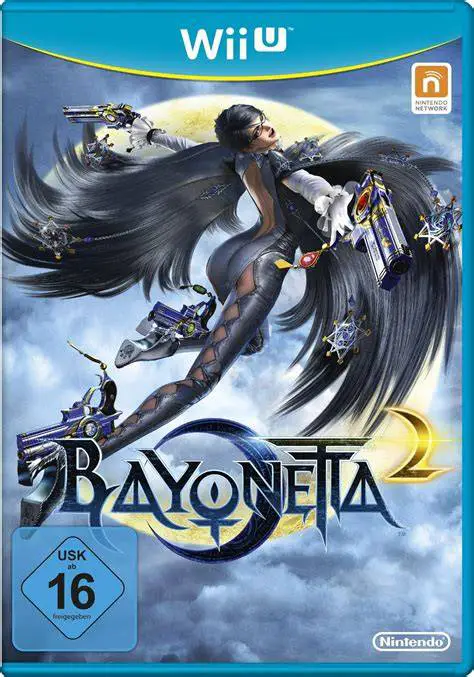
Unleash stylish climax action as the iconic Umbra Witch B...
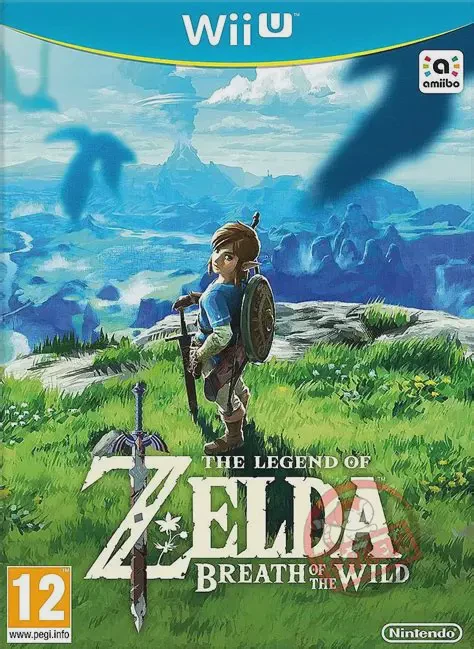
Step into a vast world of discovery, exploration, and adv...
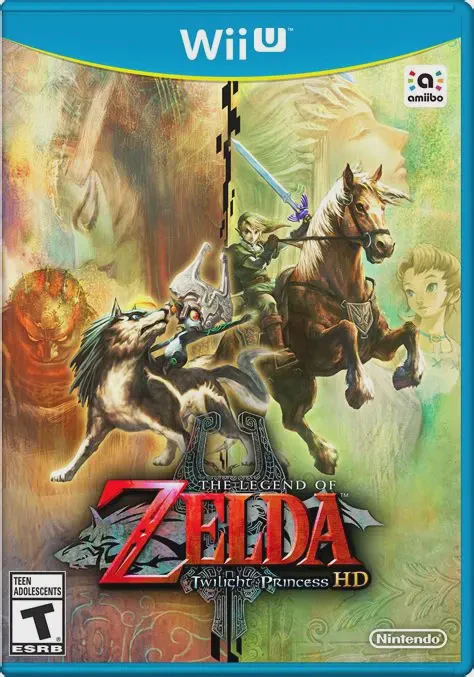
Embark on a grand, dark fantasy adventure across a threat...
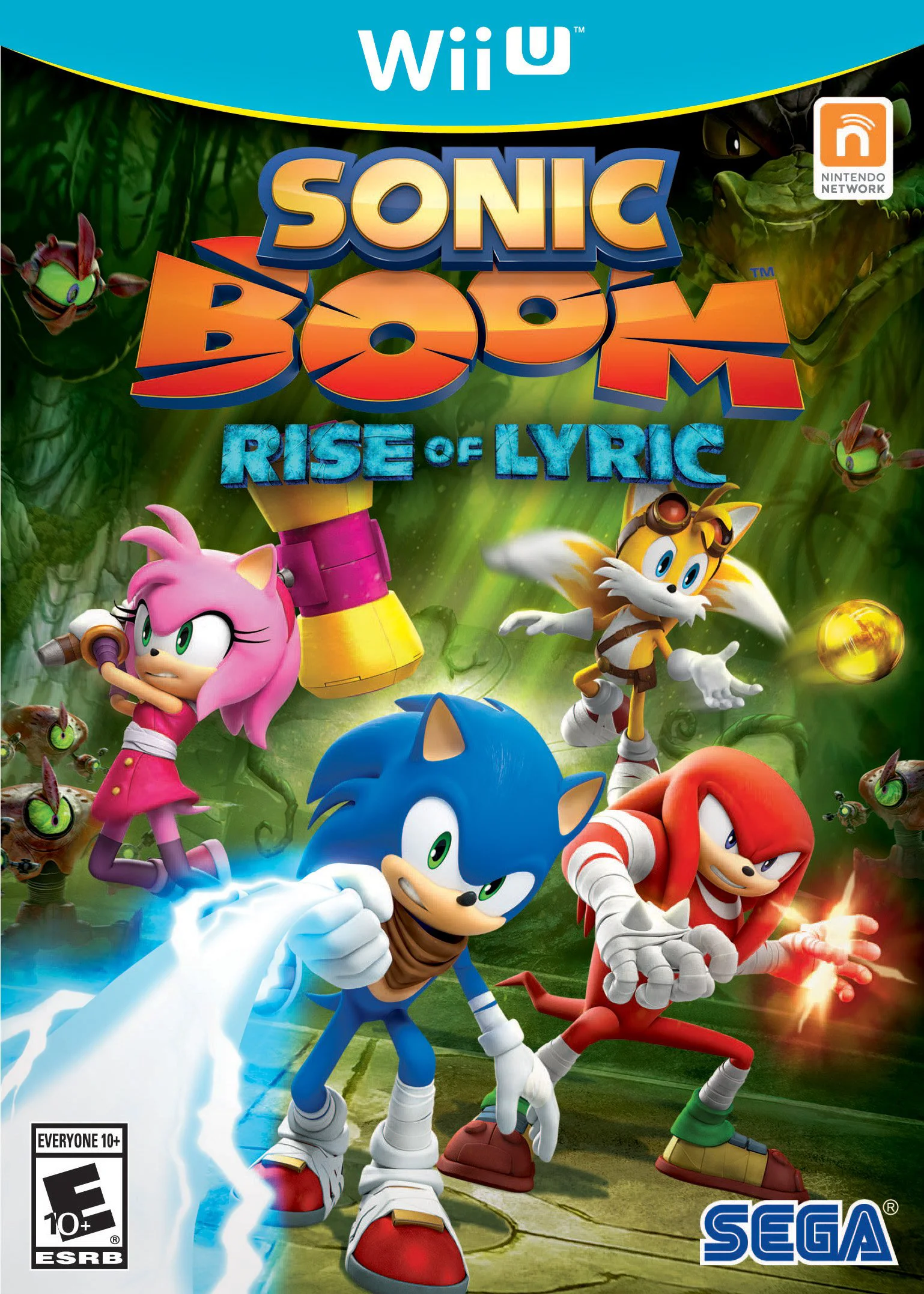
Embark on an action-adventure journey as Sonic, Tails, Kn...