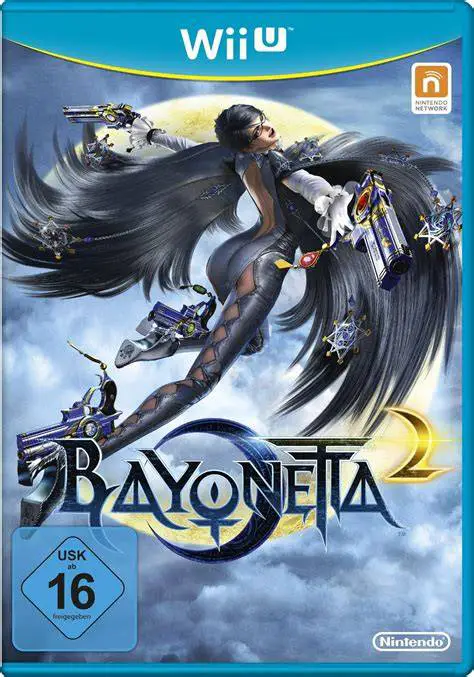
Bayonetta 2
Unleash stylish climax action as the iconic Umbra Witch B...

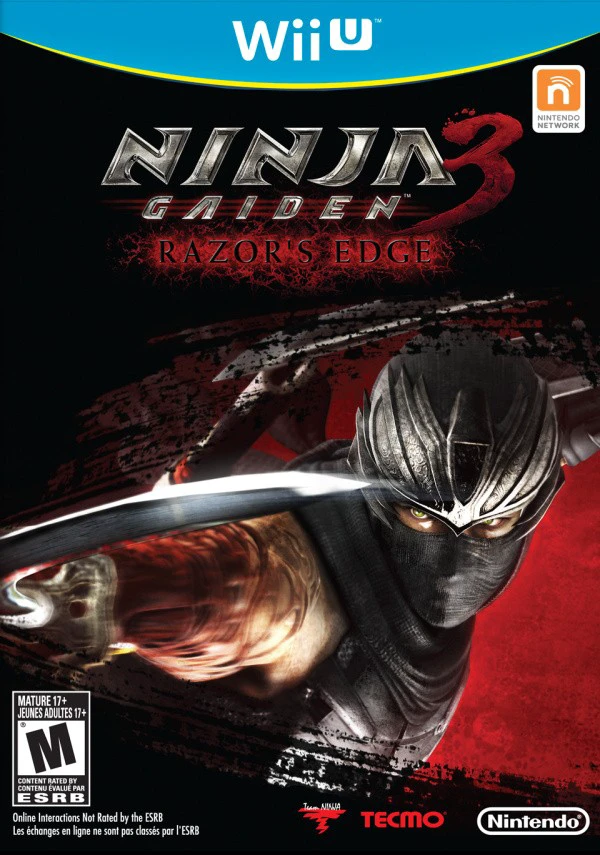
Ninja Gaiden 3: Razor's Edge is a hard-hitting action hack-and-slash game developed by Team Ninja and published by Nintendo (in NA/EU) and Tecmo Koei (in JP) for the Wii U. Developed in response to fan feedback from the original Ninja Gaiden 3, Razor's Edge re-engineered the core gameplay systems to align with the punishing high-skill standards set by earlier entries in the franchise.
The combat system restores gory limb dismemberment, aggressive enemy AI, and the "Steel on Bone" counter technique, allowing players to chain lethal strikes through entire squads of enemies. Ryu gains access to an expanded arsenal of six weapon types—including the Dual Swords, Lunar Staff, and Scythe—alongside specialized Karma points used to unlock new combo strings, health upgrades, and Ninpo magic.
Making clever use of the hardware, the Wii U GamePad display allows players to execute quick Ninpo spells, switch weapons on the fly, and view combo command lists without pausing the action. Featuring dedicated single-player chapters for Ayane, two-player online co-op Ninja Trials, and clan battle multiplayer modes, Razor's Edge stands as an intense action title on the platform.
Feature | Details |
Title | Ninja Gaiden 3: Razor's Edge |
Platform | Nintendo Wii U |
Developer | Team Ninja |
Publisher | Nintendo / Tecmo Koei |
Genre | Action / Hack and Slash |
Release Date | November 2012 (NA) / January 2013 (EU/JP) |
Game Modes | Single-player, 2-Player Co-Op Ninja Trials, Online Multiplayer |
Input Support | Wii U GamePad, Wii U Pro Controller |
Download Size | ~5.4 GB |
Restored Brutal Mechanics: Experience high-speed combat featuring limb dismemberment, blood, refined enemy AI, and fluid "Steel on Bone" chain executions.
Expanded Playable Character Roster: Play as Ryu Hayabusa alongside kunoichi warriors Ayane, Momiji, and Kasumi, each featuring unique story chapters, weapons, and Ninpo magic.
Expanded Weapon & Skill Progression: Spend earned Karma points in a skill tree to upgrade weapons, learn special moves, and boost health meters.
GamePad Touch Integration: Select weapons, execute instant Ninpo spells, and review active combo chains seamlessly via the Wii U GamePad screen.
Co-Op & Competitive Online Modes: Partner up in two-player online Ninja Trials missions or compete in 8-player "Clan Battle" multiplayer matches.
A: Razor's Edge reinstates full limb dismemberment and gore, rebalances enemy AI, adds multiple playable characters (Ayane, Momiji, Kasumi), re-introduces six primary weapon types and Ninpo spells, and incorporates an upgradeable Karma skill tree.
A: Yes, the game fully supports Off-TV Play, allowing players to mirror the entire campaign and online modes onto the Wii U GamePad display.
A: Ayane features dedicated story chapters within the main campaign, while Momiji, Kasumi, and Ayane can all be unlocked for use in Chapter Challenge mode and online Ninja Trials.
A: Yes, players can switch to the Wii U Pro Controller for a traditional gamepad setup while still maintaining access to off-screen features on the GamePad if needed.
Click the links below to go to the cloud drive download page
⚠️ Download Tips:
Unleash stylish climax action as the iconic Umbra Witch B...
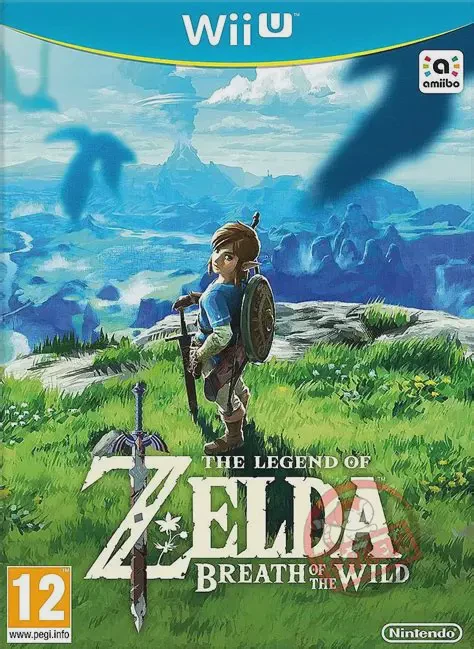
Step into a vast world of discovery, exploration, and adv...
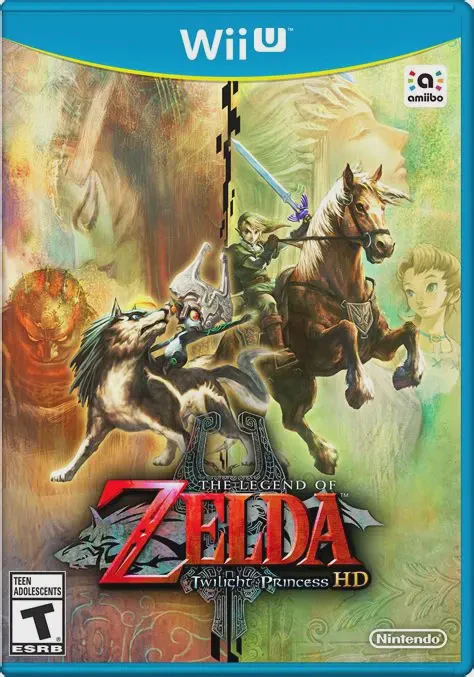
Embark on a grand, dark fantasy adventure across a threat...
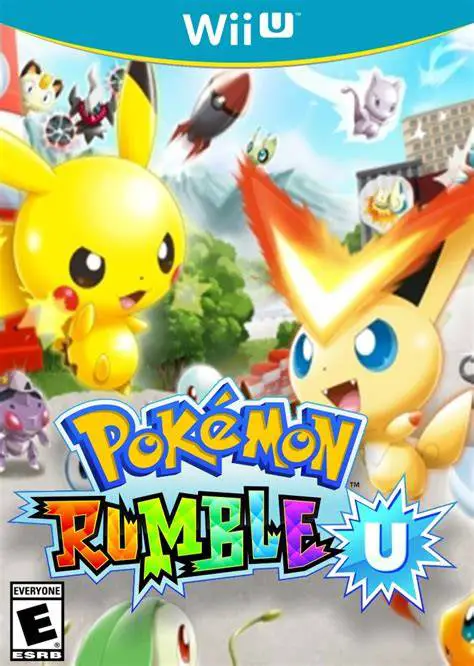
Jump into fast-paced, real-time brawls with dozens of Toy...
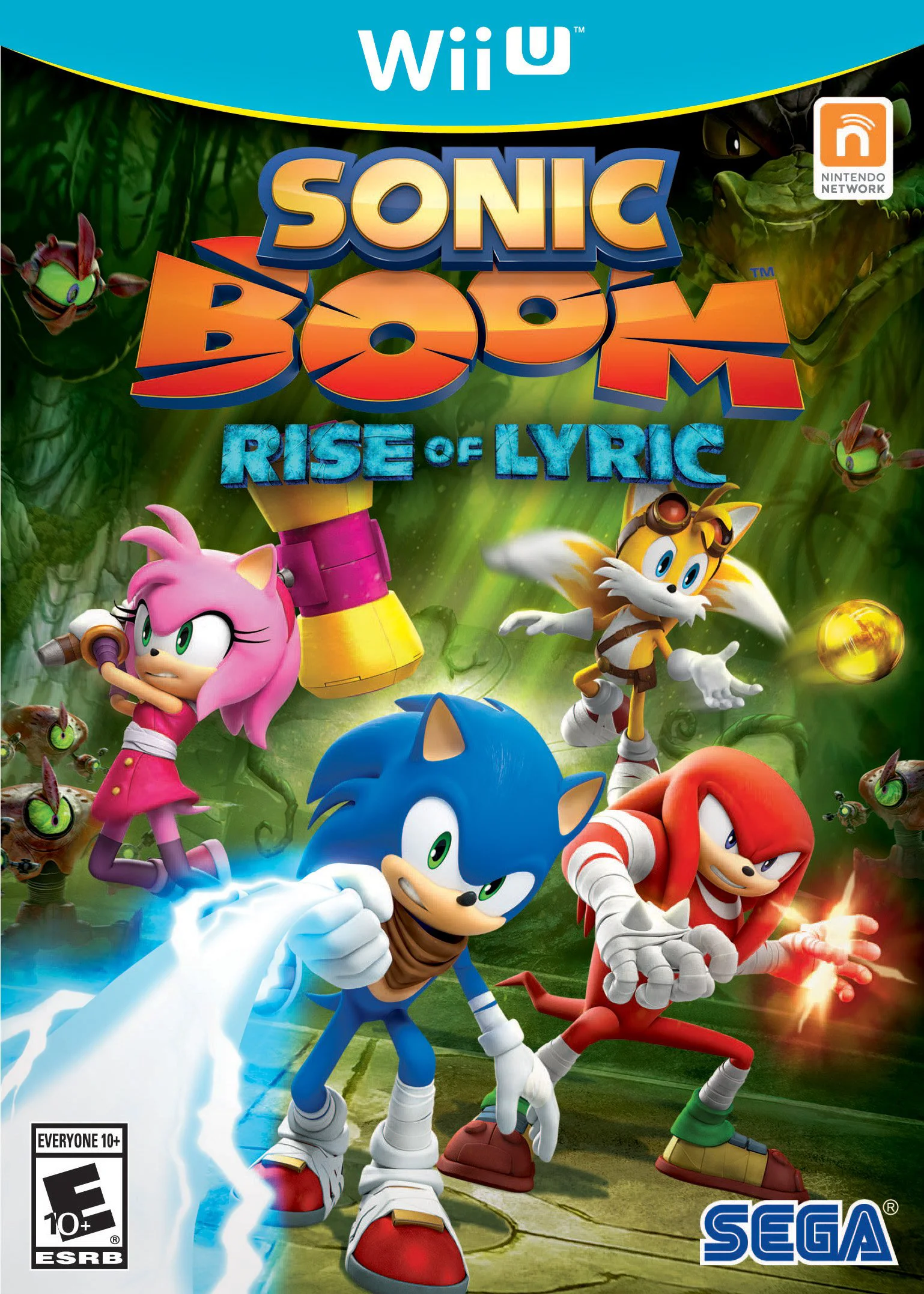
Embark on an action-adventure journey as Sonic, Tails, Kn...