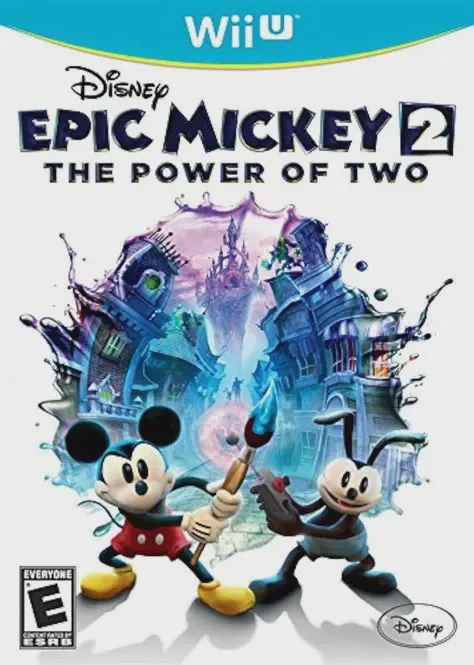
Disney Epic Mickey 2: The...
Disney Epic Mickey 2: The Power of Two is a 3D action-adv...

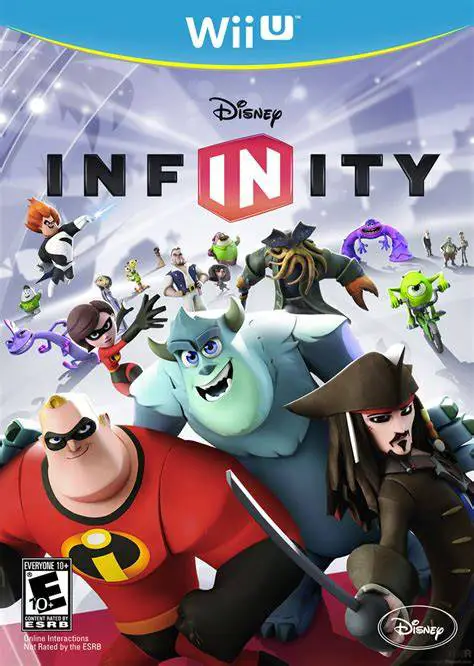
Disney Infinity introduces a groundbreaking crossover sandbox platform to the Nintendo Wii U, blending physical toys with creative digital gameplay. The game revolves around placing physical character figures onto the USB-connected Disney Infinity Base, instantly transferring those characters into the virtual world.
Gameplay is divided into two primary modes: Play Sets and the Toy Box. Play Sets serve as self-contained action-adventure games dedicated to specific franchises—such as Monsters University, Pirates of the Caribbean, The Incredibles, Cars, and The Lone Ranger. Each Play Set offers unique world mechanics, open-world missions, combat encounters, and vehicles faithful to its source movie.
The Toy Box mode serves as an open-world creation suite where all Disney and Pixar properties collide without restrictions. Players can build custom cities, construct racing tracks, design platforming obstacle courses, and program mini-games using unlocked items, vehicles, and gadgets. On the Wii U, the GamePad screen enhances Toy Box creation by providing intuitive touchscreen tools for placing terrain, organizing inventory, and editing game rules on the fly.
Specification | Details |
Full Title | Disney Infinity |
Platform | Nintendo Wii U |
Developer | Avalanche Software |
Publisher | Disney Interactive Studios |
Release Date | August 18, 2013 (NA) / August 23, 2013 (EU) |
Genre | Action-Adventure, Sandbox, Toys-to-Life |
Game Modes | Single-player, Local 2-Player Co-Op, Online Multiplayer |
Input Methods | Wii U GamePad, Wii U Pro Controller, Disney Infinity Base |
Region Code | Region-Locked (NTSC-U / PAL / NTSC-J) |
Toys-to-Life Integration: Place physical character figures and Power Discs onto the Disney Infinity Base to unlock characters, gadgets, and world themes.
Diverse Play Set Campaigns: Experience distinct story-driven campaigns across Monsters University, Pirates of the Caribbean, The Incredibles, and more.
Limitless Toy Box Sandbox: Construct custom worlds, race tracks, platforming levels, and mini-games by combining Disney assets without restrictions.
Wii U Touchscreen World-Building: Use the Wii U GamePad touch screen for fast, intuitive object placement and inventory management in Toy Box mode.
Couch Co-Op & Multiplayer: Enjoy 2-player local split-screen co-op during Play Set story missions and Toy Box explorations.
A: You need the USB Disney Infinity Base peripheral and compatible physical Disney Infinity character figures or Play Set pieces to unlock and play the game content.
A: No, Play Sets are story-driven campaigns restricted to characters from that specific franchise (e.g., Jack Sparrow in Pirates of the Caribbean). However, all characters can be mixed freely inside Toy Box mode.
A: Yes, the game supports 2-player local split-screen co-op play across both Play Set campaigns and Toy Box mode.
A: Yes, you can stream and play the game directly on the Wii U GamePad screen without needing a connected television.
Click the links below to go to the cloud drive download page
⚠️ Download Tips:
Disney Epic Mickey 2: The Power of Two is a 3D action-adv...
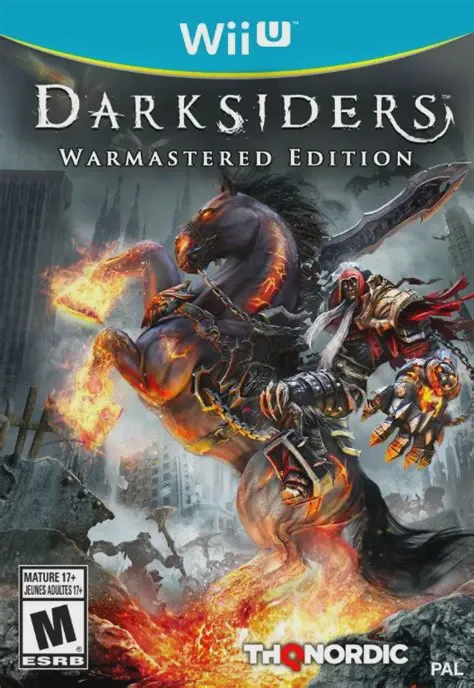
Darksiders Warmastered Edition is an action-adventure hac...
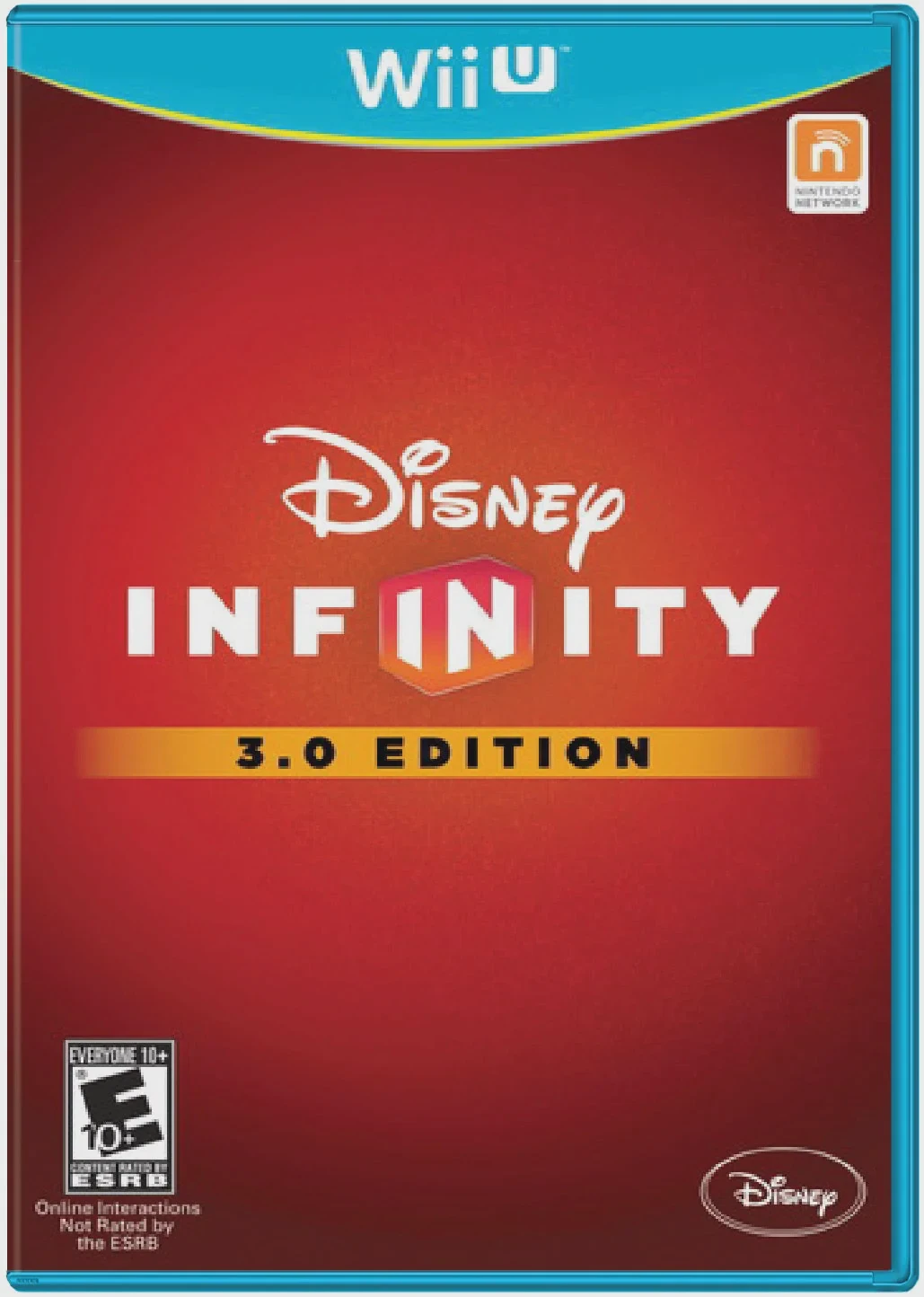
Disney Infinity 3.0 Edition is an action-adventure sandbo...
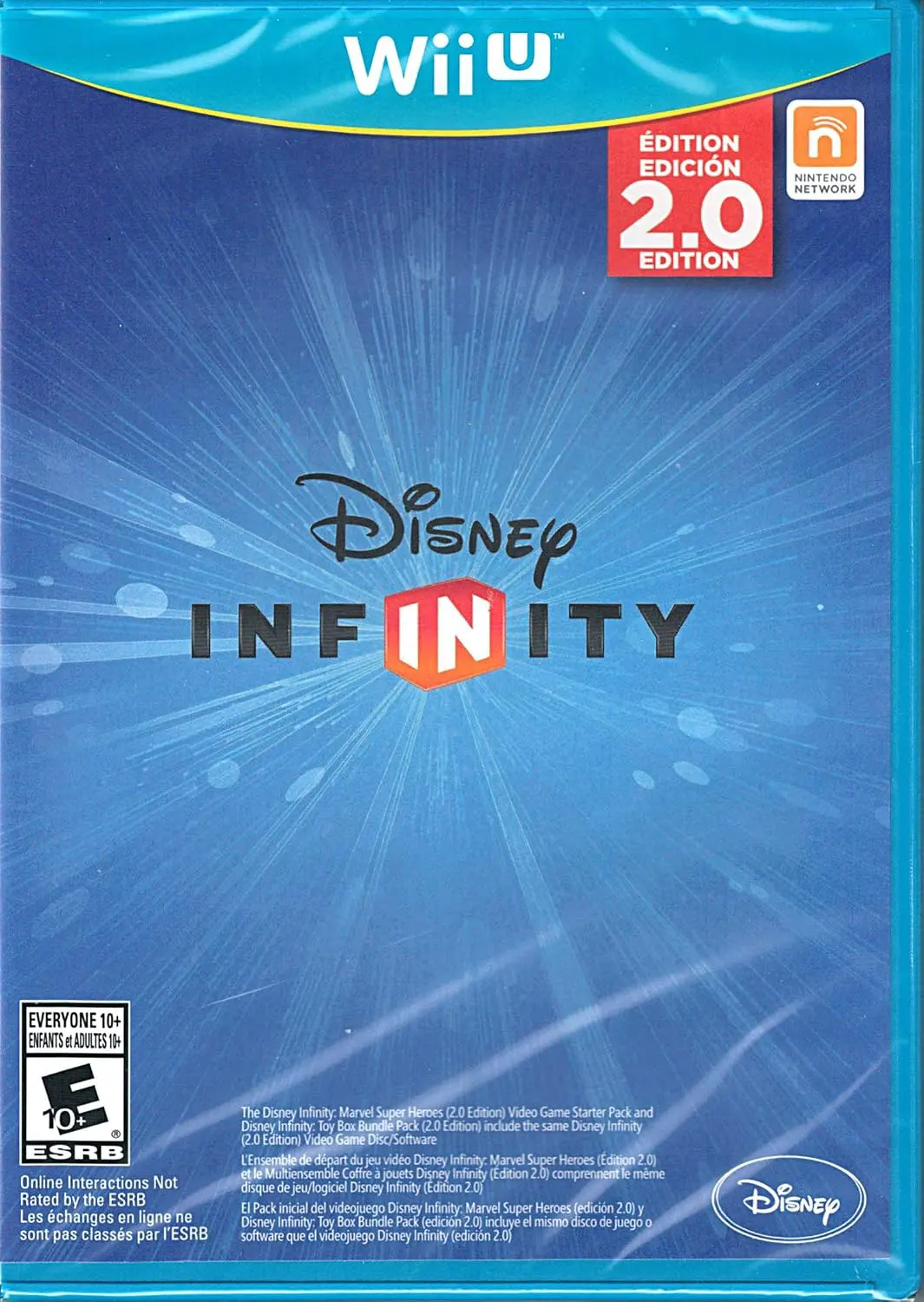
Disney Infinity 2.0 (also known as Disney Infinity 2.0 Ed...
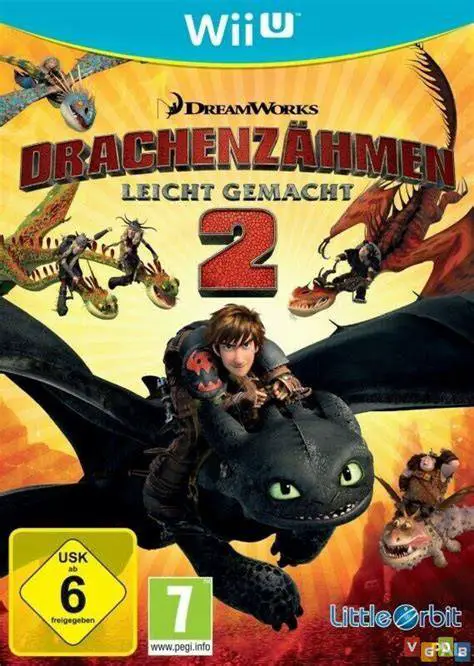
How to Train Your Dragon 2 is an action-adventure flight ...