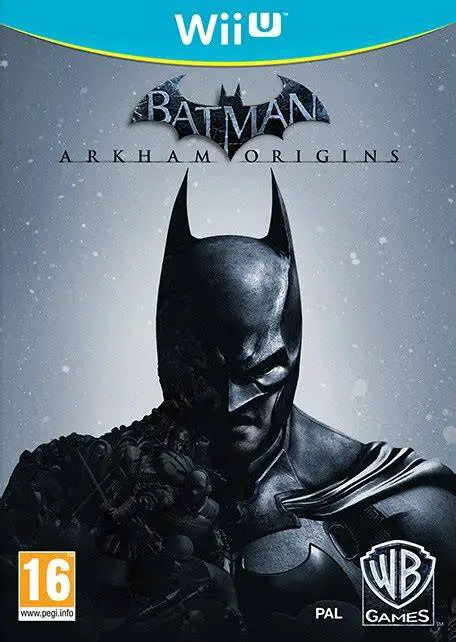
Batman: Arkham Origins
Batman: Arkham Origins is an action-adventure open-world ...

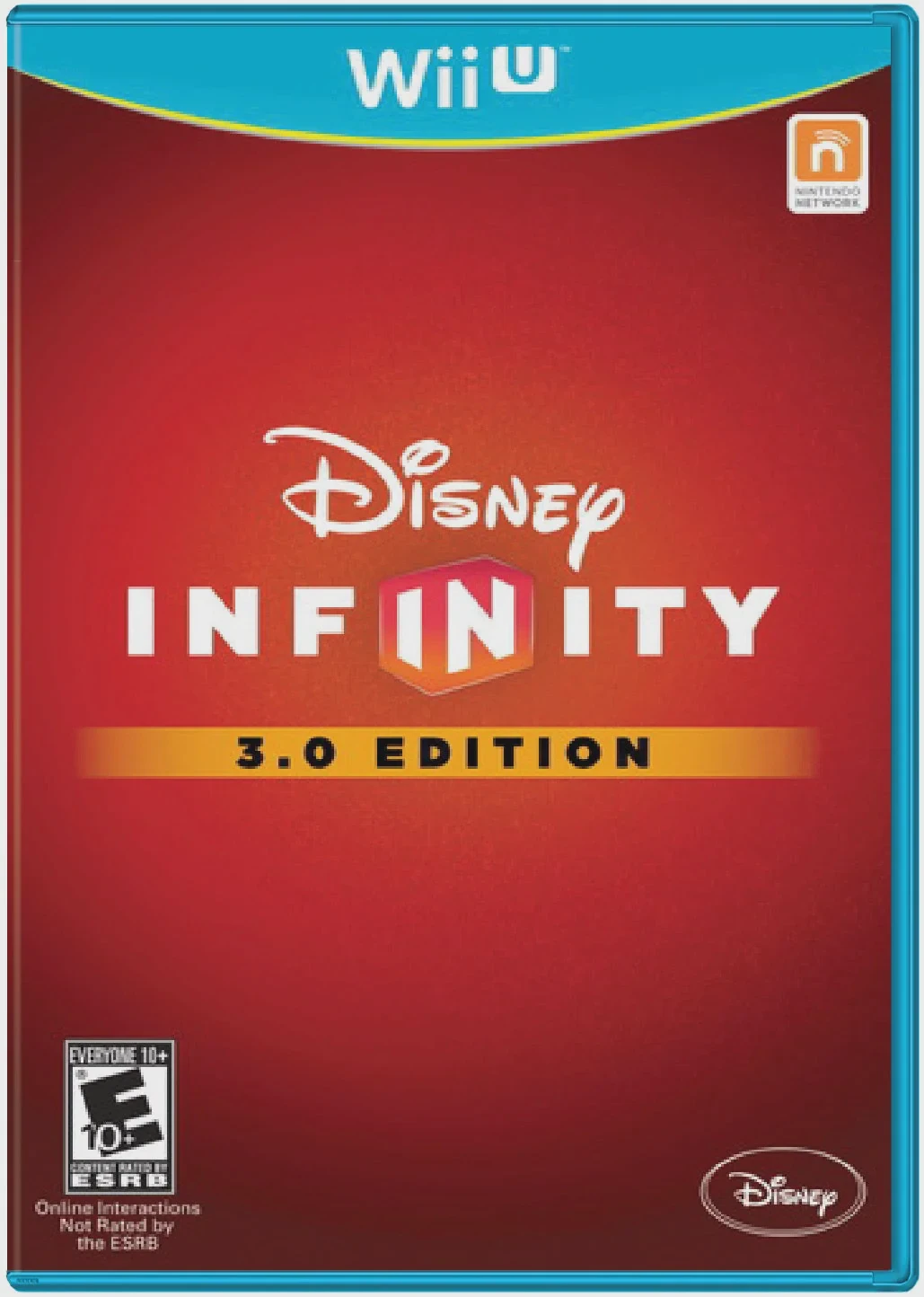
Disney Infinity 3.0 Edition delivers the ultimate crossover gaming experience to the Nintendo Wii U, combining rich narrative-driven play with limitless creative sandbox tools. The 3.0 Edition heavily emphasizes the Star Wars saga, featuring dedicated Play Sets that span the original trilogy, prequel era, and The Force Awakens, alongside additional adventures from Marvel and Disney Pixar properties like Inside Out.
Gameplay is divided into two main components: Play Sets and the upgraded Toy Box 3.0. In Play Sets, players engage in story-driven missions featuring refined lightsaber combat, third-person shooter mechanics, space dogfights, and vehicle piloting—developed with assistance from action game specialists like Ninja Theory and Sumo Digital.
The revamped Toy Box 3.0 mode acts as an open-world creation suite where players can mix and match characters, worlds, and gameplay styles across the entire Disney catalog. Players can build custom cities, design racing tracks, construct action minigames, or complete structured Toy Box Expansion Games like Toy Box Takeover and Toy Box Speedway. On the Wii U, the GamePad offers convenient touchscreen navigation for editing environments, selecting tools, and building worlds on the fly.
Specification | Details |
Full Title | Disney Infinity 3.0 Edition |
Platform | Nintendo Wii U |
Developer | Avalanche Software (with Ninja Theory, Studio Gobo, Sumo Digital) |
Publisher | Disney Interactive Studios |
Release Date | August 30, 2015 (NA) / August 28, 2015 (EU) |
Genre | Action-Adventure, Sandbox, Toys-to-Life |
Game Modes | Single-player, Local 2-Player Co-Op, Online Multiplayer |
Input Methods | Wii U GamePad, Wii U Pro Controller, Disney Infinity Base |
Region Code | Region-Locked (NTSC-U / PAL / NTSC-J) |
Massive Franchise Crossover: Play as iconic characters from Star Wars, Marvel, Disney, and Pixar within a single interconnected universe.
Enhanced Combat System: Overhauled melee and ranged combat mechanics featuring deep combo chains, lightsaber duels, and Force abilities.
Upgraded Toy Box 3.0: Expanded world-building tools, path creators, text creators, and farming simulation mechanics for custom game creation.
Toys-to-Life Hardware: Place physical Disney Infinity interactive figures and Power Discs onto the USB Disney Infinity Base to summon characters and power-ups into the game.
Off-TV Play Support: Stream and play the entire game directly on the Wii U GamePad screen without requiring a television screen.
A: Yes, playing Disney Infinity 3.0 Edition on the Wii U requires a compatible USB Disney Infinity Base and physical interactive figures to unlock characters and Play Sets.
A: Yes, all physical figures and Power Discs from previous 1.0 and 2.0 editions are forward-compatible and playable in the Toy Box 3.0 mode.
A: Yes, the game supports 2-player local split-screen co-op play during Play Sets and Toy Box exploration.
A: Yes, the game fully supports Off-TV Play, allowing you to stream and play the entire game directly on the Wii U GamePad screen.
Click the links below to go to the cloud drive download page
⚠️ Download Tips:
Batman: Arkham Origins is an action-adventure open-world ...
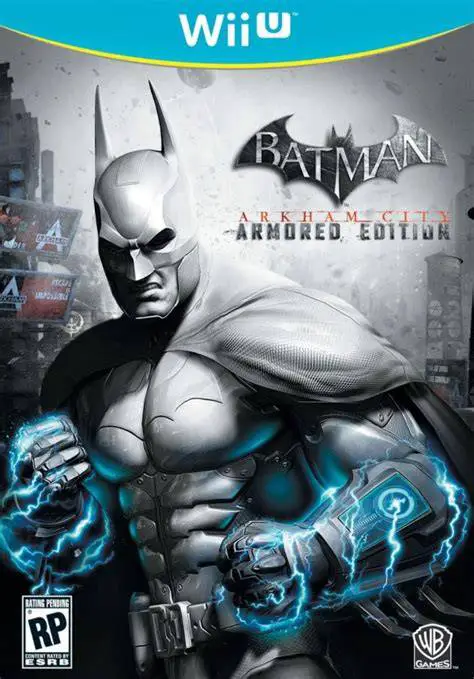
Batman: Arkham City - Armored Edition is an acclaimed act...
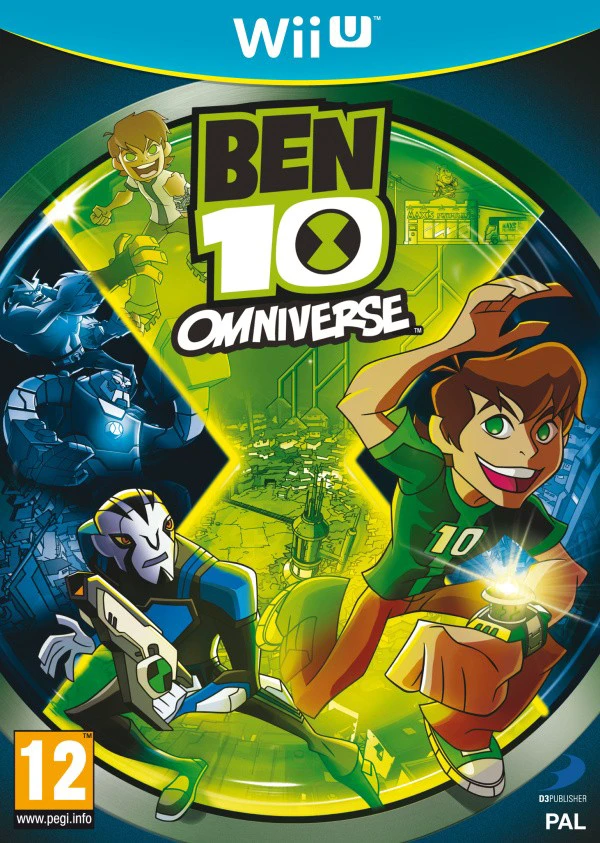
Ben 10: Omniverse is an action-adventure beat-'em-up vide...
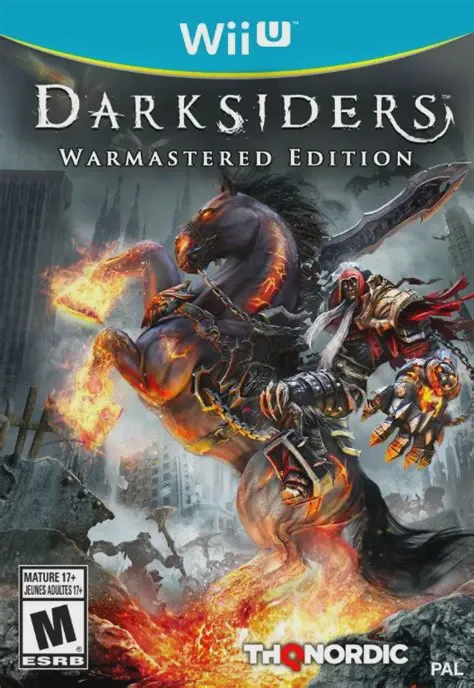
Darksiders Warmastered Edition is an action-adventure hac...
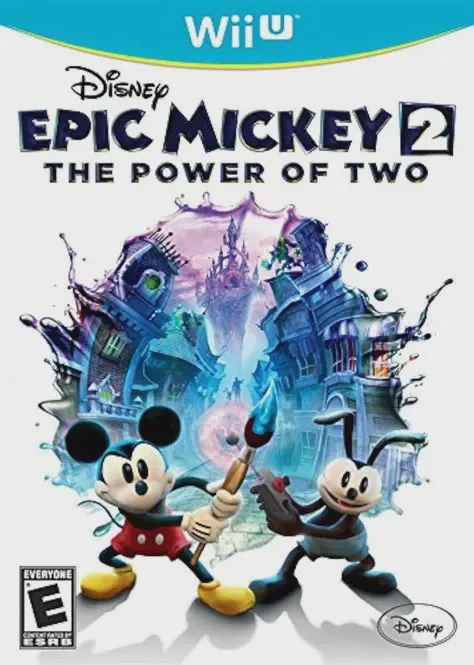
Disney Epic Mickey 2: The Power of Two is a 3D action-adv...