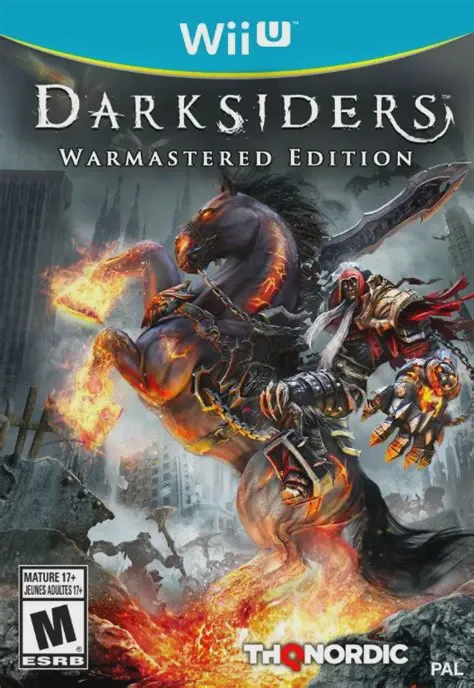
Darksiders Warmastered Ed...
Darksiders Warmastered Edition is an action-adventure hac...

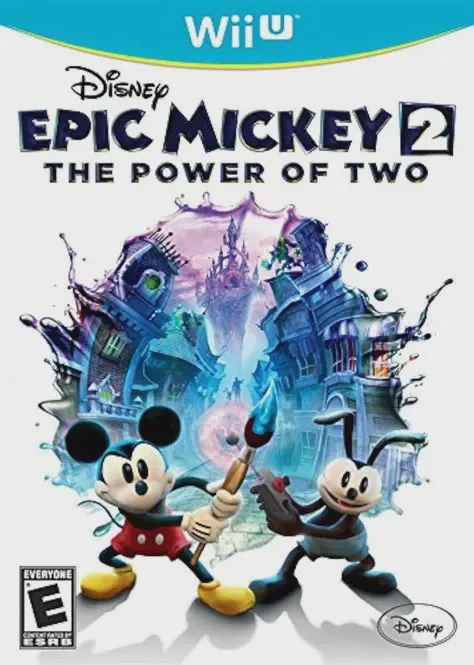
Disney Epic Mickey 2: The Power of Two brings the magical, forgotten world of Disney animation to life on the Nintendo Wii U with high-definition visuals, fully voiced characters, and musical storytelling. The storyline picks up after severe earthquakes strike Wasteland. When the Mad Doctor mysteriously returns claiming redemption, Oswald teams up with Mickey Mouse to investigate the emerging danger and restore peace across forgotten attractions.
The core gameplay relies on dynamic choice-driven mechanics and two-character cooperation. Mickey wields his iconic magic paintbrush to spray Paint to restore erased objects, walls, and bridges, or Thinner to dissolve structures and expose hidden pathways. Meanwhile, Oswald utilizes a powerful remote control to shoot electricity, reprogram mechanical enemies, and use his ears as helicopter blades to transport Mickey across vast chasms.
On the Nintendo Wii U, the game incorporates dedicated second-screen functionality via the Wii U GamePad. Players can view a real-time fully detailed map of Wasteland, track active quest objectives, and set custom waypoints directly on the touch screen. Supporting full drop-in, drop-out local cooperative multiplayer, two friends can team up to play through the entire campaign together on home consoles.
Specification | Details |
Full Title | Disney Epic Mickey 2: The Power of Two |
Platform | Nintendo Wii U |
Developer | Junction Point Studios / Heavy Iron Studios |
Publisher | Disney Interactive Studios |
Release Date | November 18, 2012 (NA) / November 30, 2012 (EU) |
Genre | Action-Adventure, Platformer |
Game Modes | Single-player, Local 2-Player Co-Op |
Input Methods | Wii U GamePad, Wii Remote & Nunchuk, Wii U Pro Controller |
Region Code | Region-Locked (NTSC-U / PAL / NTSC-J) |
Paint & Thinner Mechanics: Dynamically alter the environment using Paint to construct objects or Thinner to erase obstacles.
Playable Oswald the Lucky Rabbit: Team up with Disney's original star, utilizing his electric remote control and ear-copter flying ability.
Full Voice Acting & Musical Songs: Features official voice acting for Disney characters alongside original musical score sequences.
Wii U GamePad Navigation: Access an interactive live map of Wasteland, quest logs, and waypoint tracking directly on the GamePad touchscreen.
Drop-In Local Co-Op: Enjoy full 2-player split-screen couch co-op play allowing players to jump in and out anytime.
A: It is a 3D action-adventure platformer that combines environmental puzzle-solving, paint/thinner mechanics, and cooperative gameplay.
A: Yes, the game features drop-in, drop-out 2-player local co-op play, where one player controls Mickey Mouse and the second player controls Oswald the Lucky Rabbit.
A: The GamePad displays a real-time map of Wasteland, tracks active quest objectives, and allows players to place waypoints without pausing the game.
A: Yes, you can play the full single-player game directly on the Wii U GamePad screen without needing a television.
Click the links below to go to the cloud drive download page
⚠️ Download Tips:
Darksiders Warmastered Edition is an action-adventure hac...
Disney Infinity 3.0 Edition is an action-adventure sandbo...
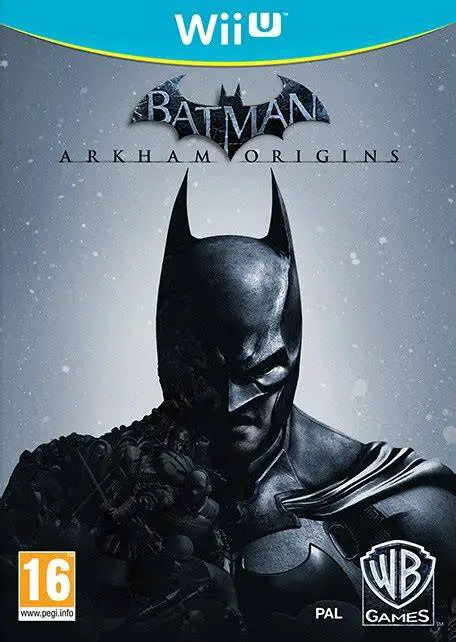
Batman: Arkham Origins is an action-adventure open-world ...
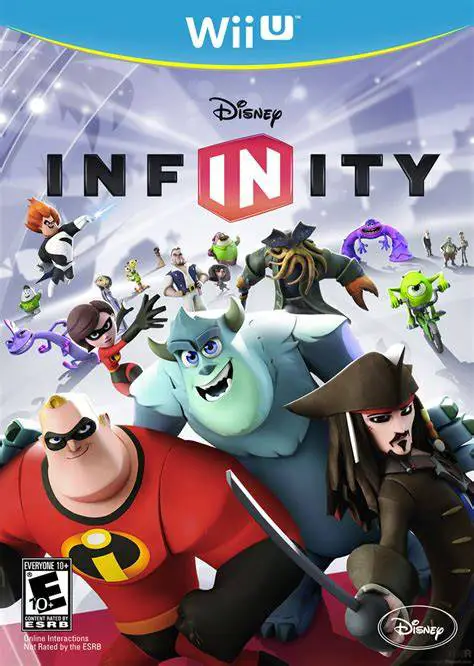
Disney Infinity is an action-adventure sandbox toys-to-li...
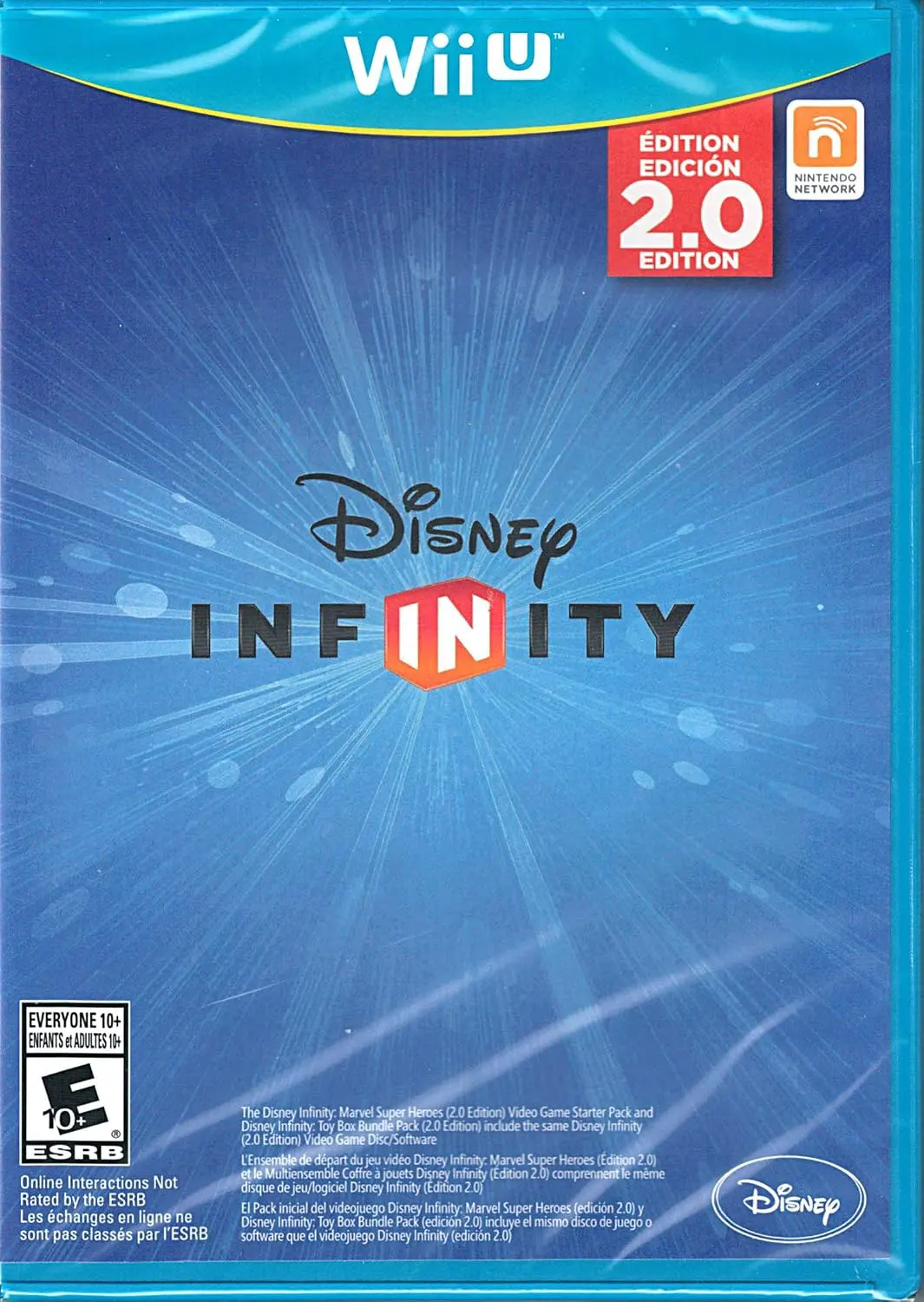
Disney Infinity 2.0 (also known as Disney Infinity 2.0 Ed...