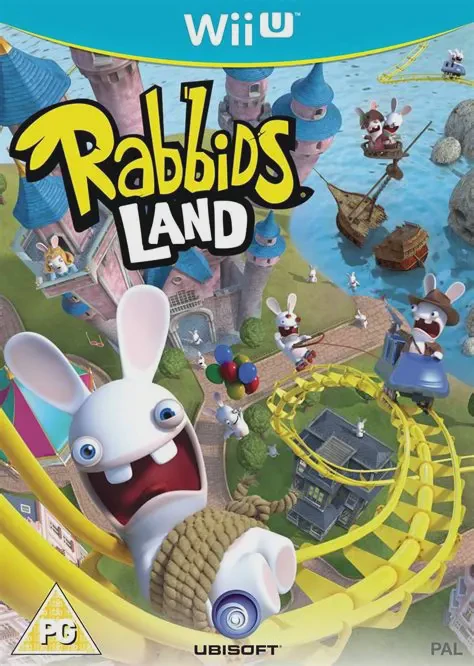
Rabbids Land
Unleash zany, party-game chaos in an abandoned amusement ...

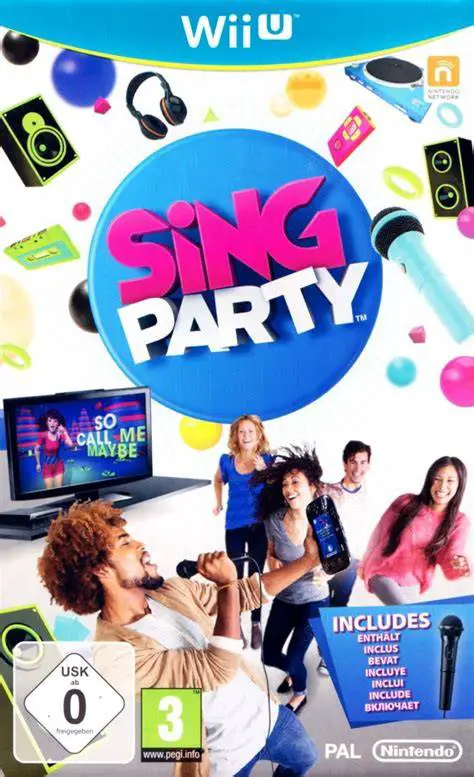
SiNG Party is an interactive music and rhythm performance game co-developed by FreeStyleGames and Nintendo SPD. Released as a launch-window title for the Wii U, the game bridges karaoke vocal scoring with group social party mechanics.
The core innovation of SiNG Party lies in its clever use of the Wii U GamePad as a personal teleprompter and stage monitor. In Party Mode, the main singer holds the USB microphone and reads real-time lyrics and performance cues directly off the GamePad screen, freeing them to face their friends rather than staring fixedly at the television. Meanwhile, the TV screen displays crowd prompts, background vocals, and simple dance choreography, transforming surrounding players into active backup performers.
Featuring a licensed tracklist spanning pop, rock, R&B, and classic party anthems, the game offers several distinct play styles. Players looking for serious vocal assessment can dive into Sing Mode for precise pitch and timing feedback, while competitive groups can clash in Team Mode across head-to-head vocal battles and relay challenges.
Feature | Details |
Title | SiNG Party |
Platform | Nintendo Wii U |
Developer | FreeStyleGames / Nintendo SPD |
Publisher | Nintendo |
Genre | Music / Karaoke / Party |
Release Date | November 2012 (NA) / January 2013 (EU) |
Game Modes | Party Mode, Sing Mode, Team Mode, Practice Mode |
Input Support | Wii U GamePad, Wii U Licensed USB Microphone, Wii Remote |
Download Size | ~4.2 GB |
Crowd-Facing Party Mode: Lead singers face their friends using the GamePad screen as an interactive lyric monitor, while guests follow TV prompts to sing backup and dance along.
Diverse Tracklist: Perform dozens of hits ranging from modern pop toppers to timeless classics across artists like Carly Rae Jepsen, Katy Perry, Queen, and The Jackson 5.
GamePad Audio Mixer Controls: Non-singing players can use the GamePad touchscreen during performances to adjust microphone volume, tweak reverb effects, or trigger sound effects.
Precision Pitch Feedback in Sing Mode: Test your vocal ability with real-time pitch tracking, accuracy scoring, and technical feedback on notes and timing.
Team Mode Head-to-Head Competition: Split into opposing teams to compete in dynamic singing duels, relay hand-offs, and solo solo showdowns.
A: Yes, a compatible USB microphone (such as the official Wii U Microphone or standard USB logistics microphones) is required for the lead singer to feed audio input into the game.
A: While one or two singers hold microphones, an unlimited number of local party guests can participate together by following the backup lyrics, vocal harmonies, and dance moves displayed on the main TV screen.
A: No, the built-in microphone on the Wii U GamePad is not used for primary vocal scoring; an external USB microphone plugged into the console's USB port is necessary for accurate gameplay tracking.
A: Yes, secondary players holding the Wii U GamePad can act as "DJs," tapping the touchscreen to trigger custom instruments, add applause or airhorn audio effects, and adjust audio mix levels live while someone is singing.
Click the links below to go to the cloud drive download page
⚠️ Download Tips:
Unleash zany, party-game chaos in an abandoned amusement ...
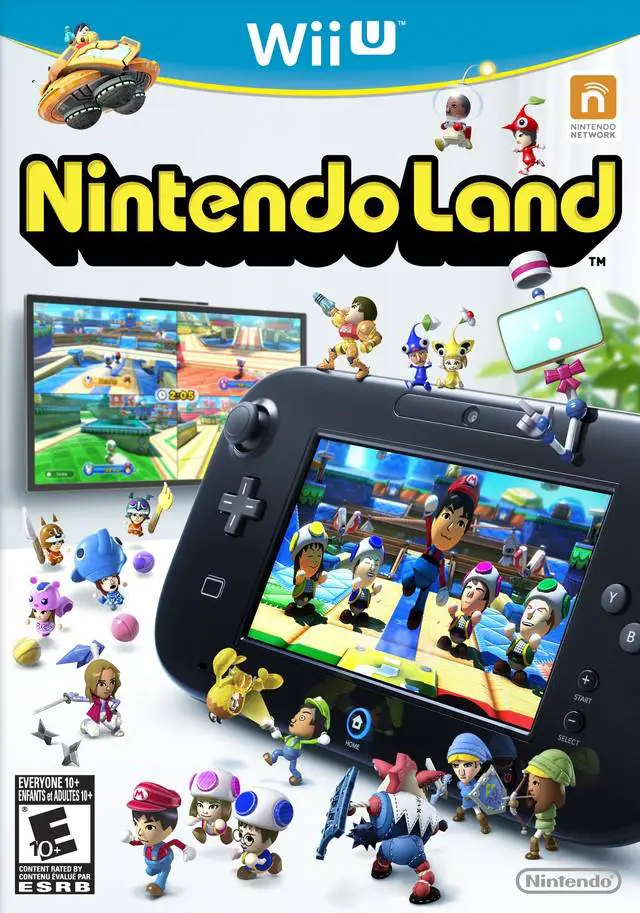
Step into an interactive virtual theme park where classic...
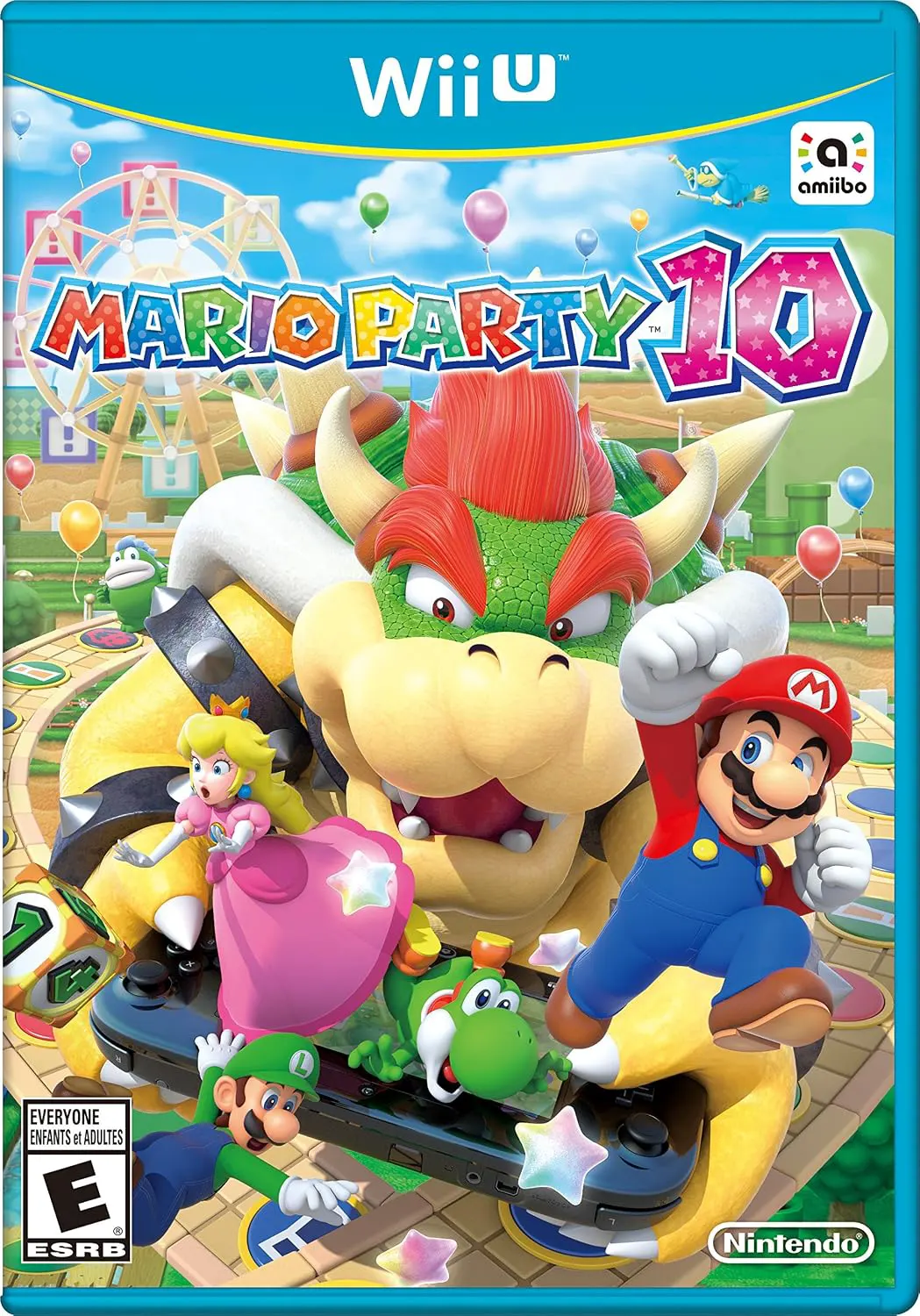
Bring family and friends together for a chaotic party gam...
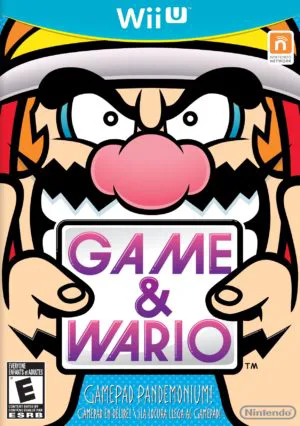
Dive into a bizarre, feature-packed showcase of the Wii U...
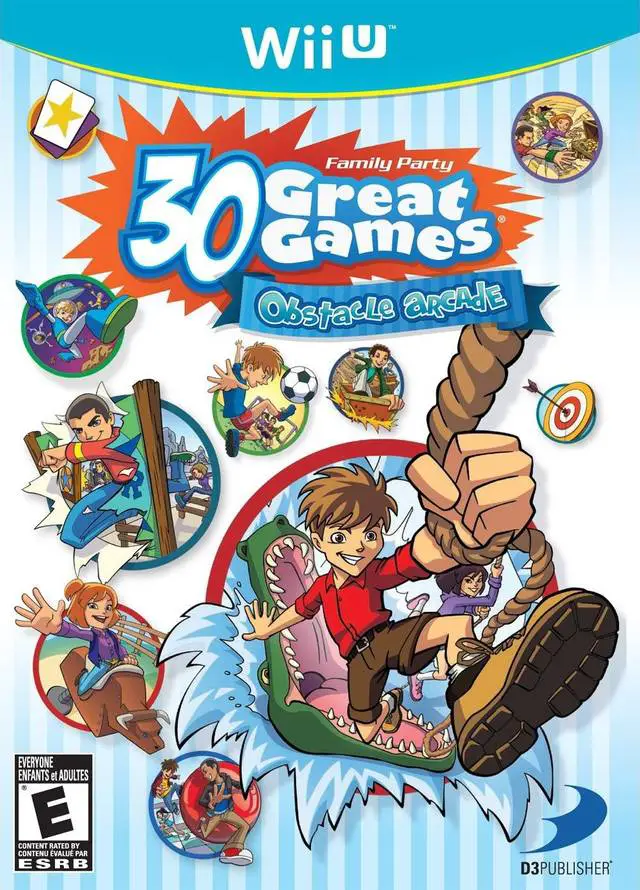
Gather friends and family for an energetic multiplayer mi...