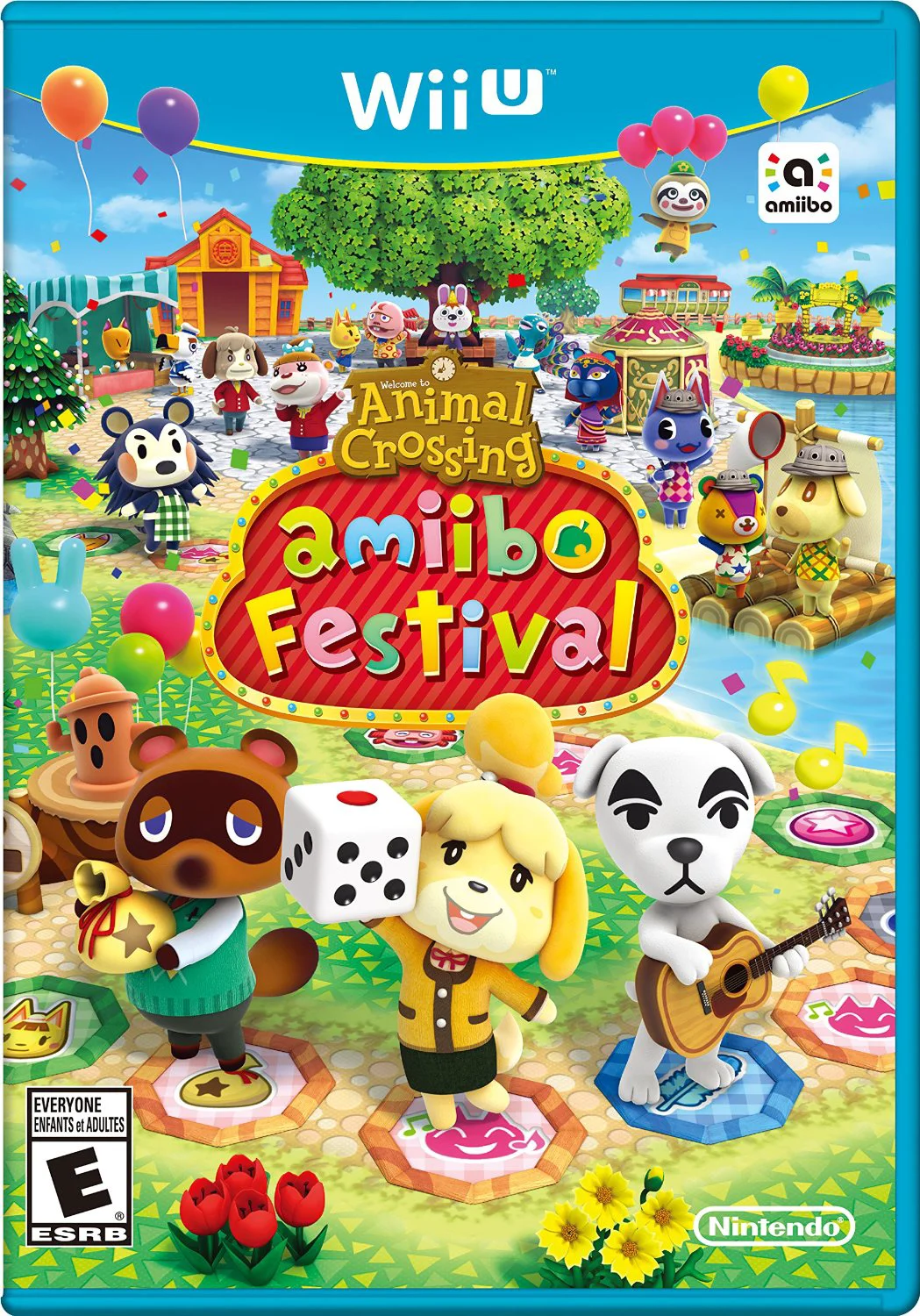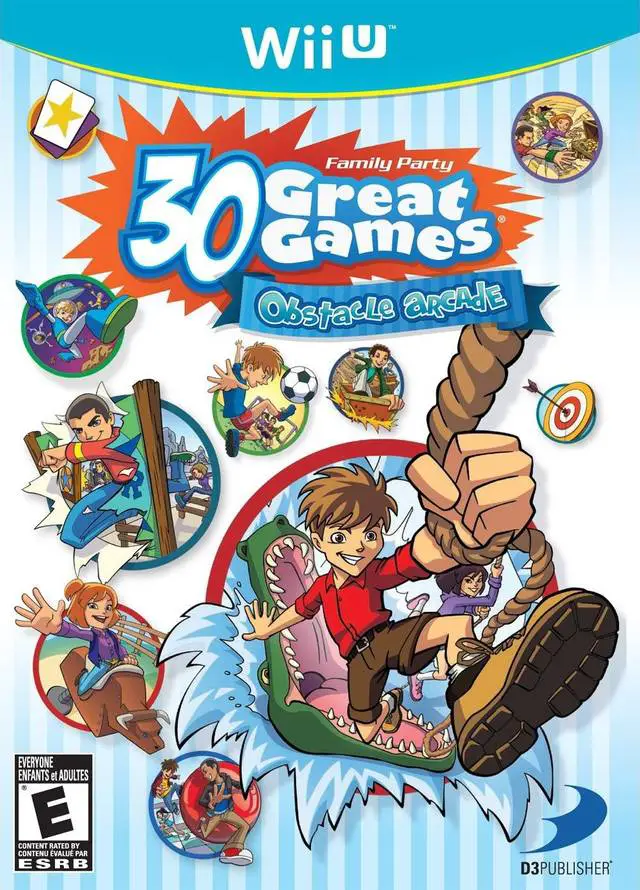
Family Party - 30 Great G...
Gather friends and family for an energetic multiplayer mi...

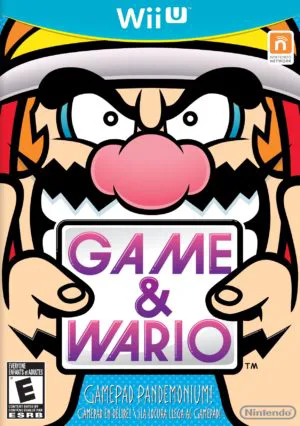
Game & Wario is a creative party and minigame compilation co-developed by Intelligent Systems and Nintendo SPD, and published by Nintendo exclusively for the Wii U. Conceived as a flagship demonstration of the Wii U GamePad's unique capabilities, the game embeds WarioWare’s signature humor into a collection of 16 distinct single-player and multiplayer attractions.
Unlike traditional rapid-fire microgame entries in the series, Game & Wario focuses on fuller, arcade-style minigame modes. Single-player highlights include "Arrow," where players turn the GamePad sideways to launch nose-shaped arrows at incoming robot armies, and "Shutter," which transforms the touchscreen into a telephoto camera lens to photograph hidden targets across a busy city.
The crown jewel of the package, "Gamer," requires players to beat microgames on the GamePad screen while constantly monitoring the TV screen to pretend to sleep whenever 5-Volt enters the bedroom. Combined with party modes like "Fruit" and "Disco," alongside an extensive Chick-N-Win capsule machine that dispenses hundreds of quirky toys and collectibles, Game & Wario delivers an eccentric celebration of second-screen gaming.
Feature | Details |
Title | Game & Wario |
Platform | Nintendo Wii U |
Developer | Intelligent Systems / Nintendo SPD |
Publisher | Nintendo |
Genre | Party / Minigame Compilation |
Release Date | June 2013 |
Game Modes | Single-player, Up to 5-Player Local Multiplayer |
Input Support | Wii U GamePad (Touchscreen, Camera, Gyroscope Required) |
Download Size | ~3.8 GB |
16 Unique Attractions: Experience 12 single-player challenges and 4 multiplayer party games designed around specific GamePad mechanics.
The Fan-Favorite "Gamer" Mode: Play microgames on the GamePad touchscreen while using the TV display to watch for 5-Volt, hiding under the bed sheets before she catches you.
Asymmetric Local Multiplayer: Host couch-gaming matches where one player uses the GamePad to hide or act secretly while up to four opponents watch the main TV screen.
Interactive Photography & Aiming: Transform the GamePad into a camera view to snap photos of suspects or tilt it to shoot arrows at invading forces.
Chick-N-Win Collectibles: Spend earned tokens in a chicken-themed capsule machine to unlock over 200 quirky soundboards, minigames, hint cards, and interactive toys.
A: Yes, the Wii U GamePad is required to play all single-player and multiplayer modes, as every game relies on its touchscreen, gyroscope, camera, or second-screen display.
A: Game & Wario features asymmetric party games supporting up to 5 players. In modes like "Fruit," one player uses the GamePad screen to stealthily steal fruit as a thief while four players watch the TV display to identify the suspect.
A: While "Gamer" features classic 5-second microgames, the rest of Game & Wario consists of longer, fully developed standalone minigames and arcade challenges rather than continuous rapid-fire microgame sets.
A: Because most minigames require simultaneously watching both the GamePad and TV screens (or using the GamePad in unique physical orientations), Off-TV Play is only supported for specific individual minigames like "Gamer."
Click the links below to go to the cloud drive download page
⚠️ Download Tips: