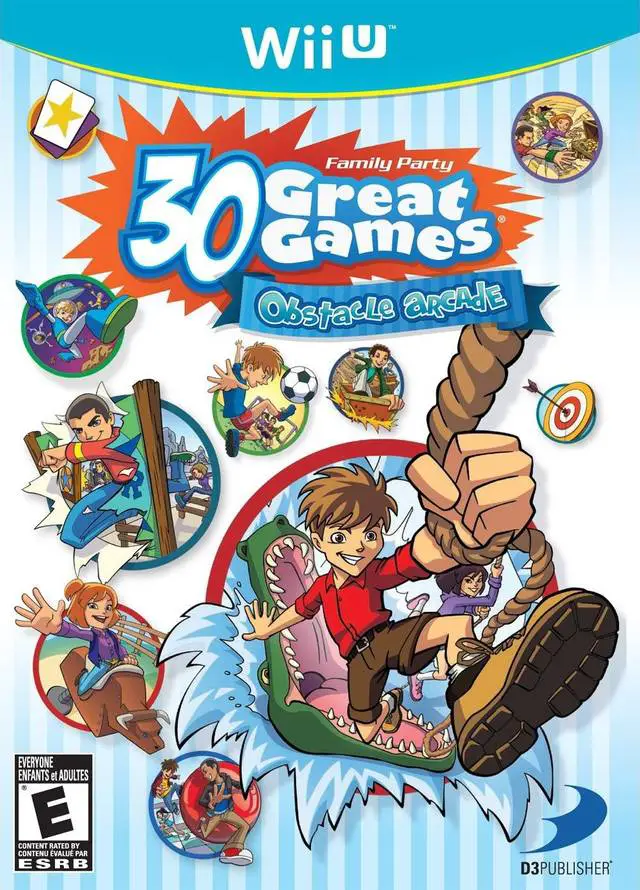
Family Party - 30 Great G...
Gather friends and family for an energetic multiplayer mi...

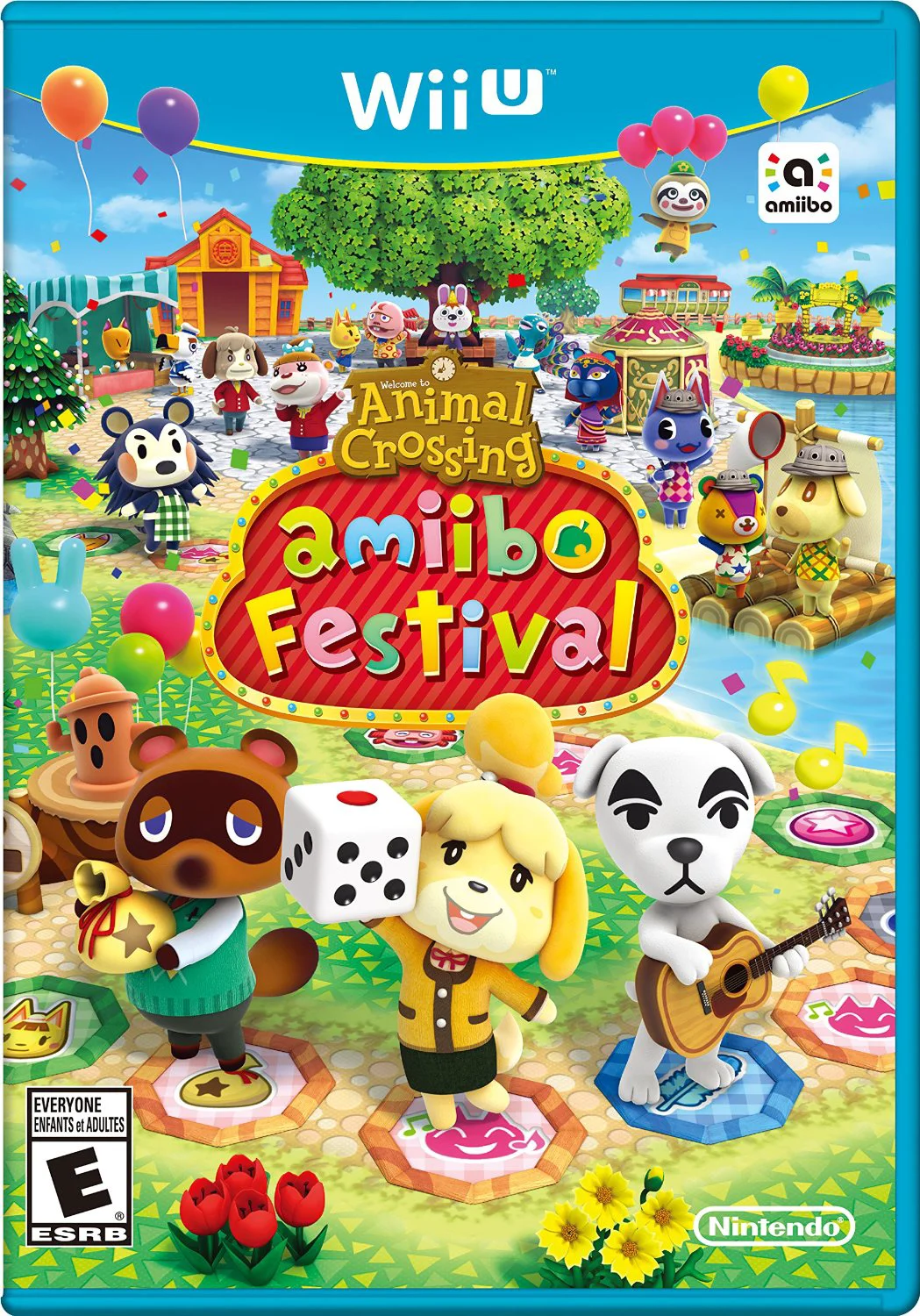
Animal Crossing: Amiibo Festival is a casual multiplayer party game developed by Nintendo EPD and NDcube, and published by Nintendo for the Wii U. Departing from the traditional life-simulation formula of the core series, the game reimagines the Animal Crossing universe as a digital board game centered around celebration, friendship, and seasonal festivities.
Players select from iconic characters such as Isabelle, Tom Nook, K.K. Slider, and Digby by tapping their corresponding physical Amiibo figure onto the Wii U GamePad to roll dice and move across the board. Every space landed on triggers a short event featuring classic villager interactions, granting or deducting Happy Points and Bells depending on the outcome.
The main board game takes place over the course of a simulated month, cycling through spring, summer, autumn, and winter with dynamic calendar events, fishing tourneys, and bug-offs. Alongside the main board game mode, players can use Animal Crossing Amiibo cards to unlock additional touchscreen minigames—such as Desert Island Escape and Quiz Show—providing varied party activities for family and friends.
Feature | Details |
Title | Animal Crossing: Amiibo Festival |
Platform | Nintendo Wii U |
Developer | Nintendo EPD / NDcube |
Publisher | Nintendo |
Genre | Party / Board Game |
Release Date | November 2015 |
Game Modes | Single-player, Up to 4-Player Local Multiplayer |
Input Support | Wii U GamePad (NFC Reader Required), Amiibo Figures & Cards |
Download Size | ~1.4 GB |
Amiibo Figure Integration: Tap physical Animal Crossing Amiibo figures onto the GamePad to roll the dice, save character progress, and unlock custom outfits.
Dynamic Seasonal Boards: Experience shifting board environments across 12 calendar months, featuring seasonal events, holidays, and weather changes.
Turnip Stalk Market Strategy: Buy turnips from Joan on Sundays and track fluctuating market prices throughout the week to sell high and earn maximum Bells.
Amiibo Card Minigames: Use Animal Crossing Amiibo cards to play secondary minigames, including Desert Island Escape, Balloon Island, and Quiz Show.
Casual Party Gameplay: Enjoy a relaxed, accessible board game structure suitable for players of all skill levels and ages.
A: Yes, at least one physical Animal Crossing Amiibo figure is required to play the main board game mode, as players must tap the figure onto the GamePad NFC reader to take their turn.
A: The primary goal is to accumulate the highest combined total of Happy Points and Bells by the end of the month by landing on positive event spaces and making smart turnip investments.
A: Yes, if fewer than four human players are present, the game automatically fills the remaining player slots with computer-controlled villager opponents.
A: Desert Island Escape is a tactical survival minigame unlocked using Animal Crossing Amiibo cards, where three villagers must explore an island, gather resources, and build a raft to escape before running out of food.
Click the links below to go to the cloud drive download page
⚠️ Download Tips: