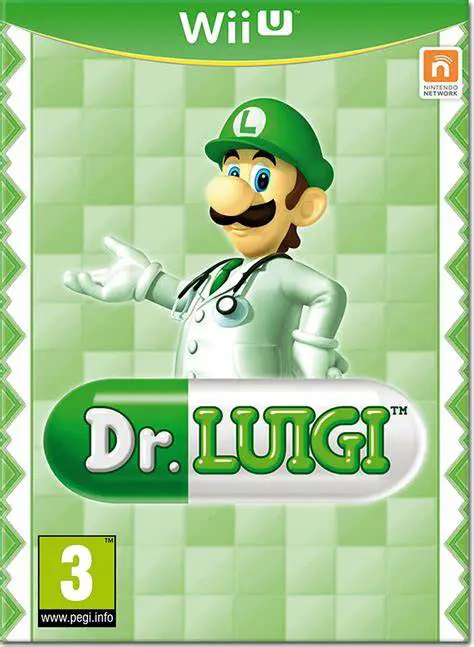
Dr. Luigi
Celebrate the Year of Luigi with an addictive falling-blo...

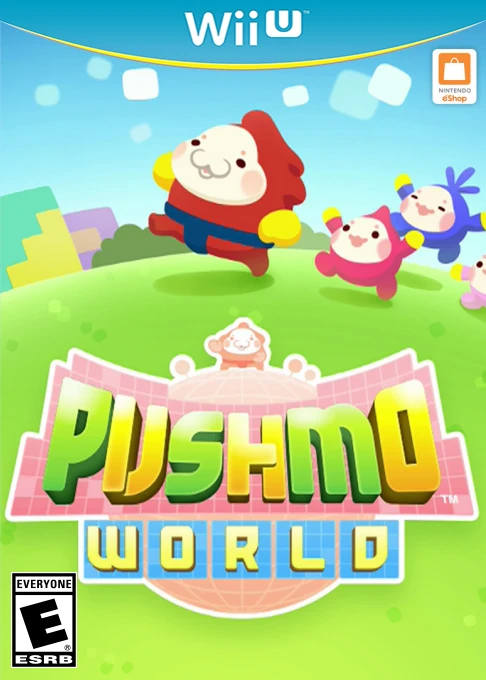
Pushmo World is a 3D block-manipulation puzzle game developed by Intelligent Systems and published by Nintendo exclusively for the Wii U eShop. Building upon the critical success of Pushmo and Crashmo on the Nintendo 3DS, the title scales up the series' signature spatial reasoning puzzles to full high definition on the home console.
The core gameplay loop revolves around Mallo climbing giant, wall-like block structures called Pushmo. Players push and pull individual color-coded blocks up to three steps forward or backward, creating footholds and ledges to reach the goal flag at the summit. Pushmo World introduces new interactive elements such as Mysterious Blocks (which shift all blocks of matching colors simultaneously) and Yee-Haw Blocks (which extend or retract adjacent structures when moved).
Beyond the main campaign's 250+ handcrafted stages, the game includes Pushmo Studio—an intuitive puzzle creation suite allowing players to design custom structures, convert pixel art into play stages, and export their creations via downloadable QR codes. Combined with time-rewind features for quick error correction, Pushmo World stands out as one of the eShop's premier puzzle titles.
Feature | Details |
Title | Pushmo World (NA) / Pullblox World (EU/AU) |
Platform | Nintendo Wii U (eShop Exclusive) |
Developer | Intelligent Systems |
Publisher | Nintendo |
Genre | Puzzle / Platformer |
Release Date | June 2014 |
Game Modes | Single-player |
Input Support | Wii U GamePad, Wii U Pro Controller, Classic Controller Pro |
Download Size | ~1.0 GB |
Over 250 Handcrafted Puzzles: Master a massive library of brainteasers spanning introductory stages, complex pixel art structures, and high-difficulty bonus challenges.
New Gimmick Blocks: Solve puzzles featuring Mysterious Blocks, Linked Blocks, and Yee-Haw Blocks that trigger chain reactions across entire structures.
Pushmo Studio Level Creator: Design custom Pushmo puzzles using intuitive touch controls on the GamePad screen and export them as image QR codes.
World Pushmo Fair Integration: Discover, share, and rate custom user-created puzzles from players around the globe via cross-platform QR code support.
Quality-of-Life Tools: Utilize a dedicated rewind button to instantly undo mistakes, jump to reset switches, or skip particularly challenging stages to keep progression smooth.
A: Puzzles created in Pushmo Studio generate a unique QR code image saved to your SD card or console storage. These QR codes can be shared online or scanned directly using the Wii U GamePad camera to instantly import user-generated levels.
A: Yes, Pushmo World supports backward compatibility for QR codes generated in the original 3DS Pushmo game, allowing players to scan and play classic handheld levels on the Wii U.
A: Yes, the game fully supports Off-TV Play, allowing you to view, play, and design puzzles entirely on the Wii U GamePad screen without needing a television.
A: The game includes a time-rewind feature allowing you to step back move-by-move. If you remain stuck, Papa Blox allows you to temporarily skip up to ten difficult stages to continue progressing through the game.
Click the links below to go to the cloud drive download page
⚠️ Download Tips: