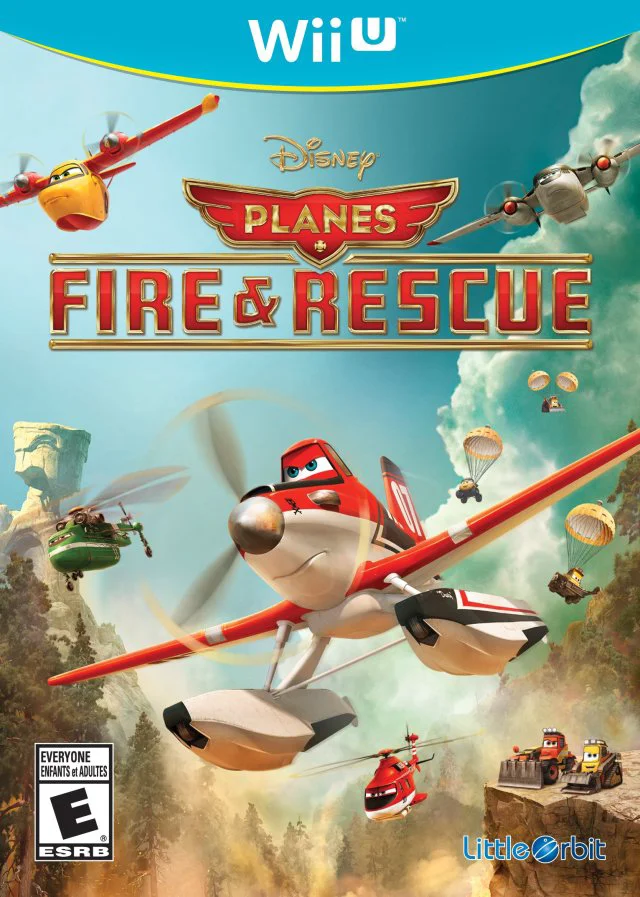
Planes: Fire & Rescue
Planes: Fire & Rescue is an action-adventure flight game ...

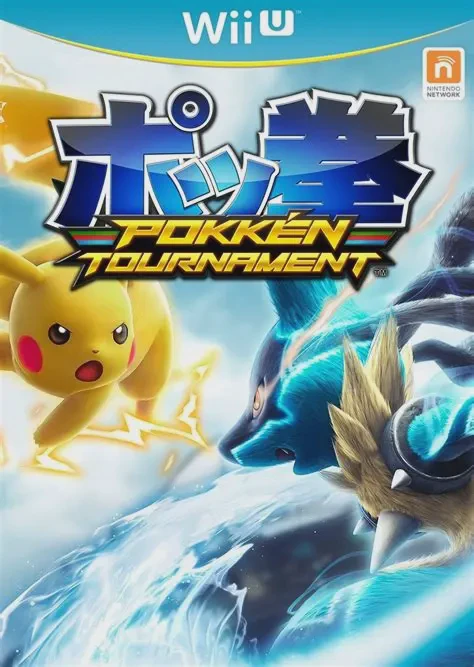
Pokkén Tournament brings the world of Pokémon battles to life with stunning high-definition graphics and fluid martial arts combat. Set in the Ferrum Region, the game introduces the Ferrum League, a competitive tournament structure where Synergy Stones allow Trainers to connect directly with their Pokémon to unlock their full combat potential.
The defining gameplay mechanic of Pokkén Tournament is its dynamic Phase Shift system. Battles fluidly transition between Field Phase—a 3D arena-style phase focused on ranged attacks, spatial maneuvering, and collecting Synergy energy—and Duel Phase—a traditional 2D fighting game view emphasizing high-damage combos, frame data, and tactical mix-ups. By filling the Synergy Gauge, Pokémon can enter Burst Mode to unleash devastating, highly cinematic Synergy Attacks.
The Wii U edition offers an expansive roster of playable Pokémon, including Lucario, Pikachu, Charizard, Mewtwo, Shadow Mewtwo, and Garchomp, along with customizable Assist Pokémon pairs that provide tactical support in battle. The game utilizes the Wii U GamePad screen for asymmetric local head-to-head multiplayer, ensuring both players enjoy a full, unobstructed third-person battle camera view.
Title: Pokkén Tournament
Platform: Nintendo Wii U
Developer: Bandai Namco Studios
Publisher: The Pokémon Company / Nintendo
Release Date: March 18, 2016 (Global)
Genre: Fighting, Action
Mode: Single-player, Local Multiplayer, Online Multiplayer
Input Method: Wii U GamePad, Pokkén Tournament Pro Pad, Wii U Pro Controller, Classic Controller Pro, Wii Remote + Nunchuk
ESRB Rating: Everyone 10+ (E10+)
Dynamic Phase Shift System: Shift seamlessly between 3D Field Phase navigation and 2D Duel Phase fighting action during combat encounters.
Diverse Playable Roster: Fight as iconic Pokémon spanning multiple generations, each featuring distinct fight styles (Power, Speed, Standard, and Technical).
Synergy Burst & Ultimate Attacks: Power up the Synergy Gauge to trigger Burst Mode and land cinematic Synergy Attacks.
Assist Pokémon Support: Call upon pairs of Assist Pokémon during matches to disrupt opponents, heal health, or boost combat stats.
Asymmetric Local Multiplayer: Enjoy 2-player local battles where one player views the TV while the other uses the Wii U GamePad screen for dedicated full-frame perspectives.
A: Local multiplayer utilizes asymmetric screen presentation: one player views the main TV screen, while the second player views their perspective on the Wii U GamePad screen, allowing both players to maintain an optimal behind-the-back camera angle.
A: Field Phase features free-roaming 3D movement focused on ranged attacks and positioning. When a specific heavy hit or combo connects, the game transitions into Duel Phase, which locks combat into a traditional 2D fighting perspective for close-range combos.
A: Yes, Shadow Mewtwo is a boss character in the Ferrum League campaign that can be permanently unlocked for play through normal game progression, or temporarily unlocked early using the special Shadow Mewtwo amiibo card.
A: Yes, single-player modes and practice sessions can be played entirely on the Wii U GamePad screen using Off-TV Play mode.
Click the links below to go to the cloud drive download page
⚠️ Download Tips:
Planes: Fire & Rescue is an action-adventure flight game ...
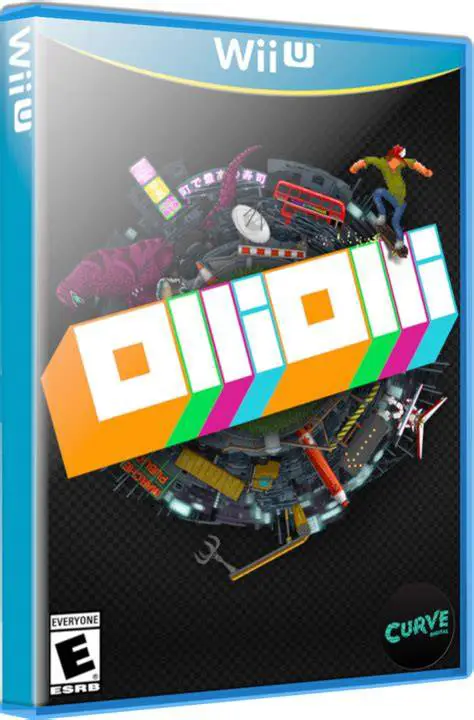
OlliOlli is an addictive, fast-paced 2D skateboarding pla...
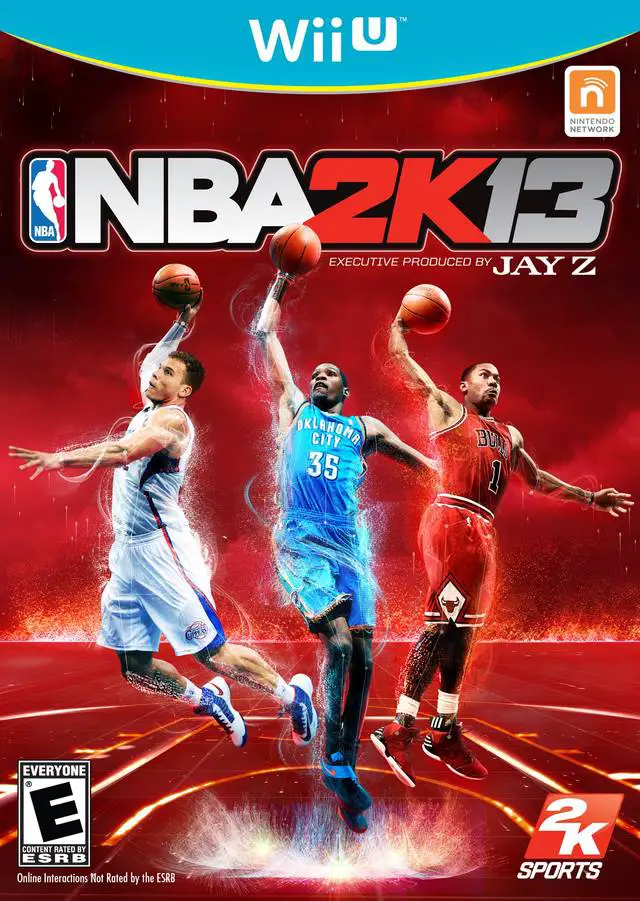
NBA 2K13 is a acclaimed basketball simulation game develo...
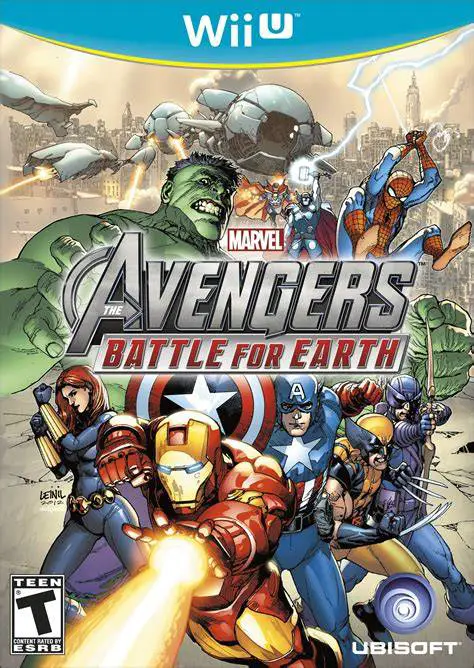
Marvel Avengers: Battle for Earth is a motion-focused fig...
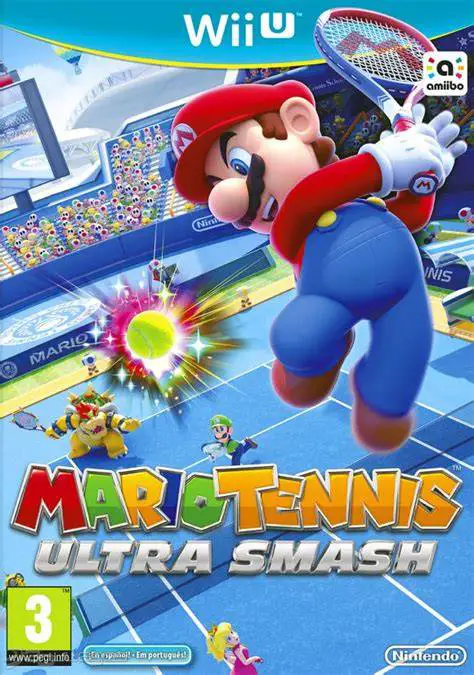
Mario Tennis: Ultra Smash is an arcade-style sports tenni...