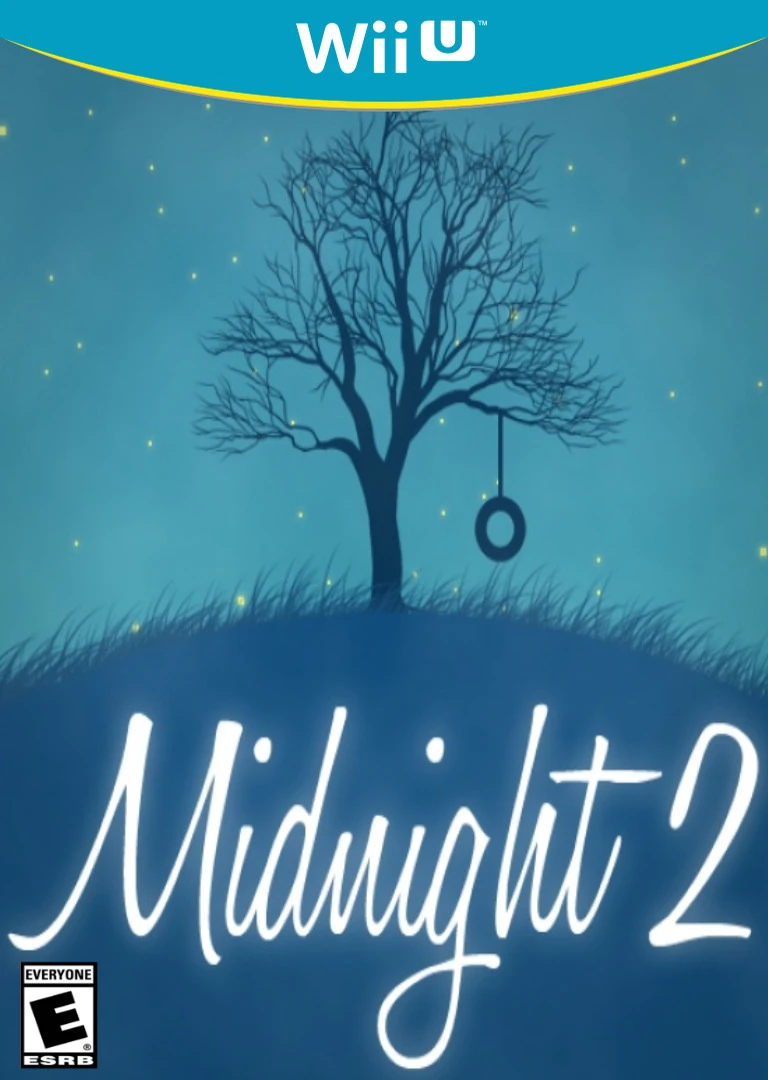
Midnight 2
Midnight 2 is a charming and minimalist physics-based puz...

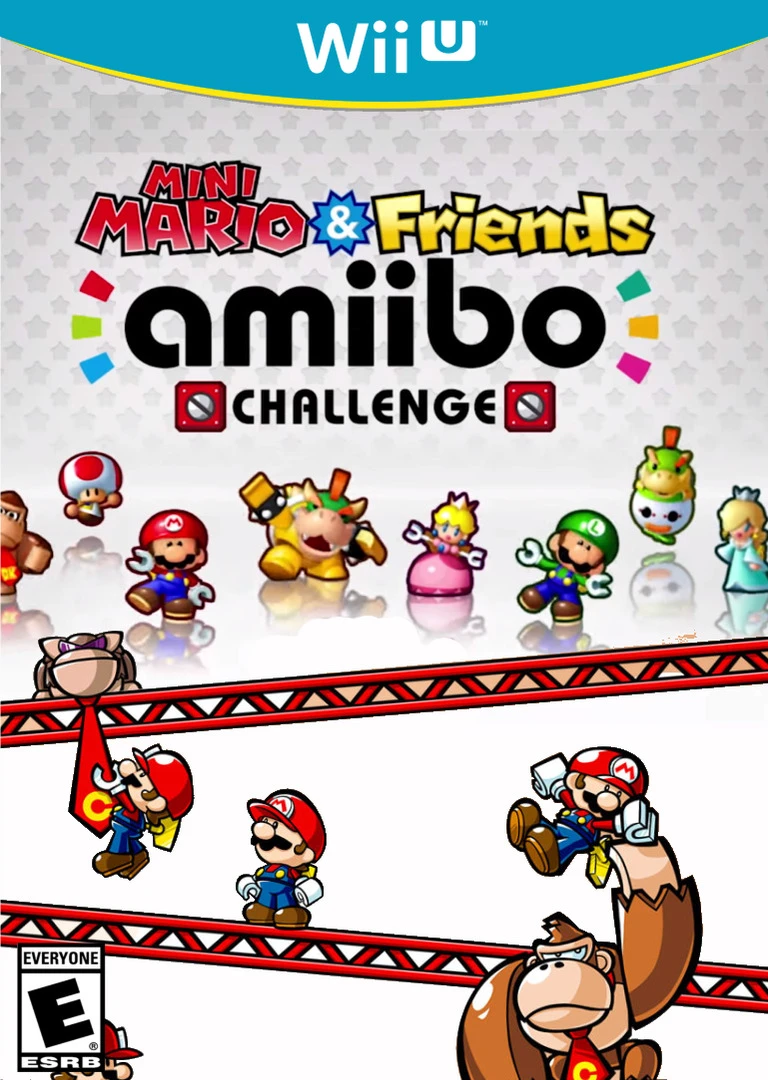
Mini Mario & Friends: amiibo Challenge offers an engaging, tap-controlled puzzle experience built around physical toy interaction. Once activated by an amiibo figure on the GamePad, the Mini character automatically marches forward in a straight line. Players do not control the character's movement directly; instead, they manipulate environmental elements on the touchscreen to alter the character's path, bypass deadly traps, and bypass enemy patrol routes.
Scanning generic amiibo figures unlocks a standard Spek figure to navigate basic levels, while scanning specific Mario series figures—including Mario, Luigi, Peach, Toad, Rosalina, Bowser, Bowser Jr., Donkey Kong, Diddy Kong, and Yoshi—summons their distinct Mini toy counterpart. Each unique character possesses exclusive special skills and abilities; for instance, Mini Mario can perform a Wall Jump, Mini Luigi can High Jump, Mini Peach can Float across gaps, and Mini Yoshi can Eat specific enemies.
The game features main progression tracks along with character-specific alternate doors that open themed bonus stages designed specifically around unique character talents. Utilizing stylus touch controls on the Wii U GamePad screen, players must manage tight timing windows, collect gold coins, and assemble amiibo tokens to achieve 100% completion across all stage routes.
Title: Mini Mario & Friends: amiibo Challenge
Platform: Nintendo Wii U (eShop)
Developer: Nintendo Software Technology
Publisher: Nintendo
Release Date: April 28, 2016
Genre: Puzzle Platformer
Game Modes: Single-player
ESRB Rating: Everyone (E) / PEGI 3
Input Support: Wii U GamePad (Touchscreen & NFC Reader)
Interactive amiibo Mechanics: Tap physical amiibo figures onto the GamePad NFC reader to unlock and control corresponding Mini toys in-game.
Exclusive Character Abilities: Play as 10 iconic Mario characters, each possessing unique skills like Floating, Wall Jumping, or Eating enemies.
Character-Specific Bonus Stages: Unlock tailored stage branches and themed levels by taking specialized Mini characters through their unique goal doors.
Intuitive Touchscreen Controls: Manipulate bridges, springs, warp pipes, and block mechanisms smoothly using the Wii U GamePad stylus.
Over 60 Puzzle Levels: Master a wide array of stages filled with collectibles, speedrun targets, and environmental hazards.
Specialized Spek Mode: Play through standard puzzle courses using a generic block toy if scanning non-Mario series amiibo figures.
A: Yes, the game requires at least one physical amiibo figure to tap on the GamePad NFC reader in order to spawn a Mini character and start playing.
A: Scanning amiibo for Mario, Luigi, Peach, Toad, Rosalina, Bowser, Bowser Jr., Donkey Kong, Diddy Kong, or Yoshi unlocks their respective Mini versions with special abilities. Other amiibo summon a standard Spek character.
A: Characters march forward automatically; you use the GamePad stylus on the touchscreen to place girders, draw bridges, and activate mechanisms to guide them safely.
Click the links below to go to the cloud drive download page
⚠️ Download Tips:
Midnight 2 is a charming and minimalist physics-based puz...
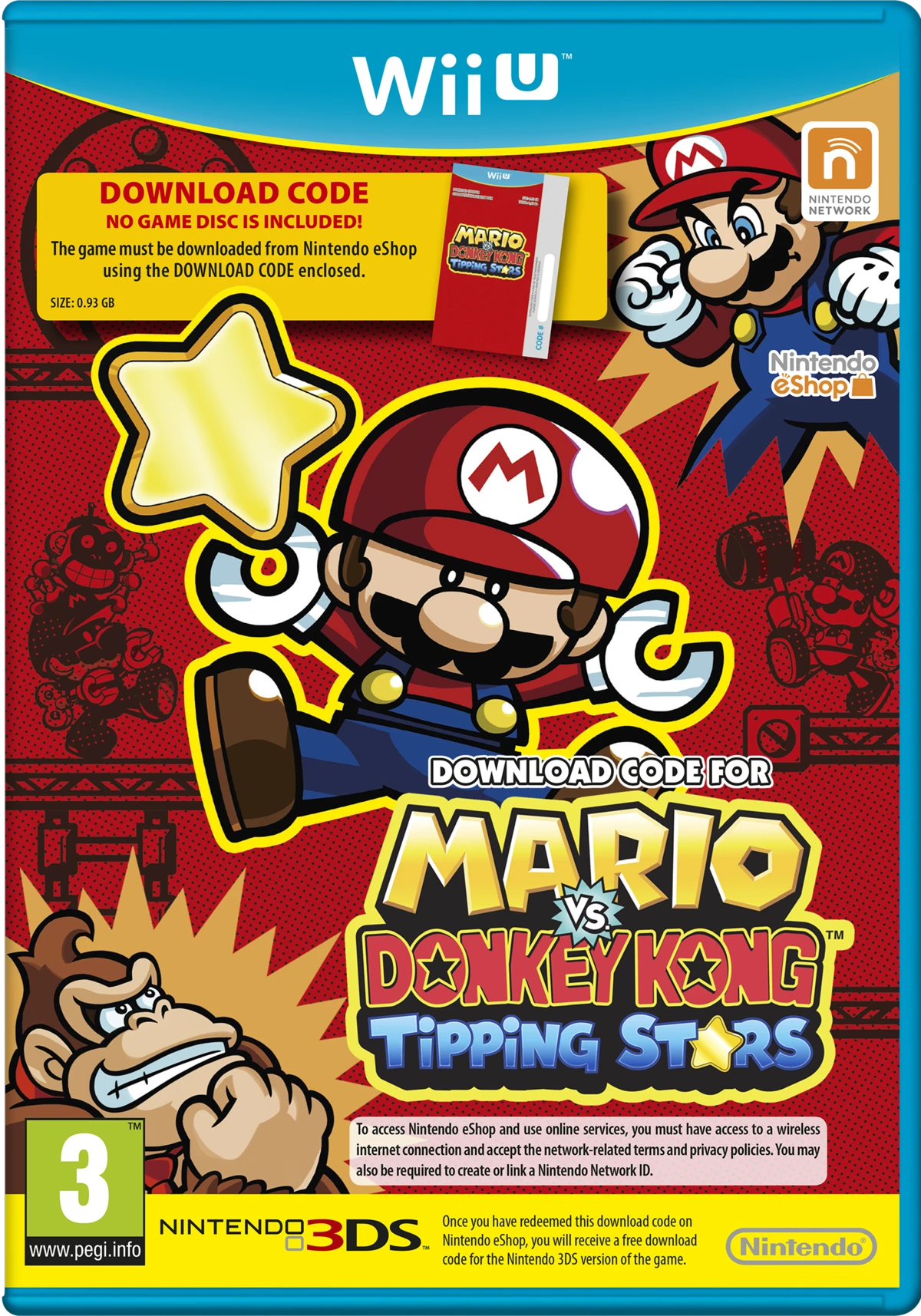
Mario vs. Donkey Kong: Tipping Stars is a puzzle-platform...
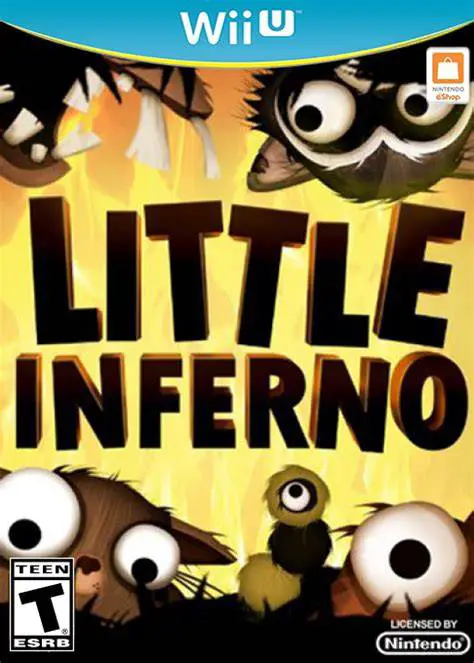
Little Inferno is a uniquely captivating puzzle game deve...
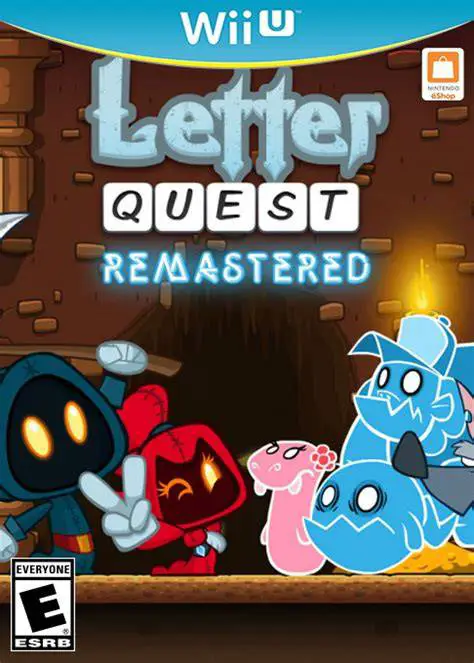
Letter Quest: Grimm's Journey Remastered is a clever turn...
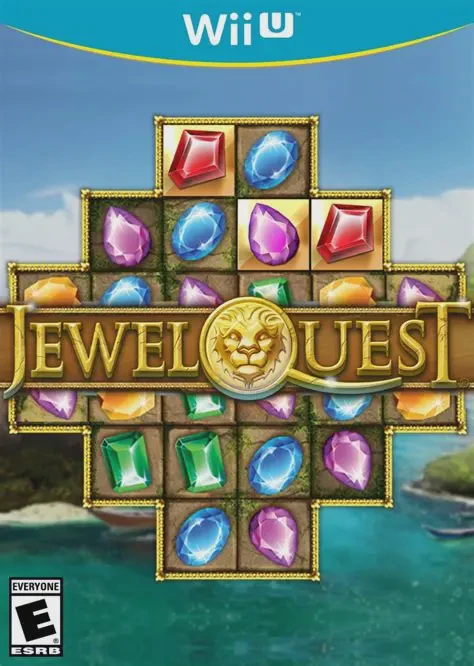
Jewel Quest is a classic match-three tile-matching puzzle...