
Jeopardy!
Jeopardy! is a classic trivia game show adaptation develo...

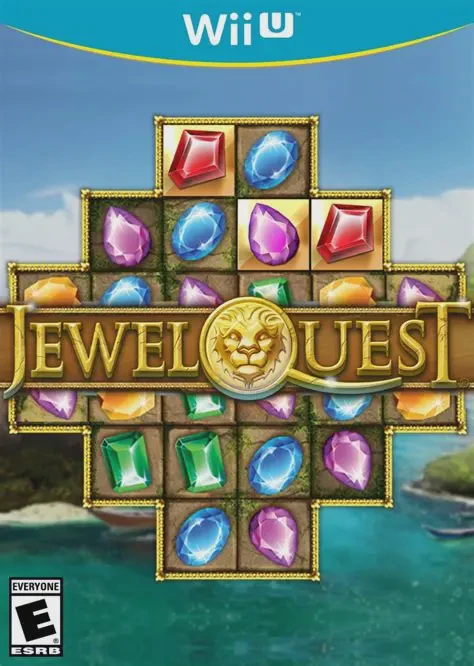
Jewel Quest brings classic gem-swapping puzzle mechanics directly to the Wii U platform. Set against an archaeological exploration theme, players navigate through escalating board layouts filled with ancient artifacts, buried relics, and challenging grid obstacles.
The core gameplay loop centers on swapping adjacent tiles to form horizontal or vertical lines of three or more matching jewels. Matching items causes them to vanish, allowing new relics to fall from above while turning the underlying grid spaces into gold. A level is successfully cleared only when every single tile on the board has been transformed into gold before the timer runs out. As players progress, boards introduce complex shapes, locked spaces, and rare power-up items like the Midas Touch coin, which allows instant tile gold conversions. The Wii U version leverages the Wii U GamePad for intuitive touchscreen swipe controls alongside seamless Off-TV Play.
Specification | Detail |
Title | Jewel Quest |
Platform | Nintendo Wii U |
Genre | Puzzle / Match-Three / Casual |
Publisher | PlayEveryWare |
Developer | iWin |
Release Format | Digital Download (eShop / WUP / WUX) |
Game Controller Support | Wii U GamePad (Touchscreen & Buttons), Wii U Pro Controller |
Display Mode | 720p / Off-TV Play Supported |
Players | 1 Player |
Classic Match-Three Mechanics: Swap relics and jewels to make strategic matches and turn every grid tile into gold.
Escalating Board Layouts: Complete dozens of challenging levels featuring irregular grid shapes, locked tiles, and strict time limits.
Midas Touch Power-Up: Collect special golden coins to instantly turn troublesome single tiles into gold without needing a match.
GamePad Touchscreen Controls: Effortlessly tap and drag jewels using the Wii U GamePad stylus or finger touch inputs.
Off-TV Play: Complete support for streaming and playing the entire puzzle adventure directly on the Wii U GamePad display.
A: You can install the game title to internal console storage or an external USB hard drive using title installers like WUP Installer GX2 after placing the installation files inside the install folder on your SD card.
A: Yes, Jewel Quest fully supports stylus and touch controls on the Wii U GamePad, making gem swapping smooth and intuitive.
A: Yes, Jewel Quest fully supports Off-TV Play, enabling you to play the entire game directly on the Wii U GamePad screen without needing a television.
A: Yes, Jewel Quest runs smoothly on PC via the Cemu Wii U emulator in compatible digital title formats such as extracted directories, .wux, or .wud files.
Click the links below to go to the cloud drive download page
⚠️ Download Tips:
Jeopardy! is a classic trivia game show adaptation develo...
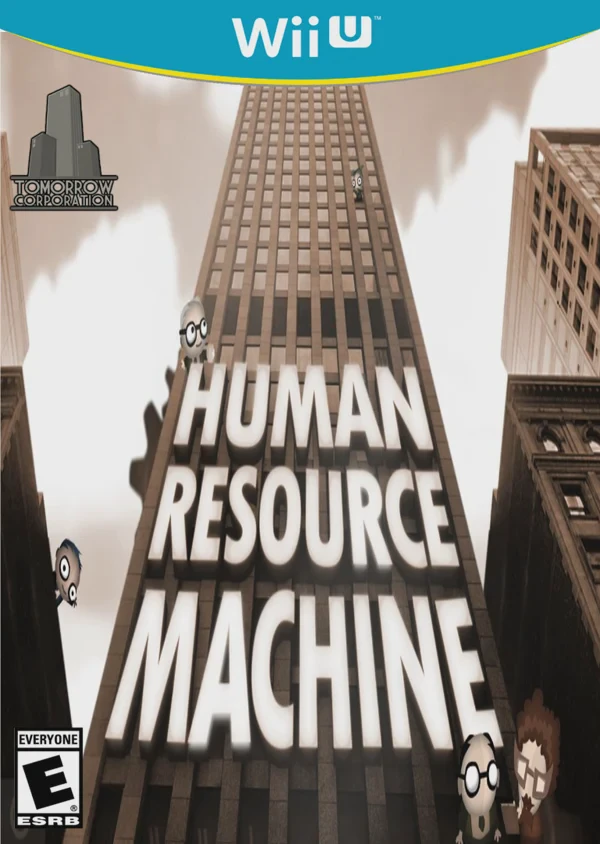
Human Resource Machine is a clever puzzle and simulation ...
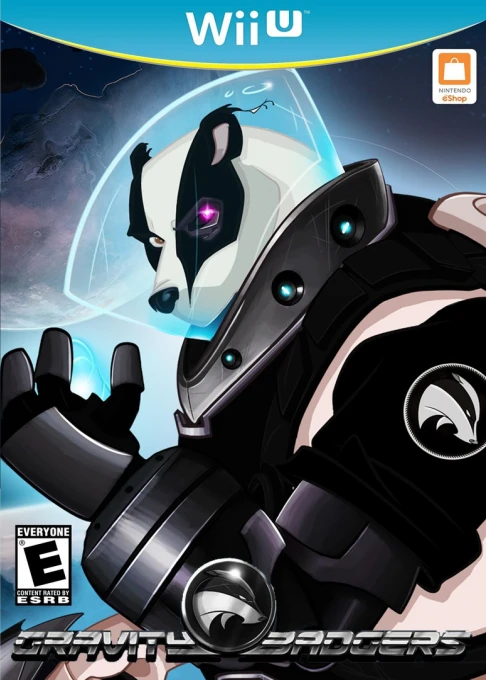
Gravity Badgers is an interstellar physics-based puzzle a...

Girls Like Robots is an eccentric, grid-based tile-placem...
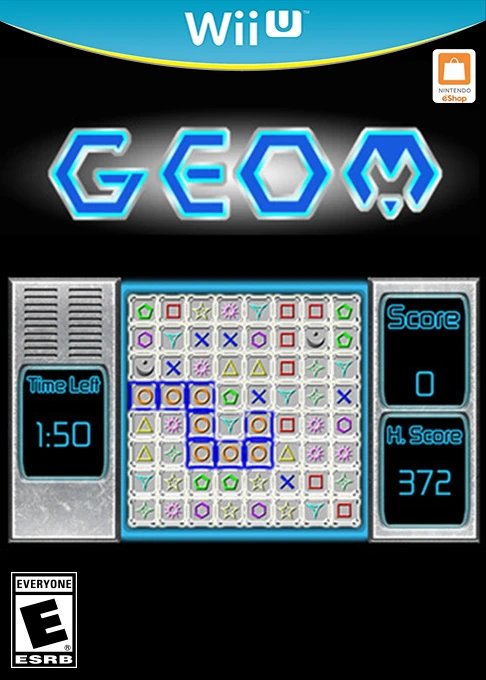
GEOM is a minimalist arcade puzzle game developed and pub...