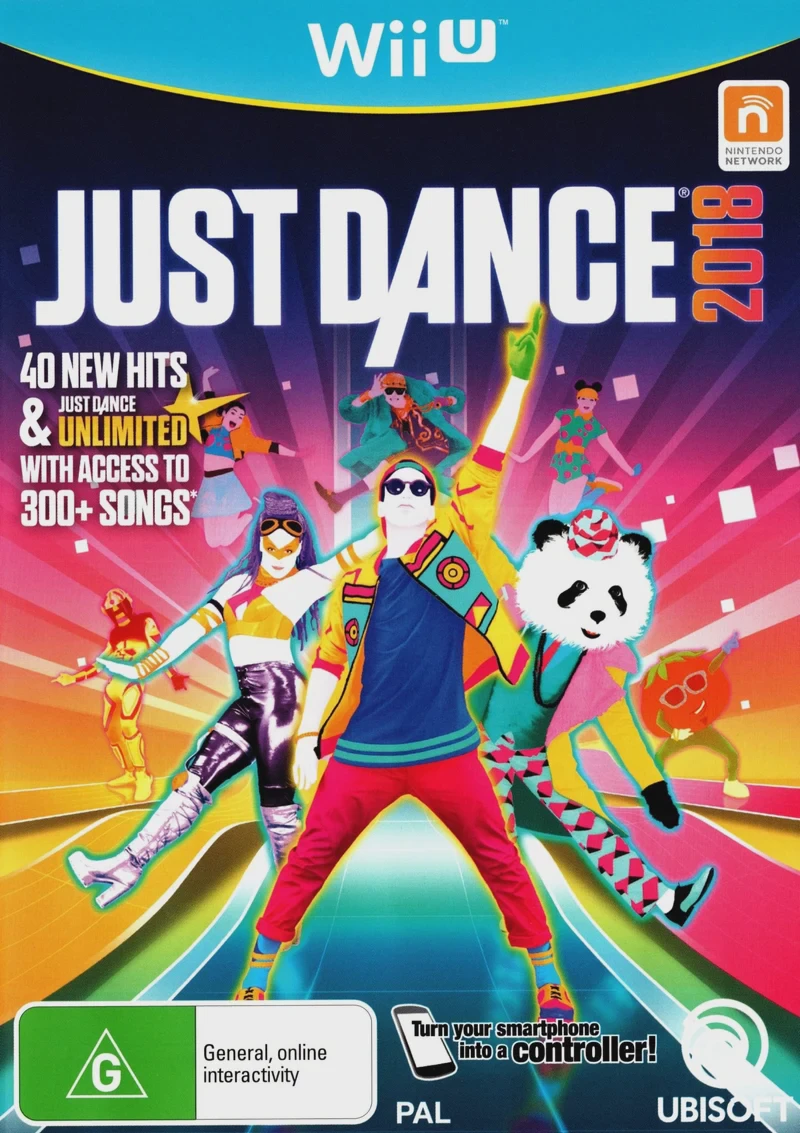
Just Dance 2018
Just Dance 2018 is a high-energy rhythm and party dance g...

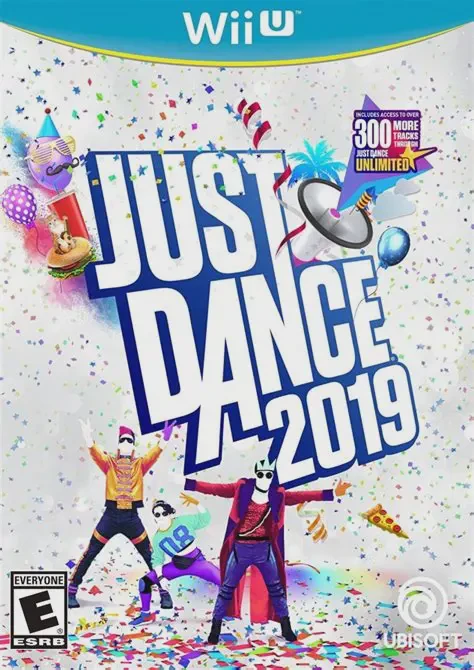
Just Dance 2019 brings vibrant dance routines to the Wii U platform with sleek visual backdrops, colorful stage aesthetics, and precise motion tracking. Players copy the choreography of stylized on-screen dancers using Wii Remotes or a smartphone equipped with the Just Dance Controller App, accumulating points based on precision, timing, and rhythm across single routines, duet tracks, and four-player group dances.
The Wii U release continues to leverage dual-screen hardware capabilities with Party Master Mode, allowing a player using the Wii U GamePad touchscreen to choose upcoming routines, trigger mid-dance challenges, and keep the party moving in real time. Additionally, Just Dance 2019 features the return of Kids Mode—developed alongside child development experts to provide tailored, health-conscious choreographies for younger dancers—alongside World Dance Floor for online competitive dance battles and the customizable Just Sweat fitness suite.
Specification | Detail |
Title | Just Dance 2019 |
Platform | Nintendo Wii U |
Genre | Music / Rhythm / Dance / Party |
Publisher | Ubisoft |
Developer | Ubisoft Paris / Ubisoft Pune |
Release Format | Physical Disc & Digital Download (eShop / WUP / WUX) |
Game Controller Support | Wii Remote / Wii Remote Plus (Up to 4), Smart Device App, Wii U GamePad (Party Master / Mic) |
Display Mode | Up to 1080p HD |
Players | 1 - 6 Players (Local) / Online Multiplayer |
Hit-Filled 40 Tracklist: Dance to popular hits like "Finesse (Remix)", "Havana", "DDU-DU DDU-DU", "One Kiss", "No Tears Left to Cry", and "Work Work".
Personalized User Experience: The game learns your dancing habits and creates custom playlists and song suggestions tailored to your preferences.
Dedicated Kids Mode: Features 8 tailored dance choreographies designed with child development specialists for younger players.
Party Master Mode: Exclusive 5-player Wii U mode where one player manages choreography changes and poses challenges directly from the GamePad touchscreen.
World Dance Floor & Just Sweat: Battle players worldwide in real-time online tournaments, track leaderboards, and monitor real-time calorie burn during fitness sessions.
A: You can play directly from the retail disc using the Wii U disc drive. For digital installation to internal system storage or an external USB hard drive, use title installers like WUP Installer GX2 after copying the game files into the install folder on your SD card.
A: Active dancers can use a Wii Remote (or Wii Remote Plus) or a smartphone using the Just Dance Controller App to track motion and score routines. The Wii U GamePad is utilized for menu navigation, vocal singing scoring via the built-in microphone, and managing Party Master Mode.
A: Up to 4 players can dance simultaneously using Wii Remotes or smart devices, while a 5th player can join in using the Wii U GamePad as the Party Master.
A: Yes, Just Dance 2019 runs on PC via the Cemu Wii U emulator in extracted directory, .wux, or .wud file formats. Connected Wii Remotes via Bluetooth or motion-input profile bindings in Cemu settings are required for motion tracking.
Click the links below to go to the cloud drive download page
⚠️ Download Tips:
Just Dance 2018 is a high-energy rhythm and party dance g...
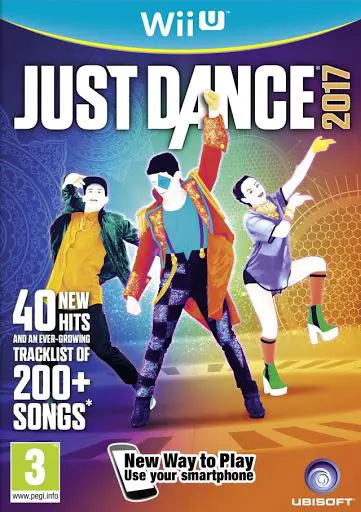
Just Dance 2017 is a high-energy rhythm and party dance g...
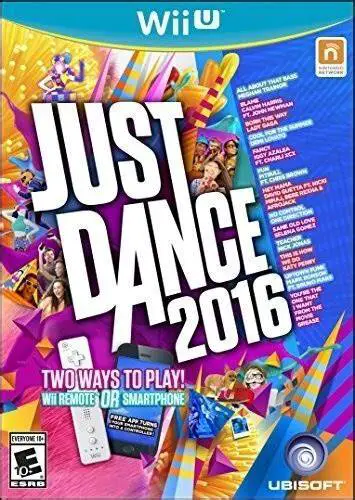
Just Dance 2016 is a rhythm and party dance game develope...
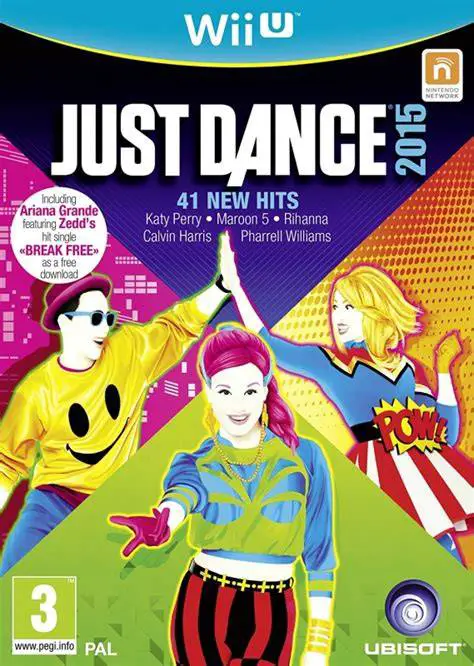
Just Dance 2015 is a rhythm and party dance game develope...
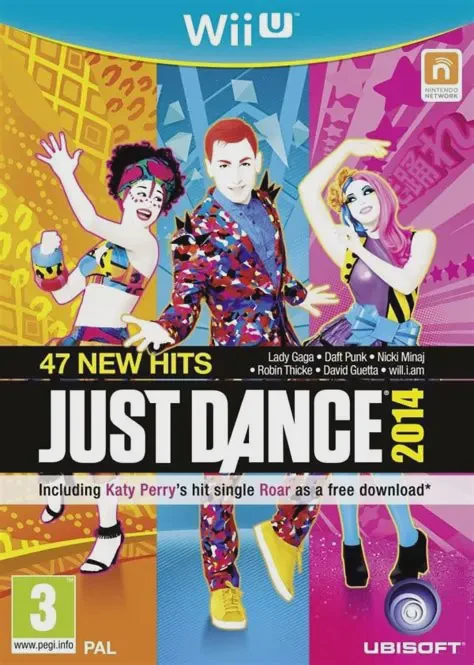
Just Dance 2014 is a rhythm and party dance game develope...