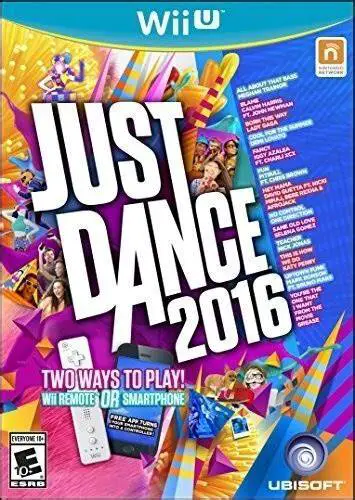
Just Dance 2016
Just Dance 2016 is a rhythm and party dance game develope...

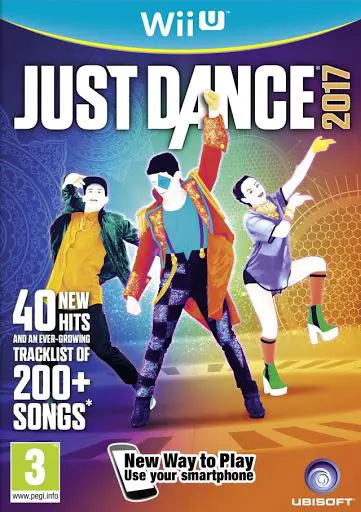
Just Dance 2017 brings vibrant dance routines to the Wii U platform with crisp HD visuals, dynamic stage environments, and real-time motion tracking. Players mirror the movements of stylized on-screen dancers using Wii Remotes or a smartphone equipped with the Just Dance Controller App, accumulating points based on timing, rhythm, and performance precision across single routines, duet tracks, and four-player group dances.
The Wii U release continues to maximize the hardware with dual-screen features like Party Master Mode, allowing a player using the Wii U GamePad touchscreen to choose upcoming routines, set mid-dance challenges, and manage the playlist in real time. In addition to traditional dance modes, the game features Just Dance Machine—an eccentric story mode where players perform diverse dance styles (including belly dancing, flamenco, and ballet) to recharge an alien spaceship's battery—alongside the returned World Dance Floor for global online battles and customizable Just Sweat fitness routines.
Specification | Detail |
Title | Just Dance 2017 |
Platform | Nintendo Wii U |
Genre | Music / Rhythm / Dance / Party |
Publisher | Ubisoft |
Developer | Ubisoft Paris / Ubisoft Pune |
Release Format | Physical Disc & Digital Download (eShop / WUP / WUX) |
Game Controller Support | Wii Remote / Wii Remote Plus (Up to 4), Smart Device App, Wii U GamePad (Party Master / Mic) |
Display Mode | Up to 1080p HD |
Players | 1 - 6 Players (Local) / Online Multiplayer |
Chart-Topping 40+ Tracklist: Dance to massive hits such as "Sorry", "Cheap Thrills", "Hips Don't Lie", "Lean On", and "Don't Stop Me Now".
Just Dance Machine Mode: Help extraterrestrials return home by completing quirky, fast-paced sequences of varied dance styles.
Party Master Mode: Exclusive 5-player Wii U mode where one player controls choreography changes and poses challenges directly from the GamePad touchscreen.
World Dance Floor Online: Join live global dance tournaments, view online leaderboards, and collaborate on community dance challenges.
Just Sweat Workout Suite: Create customized fitness playlists, track calorie burn in real time, and follow high-intensity workout routines.
A: You can play directly from the retail disc using the Wii U disc drive. For digital installation to internal system storage or an external USB hard drive, use title installers like WUP Installer GX2 after copying the game files into the install folder on your SD card.
A: Active dancers can use a Wii Remote (or Wii Remote Plus) or a smartphone using the Just Dance Controller App to track motion and score routines. The Wii U GamePad is utilized for menu navigation, vocal singing scoring via the built-in microphone, and managing Party Master Mode.
A: Up to 4 players can dance simultaneously using Wii Remotes or smart devices, while a 5th player can join in using the Wii U GamePad as the Party Master.
A: Yes, Just Dance 2017 runs on PC via the Cemu Wii U emulator in extracted directory, .wux, or .wud file formats. Connected Wii Remotes via Bluetooth or motion-input profile bindings in Cemu settings are required for motion tracking.
Click the links below to go to the cloud drive download page
⚠️ Download Tips:
Just Dance 2016 is a rhythm and party dance game develope...
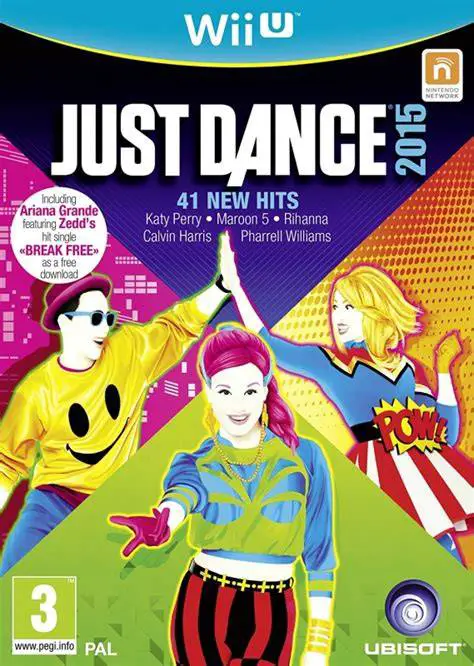
Just Dance 2015 is a rhythm and party dance game develope...
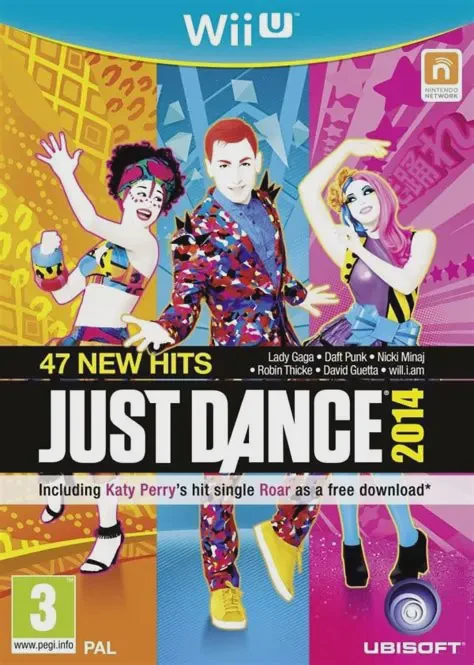
Just Dance 2014 is a rhythm and party dance game develope...
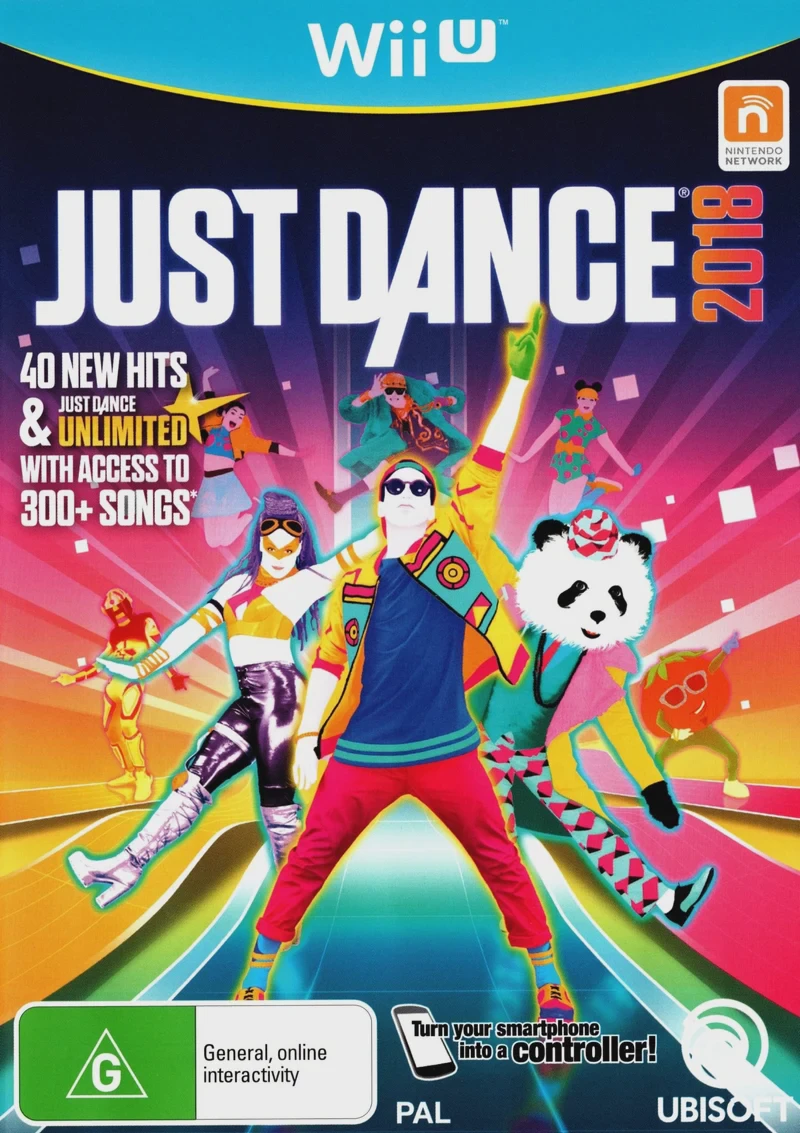
Just Dance 2018 is a high-energy rhythm and party dance g...
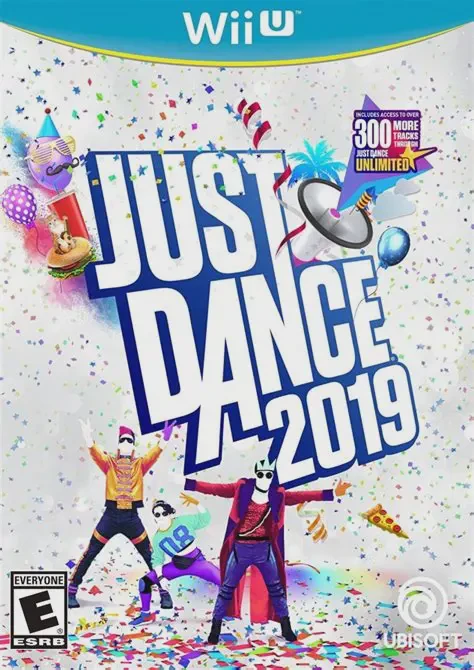
Just Dance 2019 is a high-energy rhythm and party dance g...