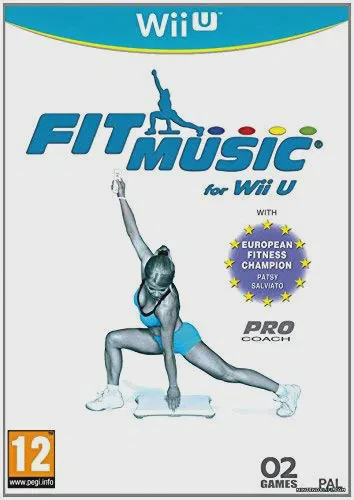
Fit Music
Fit Music (released as Fit Music for Wii U in certain reg...

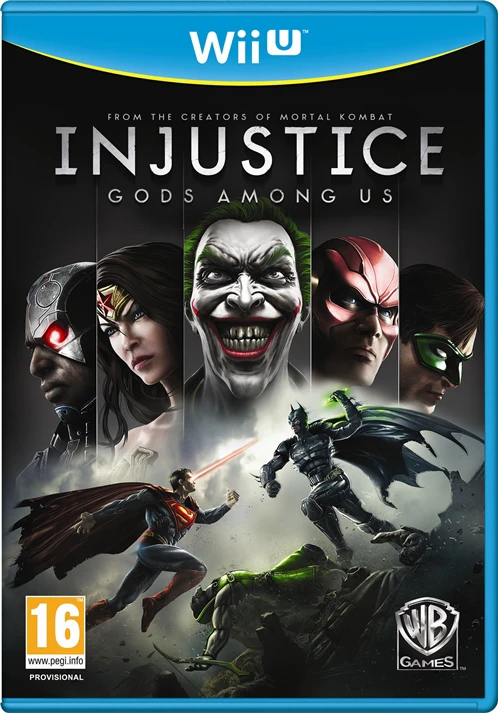
Injustice: Gods Among Us brings high-octane comic book brawling directly to the Wii U platform, blending traditional 2D plane fighting with massive 3D-rendered environments. Players engage in visceral combat using unique character super-powers, customizable gear elements, and fully interactive arena stages.
The core gameplay loop revolves around mastering heavy and light attacks, executing cinematic character-specific special moves, and building up a super meter to unleash devastating signature attacks. Stages are multi-tiered and interactive, allowing players to hurl opponents through walls, smash them across different arena sections, and utilize environmental hazards to turn the tide of battle. The Wii U version uniquely integrates the Wii U GamePad, allowing players to view special move lists, track combo inputs, manage touch-based mini-game challenges, or play entirely via Off-TV Play. Delivering a sprawling multiverse story mode alongside massive challenge ladders, Injustice stands as a premier fighting game experience on the console.
Specification | Detail |
Title | Injustice: Gods Among Us |
Platform | Nintendo Wii U |
Genre | Fighting / Action |
Publisher | Warner Bros. Interactive Entertainment |
Developer | NetherRealm Studios |
Release Format | Physical Disc & Digital Download (eShop / WUP / WUX) |
Game Controller Support | Wii U GamePad, Wii U Pro Controller, Wii Remote |
Display Mode | 720p / Off-TV Play Supported |
Players | 1 - 2 Players (Local / Multiplayer) |
Iconic DC Roster: Play as legendary heroes and villains from the DC Universe, each with distinct playstyles, super-moves, and alternate skins.
Interactive Arenas: Smash opponents through multi-tiered stages and utilize environmental objects to inflict massive damage.
Cinematic Story Campaign: Experience a sweeping, mature multiverse narrative penned in collaboration with DC Comics writers.
Wii U GamePad Integration: View real-time move command lists and execute touch-screen shortcuts directly on the GamePad controller.
Off-TV Play: Enjoy the full fighting experience streamed directly to the Wii U GamePad display without needing a television screen.
A: If using digital format files, you can install the game to your internal system storage or an external USB hard drive using title installers like WUP Installer GX2 after placing the files inside the install folder on your SD card. Physical retail discs can also be played directly via the Wii U disc drive.
A: Yes, early character add-ons and updates (such as Lobo, Batgirl, Scorpion, and Martian Manhunter) were released for the Wii U version, though later comprehensive bundles like the "Ultimate Edition" were skipped on Nintendo hardware.
A: Yes, the game fully supports Off-TV Play, letting you play the entire arcade ladder and story mode directly on the Wii U GamePad screen.
A: Yes, Injustice: Gods Among Us runs exceptionally well on PC via the Cemu Wii U emulator in extracted directory, .wux, or .wud file formats with high framerates and graphical resolution enhancements.
Click the links below to go to the cloud drive download page
⚠️ Download Tips:
Fit Music (released as Fit Music for Wii U in certain reg...
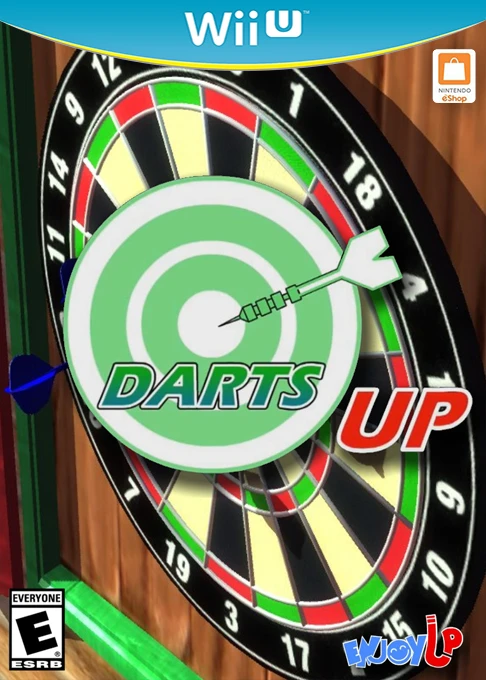
Darts Up is a motion-controlled arcade darts game develop...
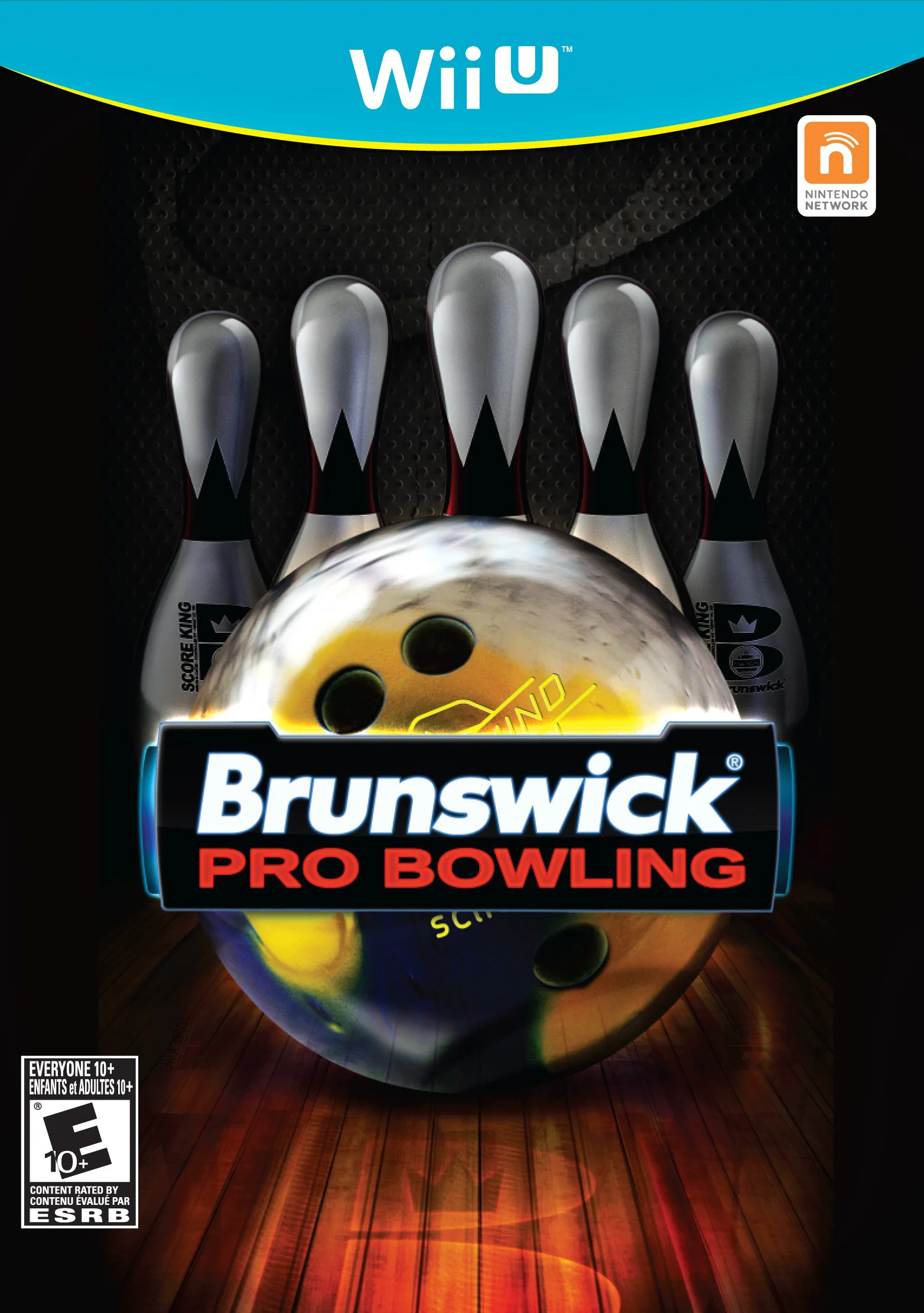
Brunswick Pro Bowling is an authentic sports simulation g...

FIFA Soccer 13 (known simply as FIFA 13 in Europe) is a r...
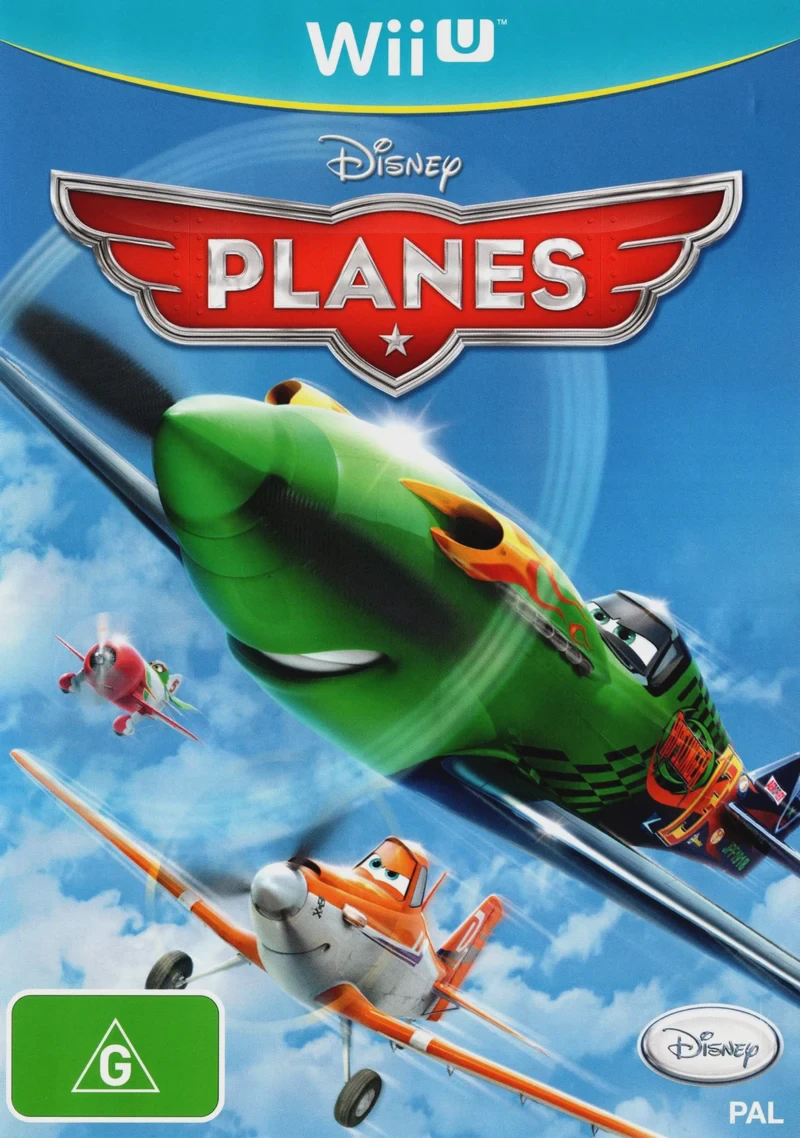
Disney Planes is an arcade flight adventure video game de...