
Art Academy: Home Studio
Art Academy: Home Studio is a comprehensive digital drawi...

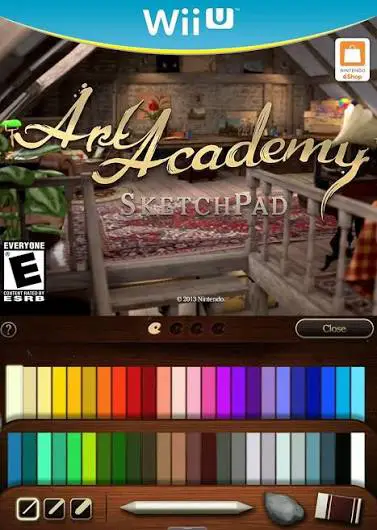
Art Academy: SketchPad was designed to offer Wii U owners an early taste of the console's precise digital art capabilities. Unlike full entries in the series, SketchPad focuses purely on free-form artistic expression rather than guided tutorials. The software utilizes the Wii U GamePad touchscreen to closely mimic the feel and behavior of traditional physical media, making it an appealing tool for casual doodlers and serious illustrators alike.
The application features a clean, simple interface that places all drawing tools directly at your fingertips. Artists can choose from a robust collection of mediums, including lead pencils, colored pencils, pastels, and paints. Each tool accurately responds to stroke speed, pressure, and layering techniques, allowing for fine details, smooth gradients, and subtle color blending. The television screen displays your active canvas or reference material in full high-definition, while the GamePad provides a dedicated, smudge-free workspace.
While it lacks a structured lesson mode, Art Academy: SketchPad offers several helpful features for independent creators. Users can select from various background canvas textures, import reference images, and adjust layer settings. Completed artworks can be saved to an SD card or formatted into high-resolution images, offering a lightweight yet remarkably capable digital canvas setup on the Wii U platform.
Game Title: Art Academy: SketchPad
Platform: Nintendo Wii U
Release Date: August 9, 2013 (North America) / August 9, 2013 (Europe)
Genre: Art Training, Educational, Utility
Developer: Headstrong Games
Publisher: Nintendo
Mode: Single-player
Input Method: Wii U GamePad (Stylus & Touchscreen)
Realistic Digital Mediums: Recreates authentic physical art tools, including graphite pencils, colored pencils, pastels, and various paintbrushes.
Dual-Display Canvas: Shows your artwork in high-definition on the TV monitor while utilizing the GamePad touchscreen as an interactive drawing surface.
Flexible Tool Controls: Adjust line weight, pressure sensitivity, color mixing ratios, and tool opacity to achieve precise artistic effects.
Custom Canvases & References: Choose from multiple paper and canvas textures, or use built-in reference photos to guide your drawings.
High-Resolution Export: Save your finished illustrations directly to an SD card for easy transfer to external devices or photo editors.
A: No, Art Academy: SketchPad is a streamlined drawing tool focused entirely on Free Paint mode and does not contain guided lessons. For lessons, see Art Academy: Home Studio.
A: No, Art Academy: SketchPad was released exclusively as a digital download title on the Nintendo eShop for Wii U.
A: Yes, you can export high-resolution JPEG images of your completed artworks directly to an SD card inserted in your Wii U console.
Click the links below to go to the cloud drive download page
⚠️ Download Tips:
Art Academy: Home Studio is a comprehensive digital drawi...

BIT.TRIP Presents... Runner2: Future Legend of Rhythm Ali...

Blackjack 21 is a classic digital card game simulation de...
Cosmophony is an intense, high-speed musical shooter and ...
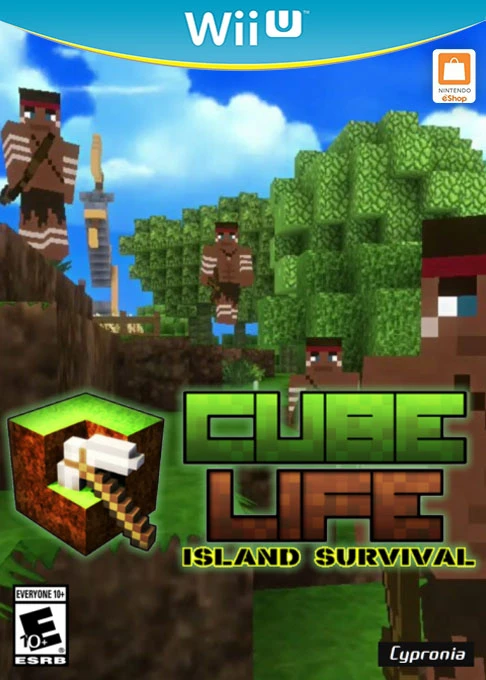
Cube Life: Island Survival is an open-world block-buildin...