Art Academy: SketchPad
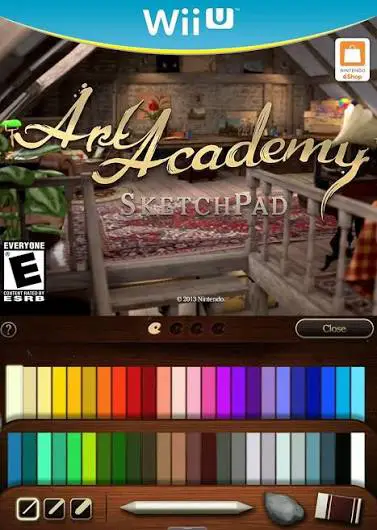
Art Academy: SketchPad is a standalone digital drawing ap...

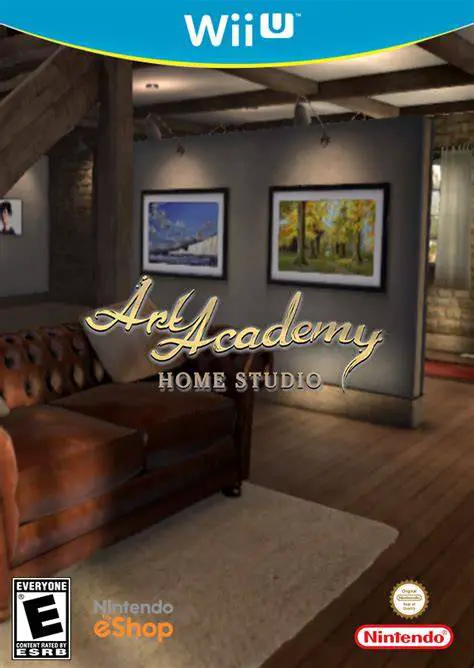
Art Academy: Home Studio transforms the Wii U into a versatile interactive art school and creation studio. Building upon the foundations of earlier handheld entries, this full-console release leverages the Wii U GamePad’s stylus and resistive touchscreen to replicate real-world painting and drawing mediums with striking authenticity.
The application is structured into two main modes: Lessons and Free Paint. The guided lessons are divided into introductory, intermediate, and advanced courses led by the friendly tutor Vince. These step-by-step tutorials teach essential foundational concepts such as color mixing, light placement, perspective, shading, and composition. The software introduces charcoal as a dedicated utensil alongside traditional tools like acrylic paints, pastels, graphite, and colored pencils.
In Free Paint mode, users enjoy complete artistic freedom across a wide array of blank canvases or custom photo references. The television display functions as a high-definition gallery, showing full 3D models of subject matter, reference pictures, or dynamic studio backgrounds, while the GamePad serves as your close-up active canvas. Players can export and share high-resolution images or export time-lapse video recordings of their entire drawing process directly to showcase their creations.
Game Title: Art Academy: Home Studio (Known as Art Academy: Atelier in PAL regions)
Platform: Nintendo Wii U
Release Date: June 25, 2015 (North America) / June 26, 2015 (Europe)
Genre: Art Training, Educational, Simulation
Developer: Headstrong Games
Publisher: Nintendo
Mode: Single-player
Input Method: Wii U GamePad (Stylus & Touchscreen)
Extensive Guided Lessons: Includes over 30 detailed step-by-step art lessons ranging from basic color theories to complex fine art composition techniques.
Realistic Digital Media: Simulates physical artistic tools with impressive accuracy, including paints, pastels, colored pencils, graphite, and charcoal.
Dual-Screen Studio Setup: Uses the TV screen as a 3D virtual reference display while keeping the GamePad clear as an interactive drawing board.
Time-Lapse Video Export: Automatically tracks creation progress and generates time-lapse videos of finished artworks for export and sharing.
Free Paint Mode: Features open-ended canvas creation using pre-installed stock photos, custom SD card images, or blank canvas textures.
A: Yes, Art Academy: Home Studio is the official North American title, whereas the game was released under the title Art Academy: Atelier in Europe and Australia.
A: Yes, you can import custom reference images via an SD card or choose from a wide selection of built-in stock photos.
A: No, the software is designed for all skill levels and features introductory lessons that teach basic drawing and shading principles from the ground up.
Click the links below to go to the cloud drive download page
⚠️ Download Tips:
Art Academy: SketchPad is a standalone digital drawing ap...

BIT.TRIP Presents... Runner2: Future Legend of Rhythm Ali...

Blackjack 21 is a classic digital card game simulation de...
Cosmophony is an intense, high-speed musical shooter and ...
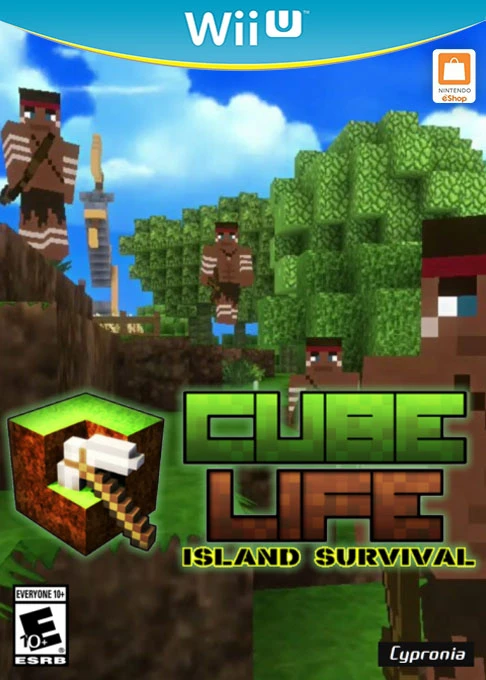
Cube Life: Island Survival is an open-world block-buildin...