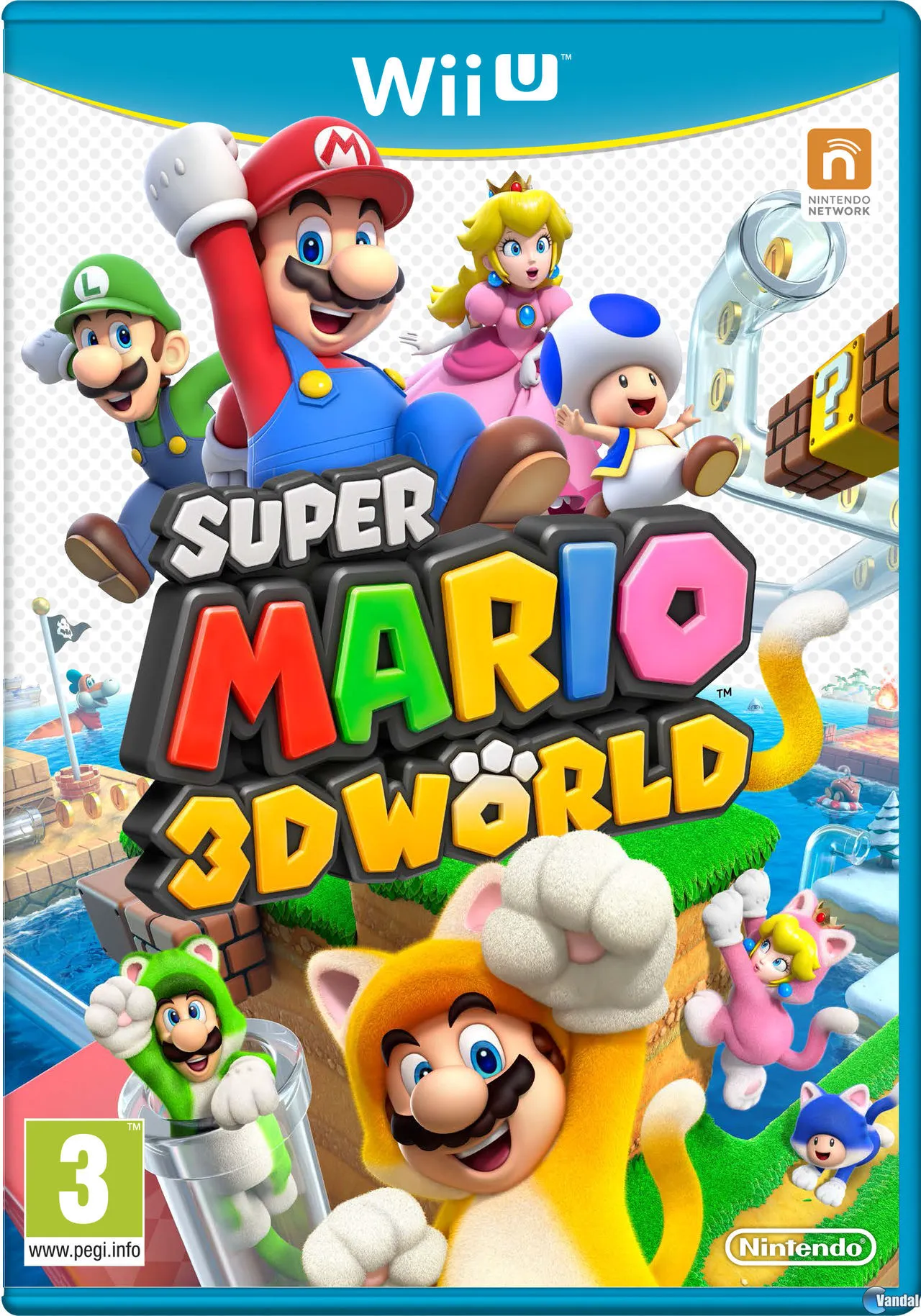
Super Mario - 3D World
Leap into a vibrant, high-definition platforming adventur...

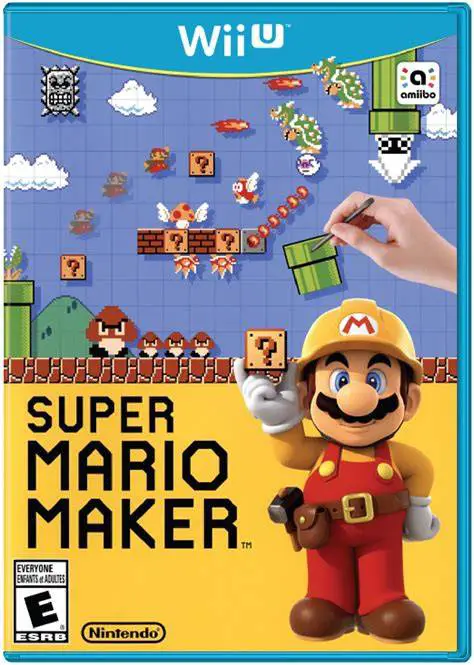
Super Mario Maker is a side-scrolling platformer and level creation tool developed and published by Nintendo for the Wii U. Conceived as an internal editor by Nintendo's tool development team, the game evolved into a celebrating creative sandbox that hands the keys of Mario level design directly to players.
The heart of the game lies in its Course Maker mode. Using the Wii U GamePad stylus and touchscreen, players drag and drop iconic Mario elements—such as Goombas, Pipes, Mystery Blocks, and P-Switches—onto a grid canvas with real-time editing. Players can switch between four graphical themes (Super Mario Bros., Super Mario Bros. 3, Super Mario World, and New Super Mario Bros. U) at any moment, instantly transforming physics, art styles, and movement mechanics.
Once a course is built, creators can upload their creations to the Course World online portal, provided they can successfully clear their own level first. Players around the globe can challenge uploaded stages in the 100 Mario Challenge mode, leave Miiverse drawings on death locations, and unlock hundreds of Mystery Mushroom costumes, making Super Mario Maker a milestone entry in the series.
Feature | Details |
Title | Super Mario Maker |
Platform | Nintendo Wii U |
Developer | Nintendo EAD (Group No. 4) |
Publisher | Nintendo |
Genre | Platformer / Level Editor / Sandbox |
Release Date | September 2015 |
Game Modes | Single-player, Online Course Sharing |
Input Support | Wii U GamePad (Mandatory for Creation) |
Download Size | ~1.4 GB |
Four Iconic Graphical Eras: Build stages using visual art styles, enemy sets, and physics engines from Super Mario Bros., Super Mario Bros. 3, Super Mario World, and New Super Mario Bros. U.
Intuitive Touchscreen Creation: Drag, drop, stretch, and combine course elements seamlessly on the GamePad screen using the stylus.
100 Mario Challenge & Course World: Play through random selections of community-created levels across Easy, Normal, Expert, and Super Expert difficulty tiers.
Mystery Mushroom Costumes: Use over 150 Mystery Mushroom sprite costumes in the 8-bit Super Mario Bros. engine to play as Link, Samus, Isabelle, Sonic, and various Nintendo characters.
Amiibo Integration: Tap supported Amiibo figures onto the GamePad to instantly unlock corresponding Mystery Mushroom character costumes for level creation.
A: Yes, the Wii U GamePad touchscreen and stylus are mandatory for designing and editing stages in Course Maker mode, though created courses can be played using standard controllers.
A: In the original release, course building tools and course themes were unlocked gradually over time as players spent time experimenting in Course Maker mode.
A: To prevent unplayable or impossible stages from clogging online servers, creators must successfully clear their own course from start to finish before the game allows it to be uploaded to Course World.
A: Yes, Super Mario Maker fully supports Off-TV Play, allowing players to build, test, and play levels entirely on the Wii U GamePad screen without requiring a television set.
Click the links below to go to the cloud drive download page
⚠️ Download Tips:
Leap into a vibrant, high-definition platforming adventur...
Embrace the peak chaotic era of mid-2010s internet cultur...
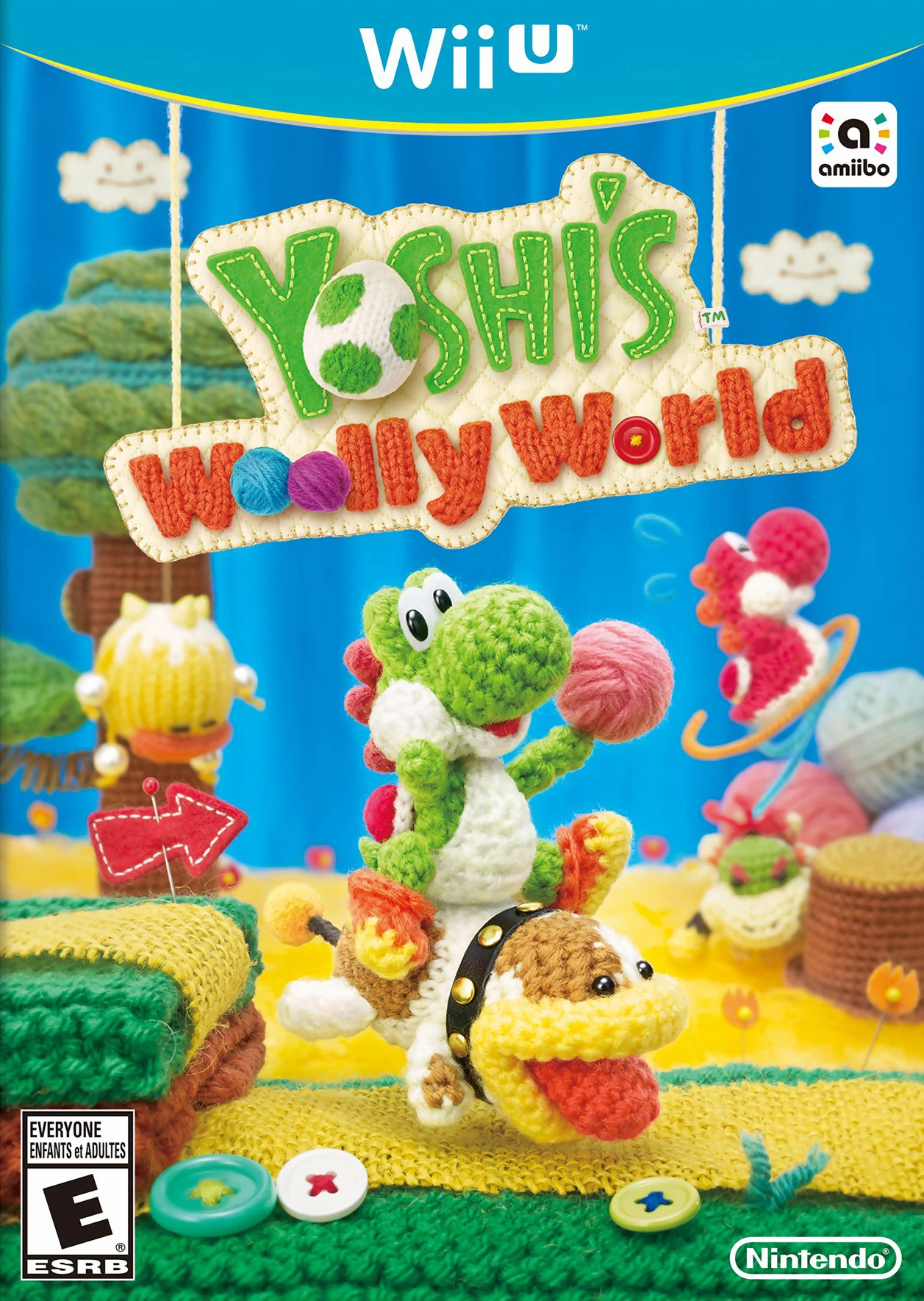
Embark on a heartwarming platforming adventure through a ...
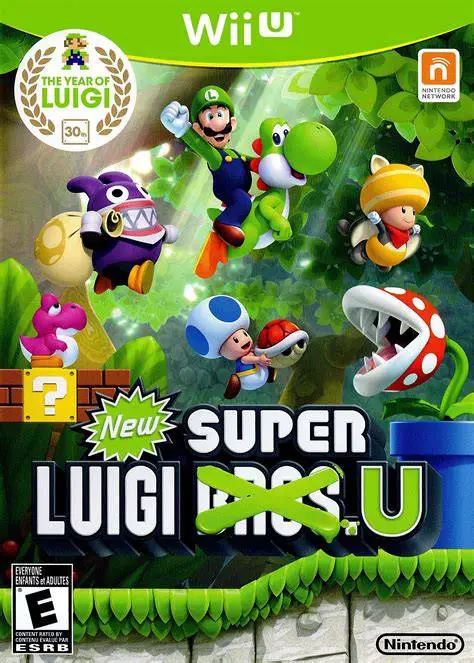
Step into the spotlight with Mario's green-clad brother i...
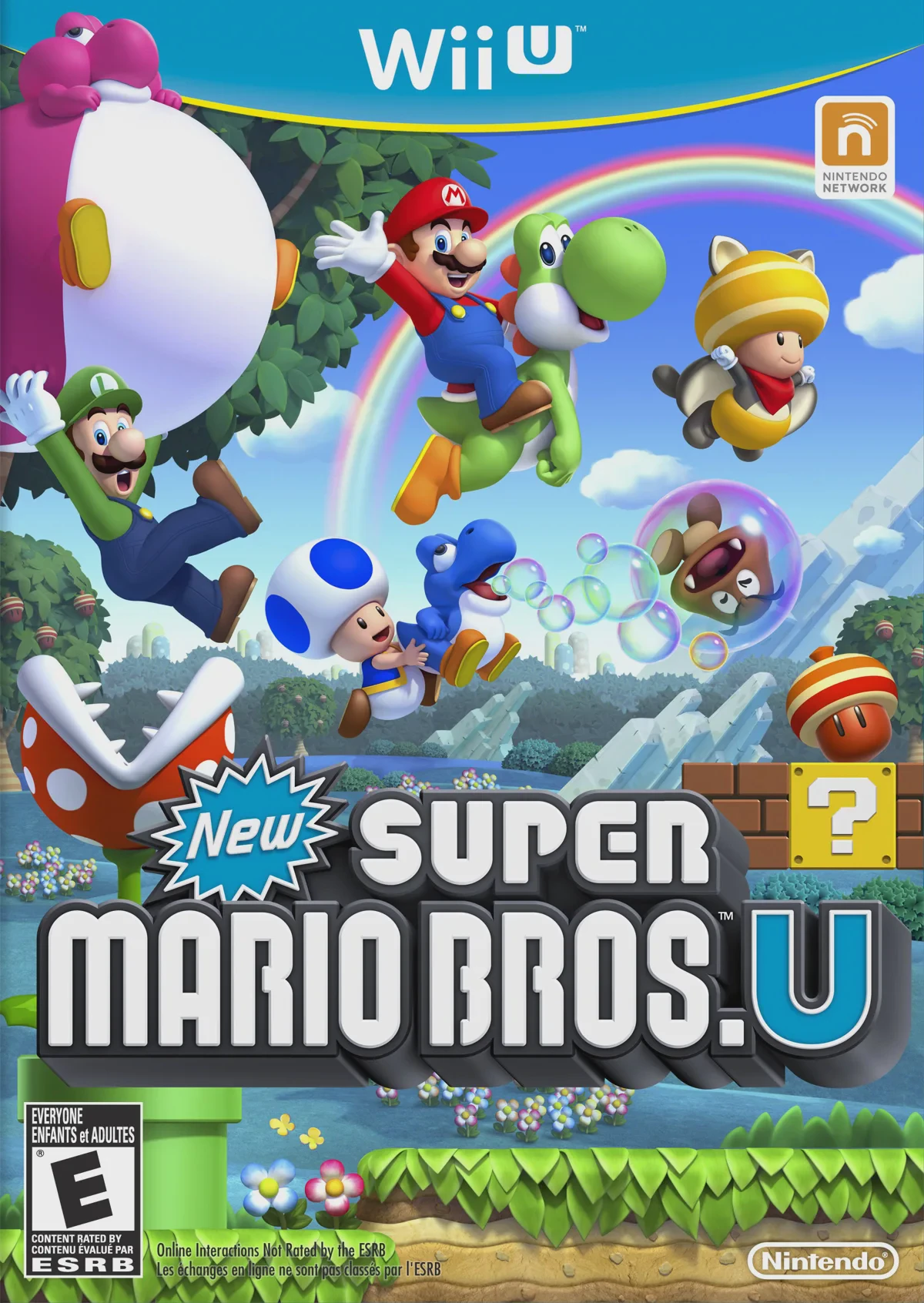
Return to classic side-scrolling action in Mario's first ...