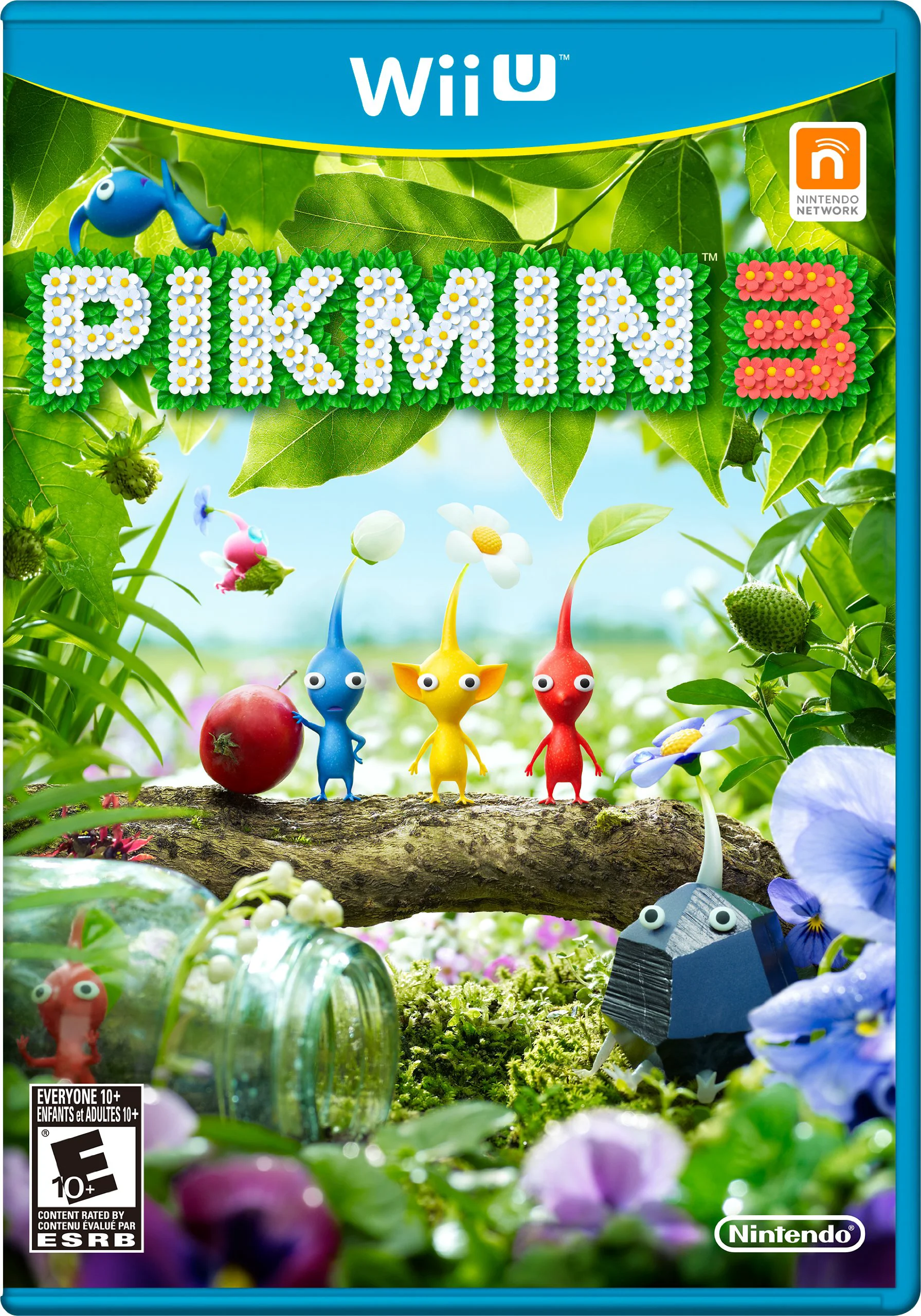
Pikmin 3
Lead three intrepid explorers on an urgent survival missi...

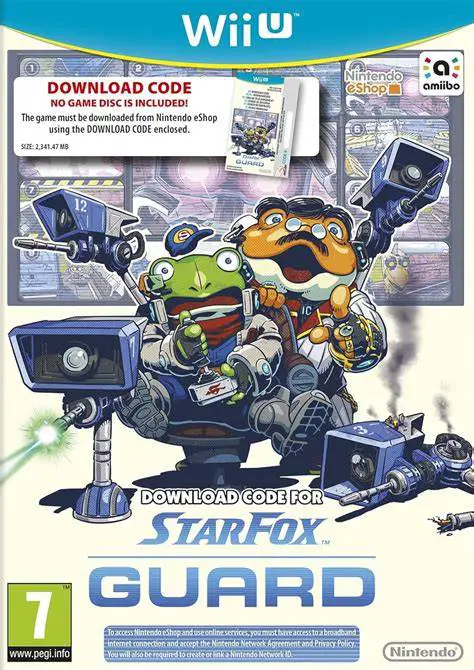
Star Fox Guard is a tactical security defense spin-off game co-developed by Nintendo EPD and PlatinumGames, published by Nintendo for the Wii U. Initially packaged alongside physical copies of Star Fox Zero and released as a standalone eShop title, the game turns players into security operators protecting rare metal mining outposts.
The game's signature mechanic is its dual-screen surveillance setup. The main television display shows a 12-camera security grid monitoring the perimeter of the facility, while the Wii U GamePad display shows an interactive top-down map of the facility layout. Players use the touchscreen on the GamePad to quickly switch active camera feeds, pan turret angles, and fire laser cannons at approaching robot squads.
Enemies are split into two tactical classes: Combat Bots (which directly attack camera turrets to blind your field of view) and Chaos Bots (which use stealth, smoke screens, and EMP disruptions to carry explosives to the central tower). Featuring special camera upgrades, boss encounters, and an asynchronous Squad Editor mode, Star Fox Guard makes clever use of the Wii U's dual-screen capabilities.
Feature | Details |
Title | Star Fox Guard |
Platform | Nintendo Wii U |
Developer | Nintendo EPD / PlatinumGames |
Publisher | Nintendo |
Genre | Tower Defense / Strategy / Action |
Release Date | April 2016 |
Game Modes | Single-player, Asynchronous Online PvP |
Input Support | Wii U GamePad |
Download Size | ~2.1 GB |
Dual-Screen Surveillance Gameplay: Monitor 12 security camera monitors on the TV while dynamically switching views and aiming turrets via the GamePad touchscreen.
100 Main & Extra Missions: Protect mining facilities across multiple planets in the Lylat System, including Corneria, Titania, Fortuna, Fichina, and Grippy's Asteroid Base.
Diverse Robot Types: Counter dozens of unique enemy models divided between vision-disrupting Combat Bots and objective-focused Chaos Bots.
Unlockable Camera Upgrades: Earn rare metals to unlock specialized camera turrets equipped with freeze rays, slow-motion fields, charge shots, and lock-on missiles.
Asynchronous Online Squad Editor: Custom-build your own robot invasion waves, upload them for global players to challenge, and gain experience by defeating other players' custom layouts.
A: No, Star Fox Guard is a standalone spin-off title featuring its own lighthearted narrative focused on Slippy and Grippy Toad. While set in the same universe, it does not require prior knowledge of Star Fox Zero.
A: Scanning Fox or Falco amiibo figures once per day summons an Arwing air strike, which wipes out all active enemy robots on the screen during a crisis moment in battle.
A: No, Star Fox Guard relies fundamentally on the GamePad touchscreen to select camera angles, tap map positions, and aim turrets, making the Wii U GamePad mandatory for play.
A: No, the game cannot be played using Off-TV Play alone because the gameplay requires simultaneous view of both screens—the TV shows the 12-camera grid while the GamePad displays the tactical map interface.
Click the links below to go to the cloud drive download page
⚠️ Download Tips: