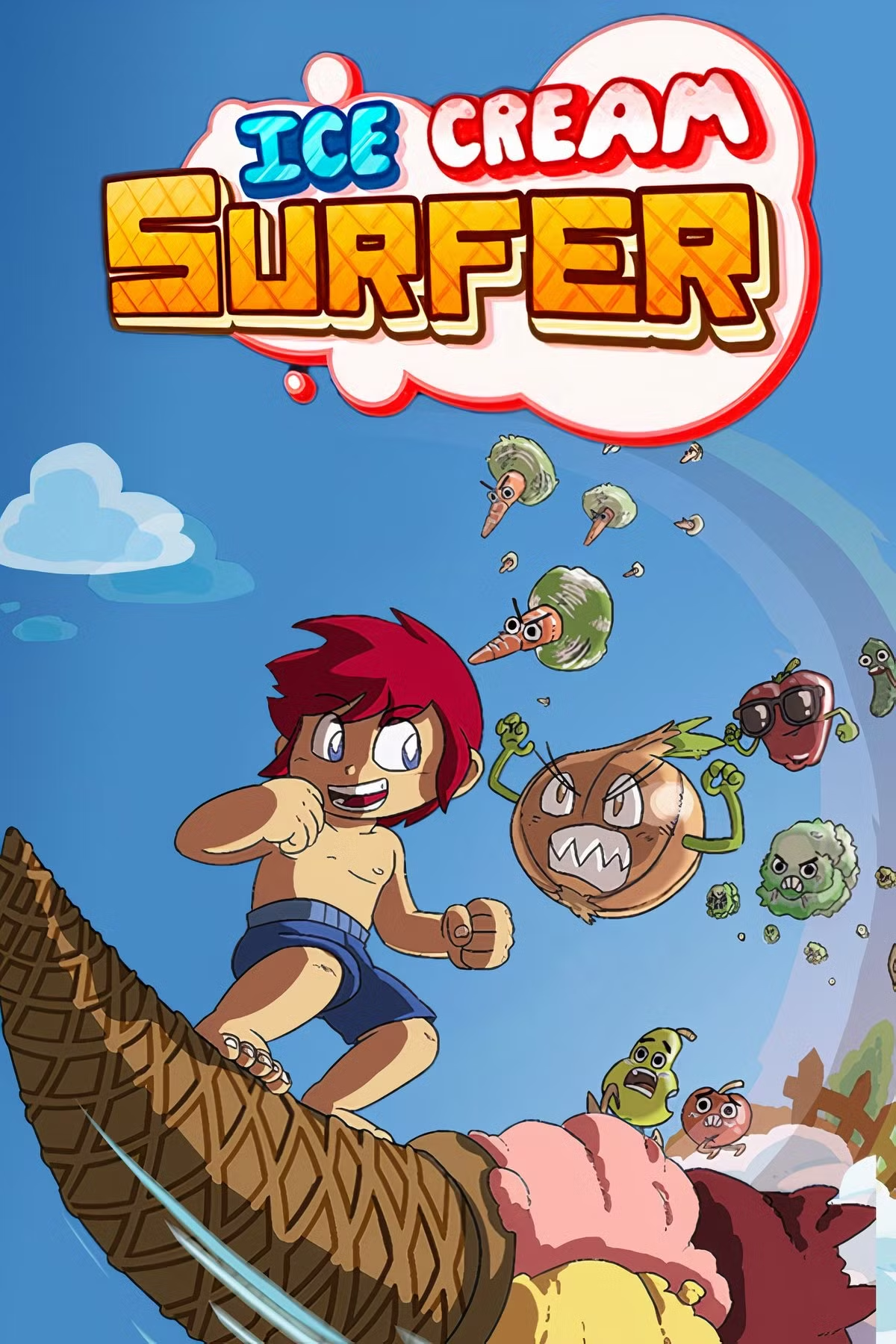
Ice Cream Surfer
Ice Cream Surfer is a colorful, side-scrolling shoot 'em ...

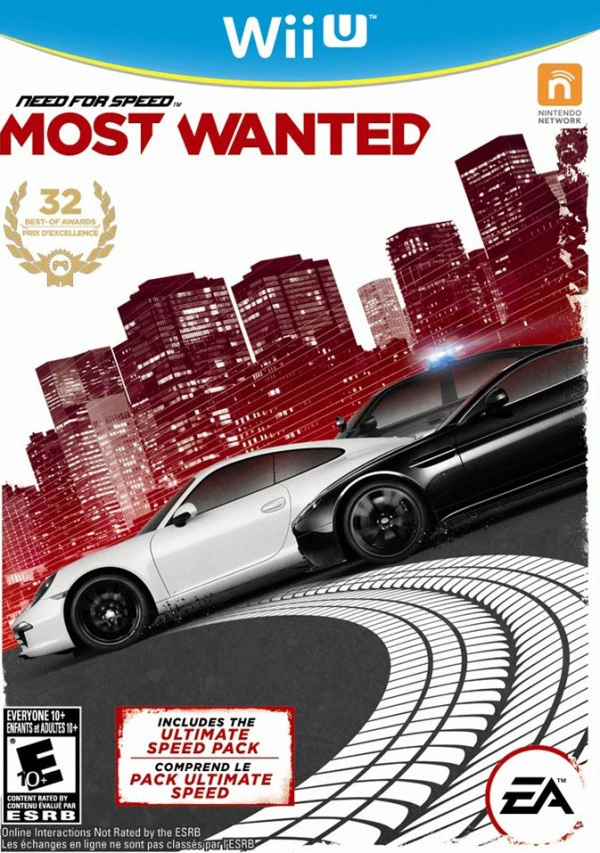
Need for Speed Most Wanted U is a fast-paced, open-world driving game that focuses on speed, freedom, and aggressive driving mechanics. Set in the fictional metropolitan city of Fairhaven, players are given immediate access to nearly all vehicles scattered throughout the world, eliminating linear progress barriers. To climb the ranks and take down the ten "Most Wanted" drivers, players engage in high-octane street races, evade persistent police forces, and perform extreme stunts across highway jumps and urban alleys.
The Wii U edition, officially titled Most Wanted U, is widely recognized for its visual and structural enhancements over other console versions. Criterion Games integrated assets from the PC edition, giving the Wii U release superior lighting, ambient occlusion, and texture detail.
Additionally, the game makes extensive use of the Wii U GamePad. Through the touchscreen "Co-Driver" mode, a second player can assist the driver by changing day/night cycles, disabling police pursuits, activating performance boosts, or navigating the real-time mini-map. Players can also instantly change cars, tweak modifications, and track open-world collectibles via touch controls without pausing the action.
Title: Need for Speed Most Wanted U
Platform: Nintendo Wii U
Developer: Criterion Games
Publisher: Electronic Arts
Release Date: March 19, 2013 (North America) / March 22, 2013 (Europe)
Genre: Racing, Open-World, Action
Mode: Single-player, Local Co-op, Online Multiplayer
Input Method: Wii U GamePad, Wii U Pro Controller, Wii Remote & Nunchuk, Classic Controller Pro
ESRB Rating: Everyone 10+ (E10+)
Co-Driver Mode: A second player can assist using the GamePad touchscreen to manage traffic, alter time of day, and distract police.
Enhanced PC Visuals: Includes upgraded lighting systems, high-resolution textures, and improved draw distances tailored for Wii U hardware.
Touchscreen Garage & Map: Change vehicles, customize performance upgrades, and track collectibles on the fly using the GamePad.
Ultimate Speed Pack Included: Comes bundled with the Ultimate Speed Pack DLC, featuring top cars like the McLaren F1 LM and Bugatti Veyron Grand Sport Vitesse.
Off-TV Play: Enjoy full open-world racing directly on the Wii U GamePad display without requiring a television set.
A: The game features an exclusive "Co-Driver" mode where one player drives using a traditional controller on the TV screen while a second player uses the Wii U GamePad touchscreen to assist with navigation, traffic control, and police distraction.
A: Yes, the Wii U release includes the Ultimate Speed Pack DLC built directly into the game, giving players immediate access to hypercars like the Hennessey Venom GT Spyder and Pagani Zonda R.
A: Yes, players can stream and play the entire game seamlessly on the Wii U GamePad screen by selecting the Off-TV Play option.
A: The Wii U version features improved lighting and textures adapted from the PC build, exclusive GamePad touchscreen features, a local Co-Driver mode, and built-in DLC content.
Click the links below to go to the cloud drive download page
⚠️ Download Tips:
Ice Cream Surfer is a colorful, side-scrolling shoot 'em ...
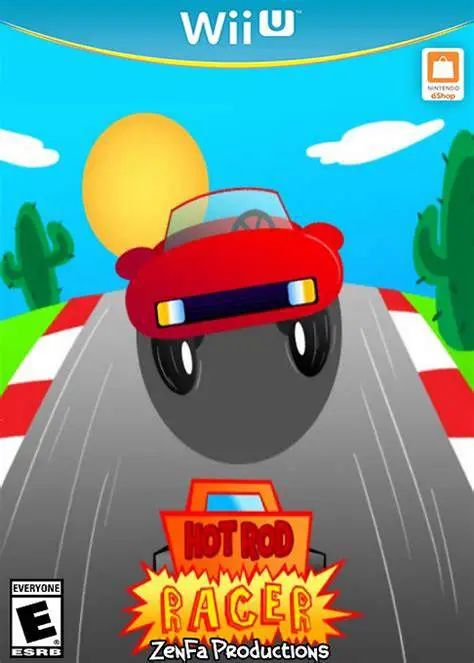
Hot Rod Racer is an retro arcade racing game developed an...
Grand Prix Rock 'N Racing is an arcade-style racing game ...
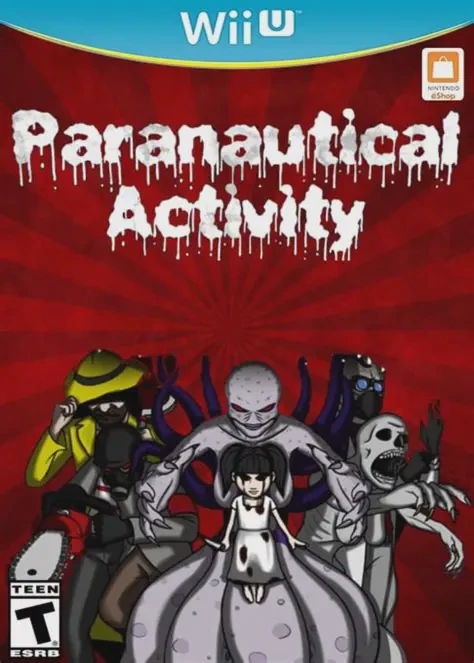
Paranautical Activity is a fast-paced, first-person shoot...
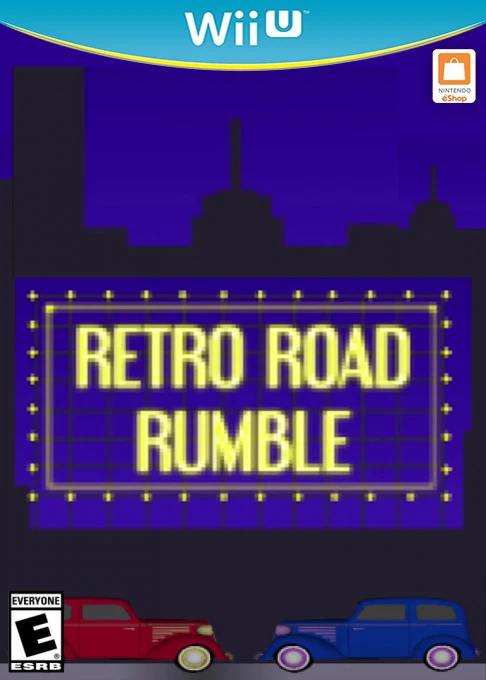
Retro Road Rumble is an arcade-style, top-down racing gam...