Chasing Dead
Chasing Dead is a story-driven sci-fi horror first-person...

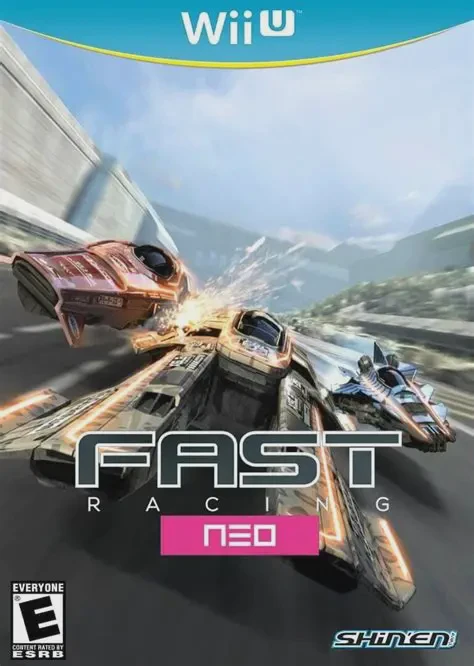
In FAST Racing NEO, players pilot anti-gravity vehicles across 16 futuristic tracks filled with extreme jumps, corkscrews, loops, and environmental hazards. Reaching speeds exceeding 1000 km/h, players must master track layouts and vehicle weight dynamics to win championship cups across three difficulty leagues: Novice, Hypersonic, and Subsonic.
The core gameplay mechanic centers on dynamic Phase Switching:
Phase Switching (Color Swap): Craft can instantly swap between two energy phases—Blue and Orange—at the press of a button. Matching the vehicle's active color phase with turbo boost strips and jump pads scattered on the track yields explosive speed bursts. Striking a boost strip with the opposite color phase drastically decelerates the craft.
Orbs & Boost Meter: Collecting glowing energy orbs along the track fills a manual boost gauge that players can trigger at any time for tactical overtaking.
Hero Mode: An extreme unlockable game mode where the boost gauge doubles as the vehicle's shield meter—using boost drains shield power, and crashing or taking damage results in an instant game over.
On the Nintendo Wii U, FAST Racing NEO showcases technical mastery by pushing 1080p visual fidelity at 60 FPS. The game features full 4-player split-screen local multiplayer, 8-player online racing via Nintendo Network, and complete Off-TV Play support on the GamePad display.
Game Title: FAST Racing NEO
Platform: Nintendo Wii U (eShop Digital / Physical Disc Release)
Release Date: December 10, 2015 (North America) / December 10, 2015 (Europe)
Genre: Racing, Anti-Gravity, Arcade, Sci-Fi
Developer: Shin'en Multimedia
Publisher: Shin'en Multimedia (Digital) / Nintendo (Physical Retail)
Mode: Single-player, Local Multiplayer (Up to 4 players split-screen), Online Multiplayer (Up to 8 players)
Input Method: Wii U GamePad, Wii U Pro Controller, Classic Controller, Wii Remote + Nunchuk, Wii MotionPlus / Steering Wheel
Blistering Speed & Performance: Experience high-octane 60 FPS gameplay across 16 tracks set in futuristic metropolises, icy glaciers, alien jungles, and orbital stations.
Phase Switching Mechanics: Alternate between Blue and Orange phases to match track boost pads and maintain peak momentum.
Hero Mode: A high-stakes mode for veteran players combining boost fuel with shield survival mechanics.
Robust Multiplayer: Play locally with up to 4 players via split-screen or compete against up to 8 racers worldwide via online matchmaking.
Off-TV Play Support: Enjoy the full anti-gravity racing experience directly on the Wii U GamePad display.
A: Yes, while originally released as a digital eShop exclusive, Nintendo later published a physical retail disc version in Europe as part of the "Nintendo eShop Selects" series in September 2016, which included the NEO Future Pack DLC on disc.
A: Yes, FAST Racing NEO fully supports Off-TV Play, allowing you to race on any track directly on the Wii U GamePad screen.
A: The "NEO Future Pack" DLC added 8 new tracks, 10 new vehicle chassis, and new music tracks to the game.
Click the links below to go to the cloud drive download page
⚠️ Download Tips:
Chasing Dead is a story-driven sci-fi horror first-person...
Ballpoint Universe: Infinite is a visually striking side-...
B3: Game Expo for Bees is a quirky, offbeat first-person ...
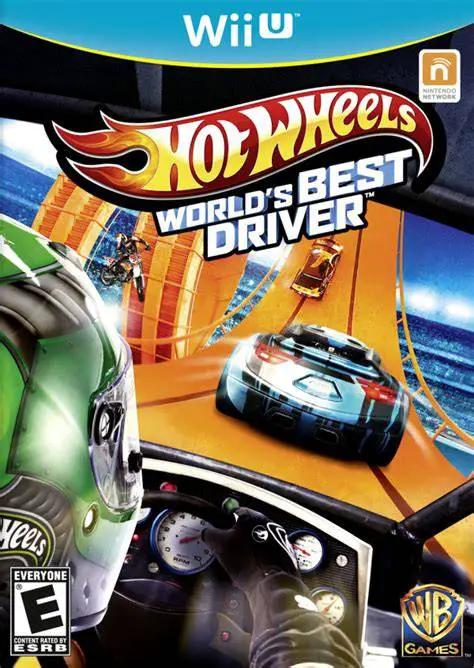
Hot Wheels World’s Best Driver is an arcade driving actio...
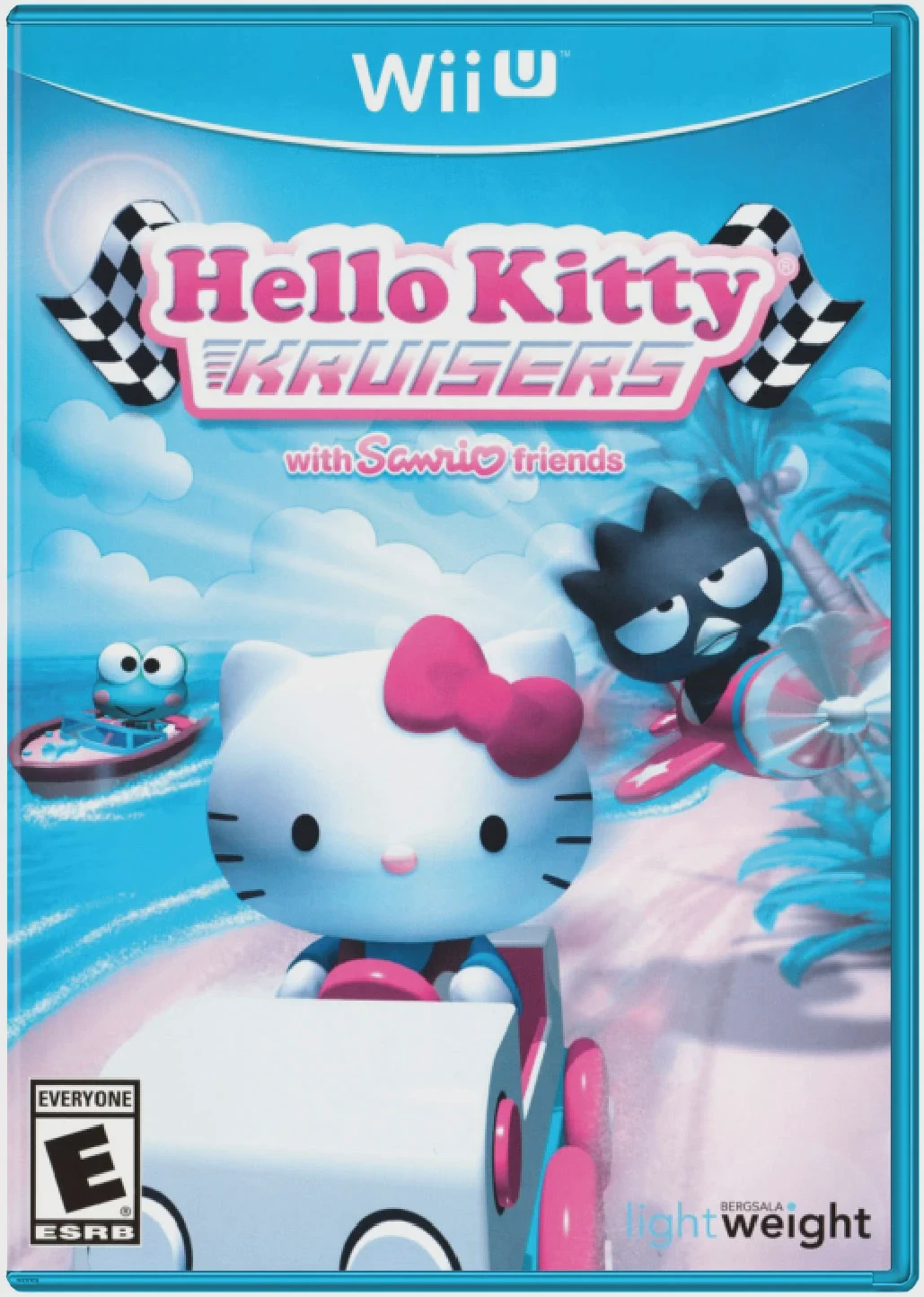
Hello Kitty Kruisers is a colorful arcade racing game dev...